
Deploy AutoLady [byte-muse] with Docker for “Study Material” Subscriptions
Discovered this project from others and it looked pretty nice, so I decided to spin it up and give it a try. If it works well, this will complete the whole automated drama-watching and library-organizing setup: MoviePilot for scraping and library management, ANi-RSS for new anime episodes, and now the final piece of the puzzle, AutoLady.
Deploying AutoLady [byte-muse]
I still strongly recommend using a separate qbittorrent instance for each project. Don’t mix them together, or it may break the automation!
Docker installation and deployment have already been covered in detail in the ANI-RSS article, so they won’t be repeated here. If needed, refer to: Docker deployment of ani-rss for automatic anime tracking.
mkdir -p /root/docker/autoladyversion: '3'services: byte-muse: image: envyafish/byte-muse:latest container_name: byte-muse restart: always
# 使用 host 网络 network_mode: host
volumes: - ./data:/data
# 如果想恢复 bridge 网络,取消下面三行注释 # networks: # - bridge # ports: # - "8043:3750"
# 保留 bridge 网络,但默认不使用# networks:# bridge:# driver: bridgeOn first startup, check the logs to find the default admin username and password:
docker logs byte-muse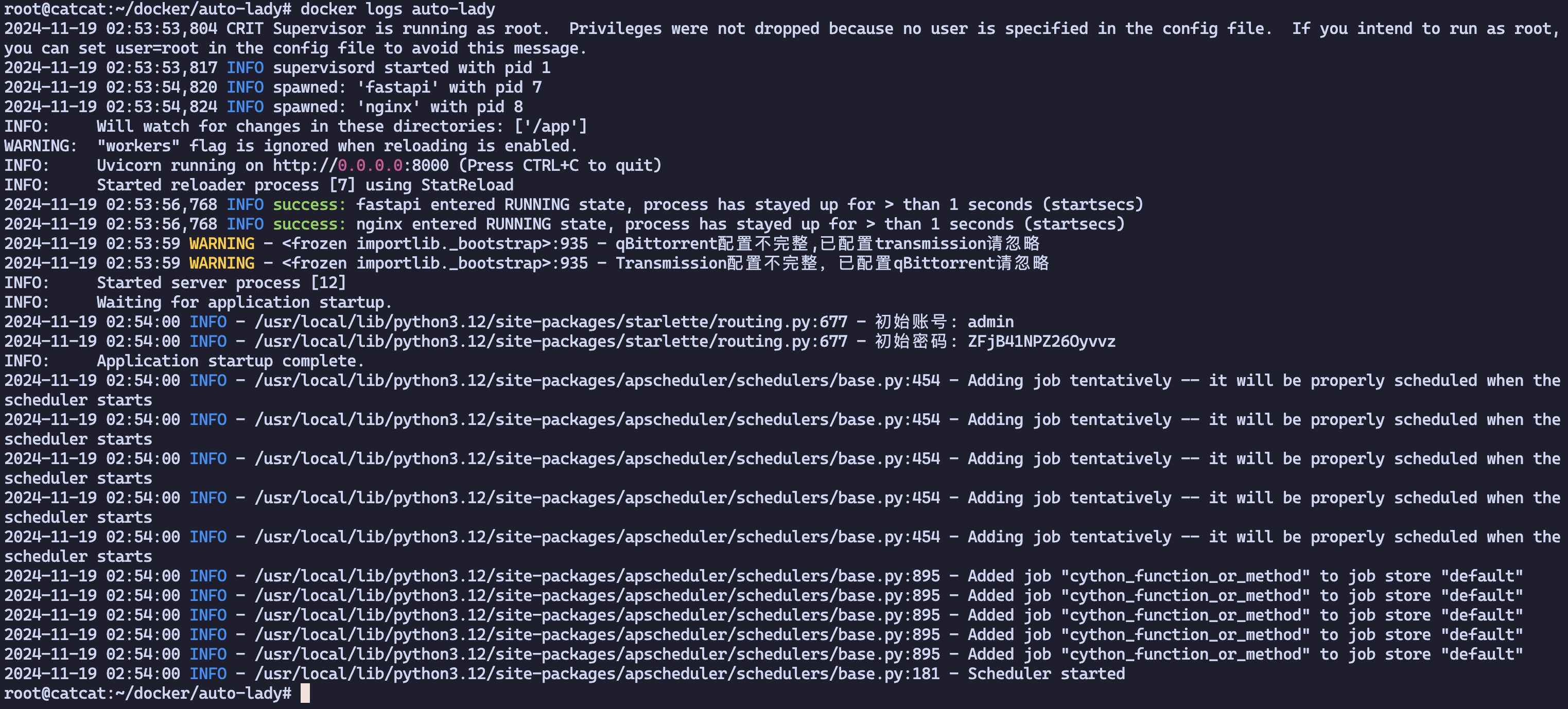
Reverse proxy and domain configuration won’t be discussed here—set them up as you normally would.
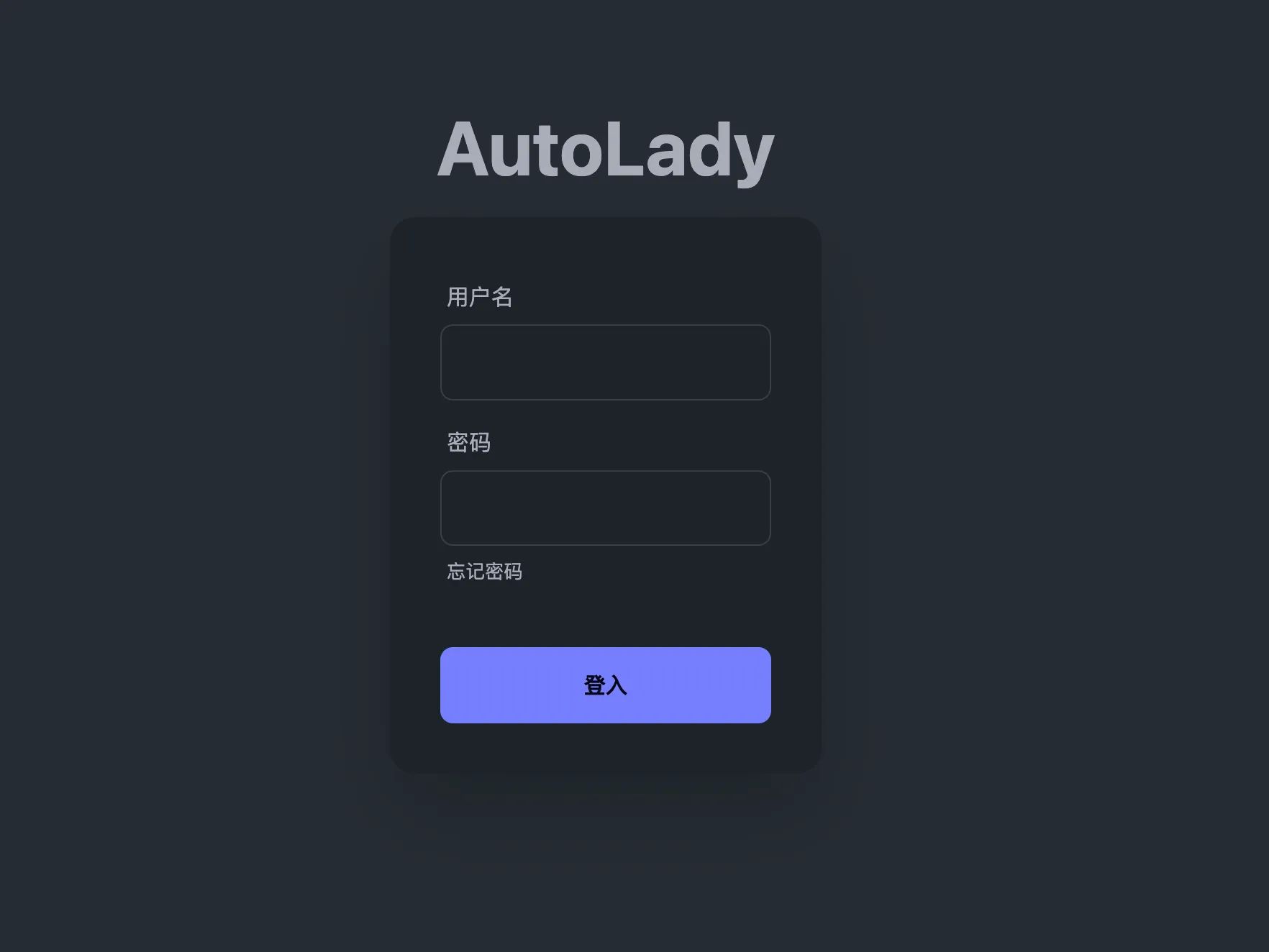
Finally, open ip:8043. If you see the project name, the deployment is successful.
Using AutoLady
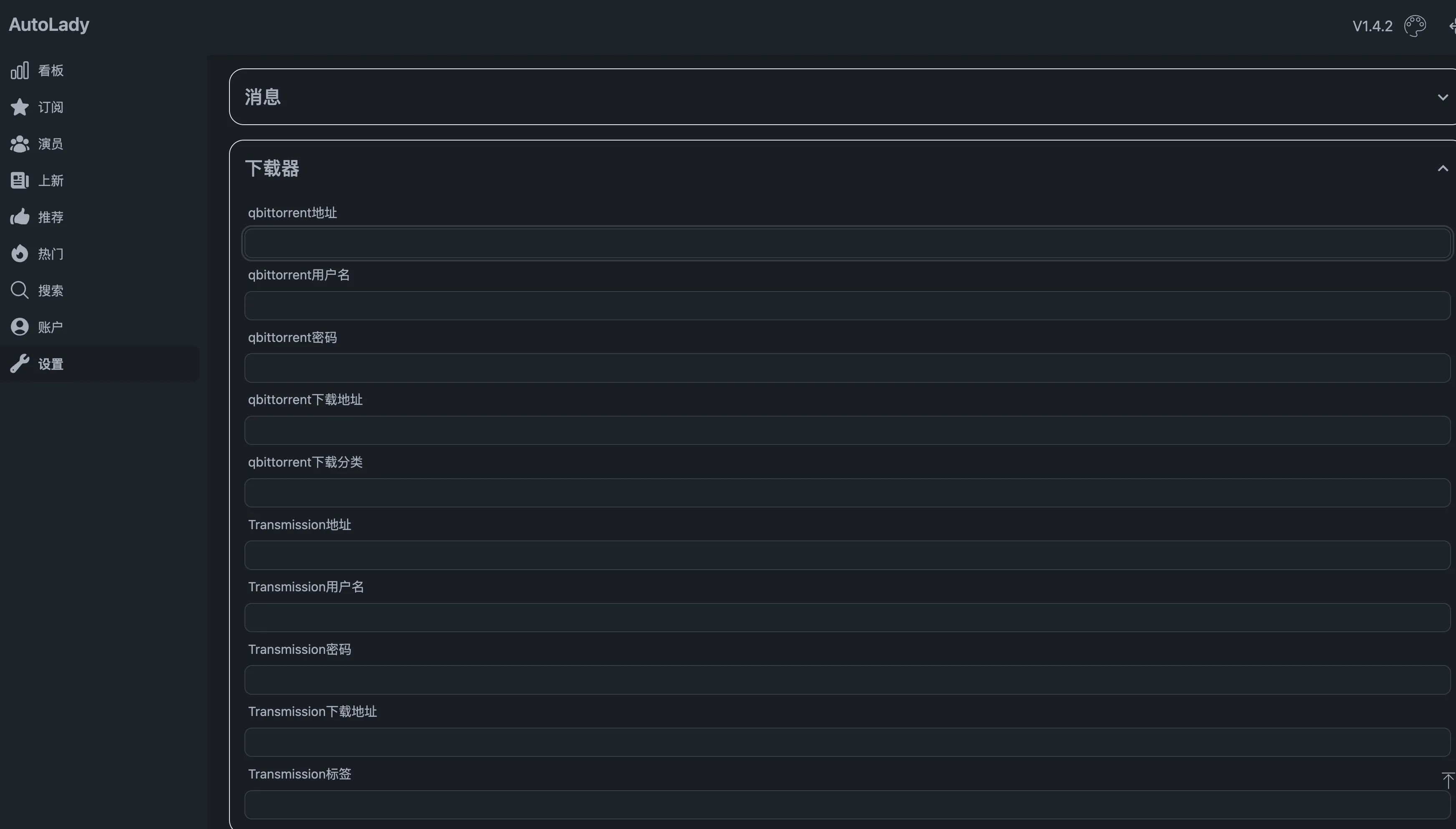
Configure qbittorrent
Location: Settings → Downloader
Configure tokens
M-team tokens can be generated under Lab → Console → Access Tokens:
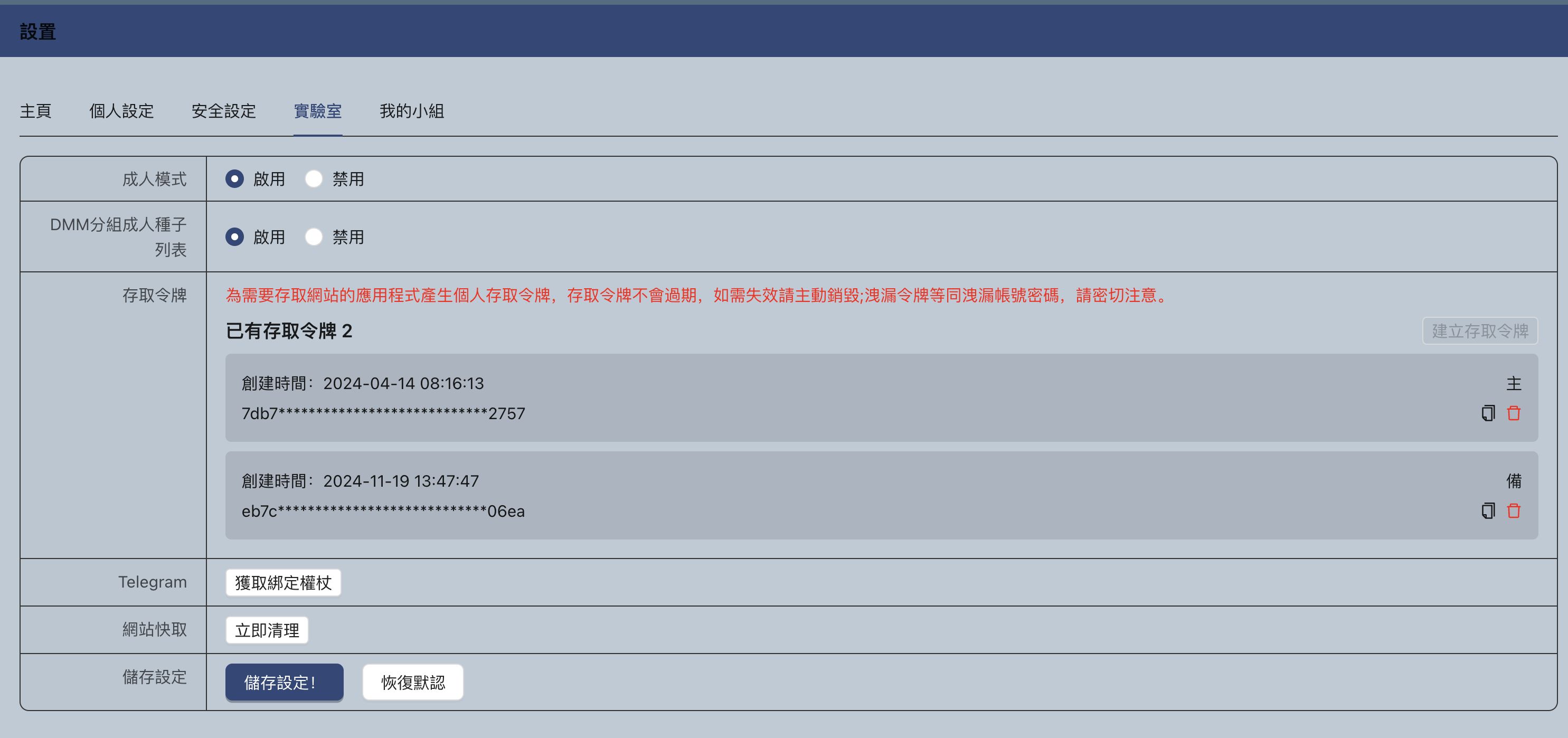
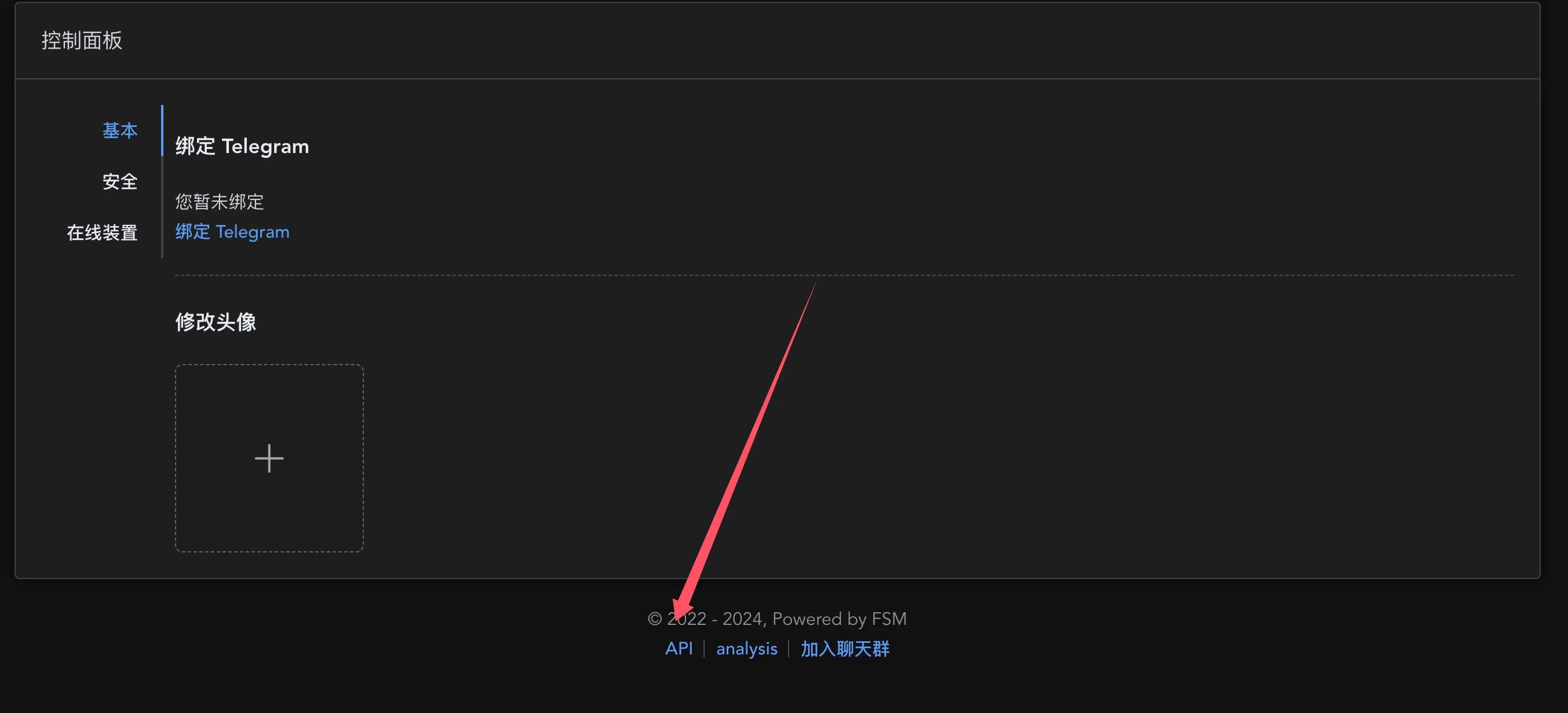
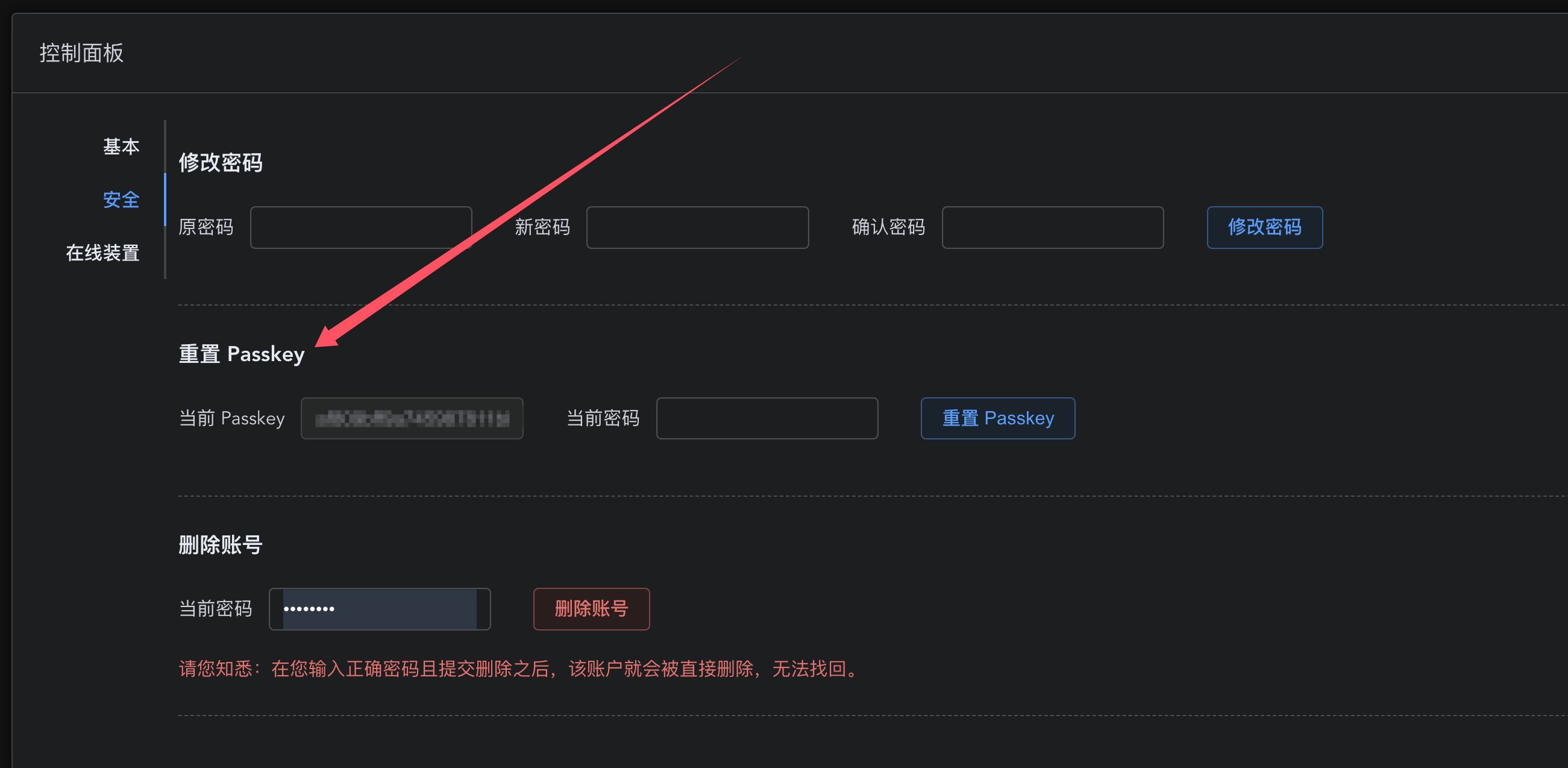
For FSM, tokens are also in the console:
Start downloading
In the search box, enter the “teacher” and “code” you want. Click Download under the result and you’re done.
As for the other features—those who need this kind of thing will know exactly what they’re for.
For scraping and library integration, refer to: Setup and configuration guide for the Japanese adult video scraper MetaTube
