
245 字
1 分钟
Deploying Beszel Lightweight Monitoring with Docker
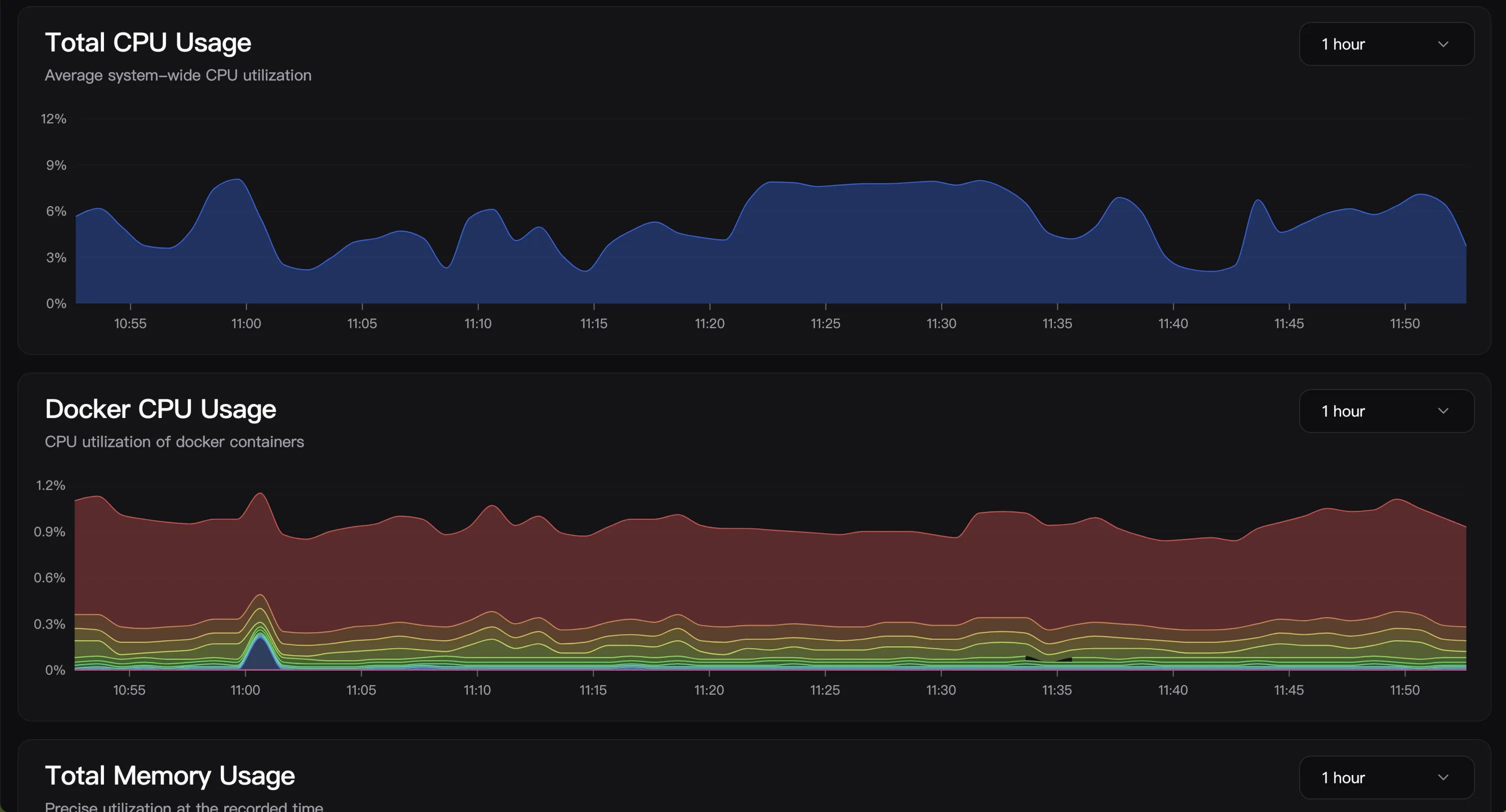
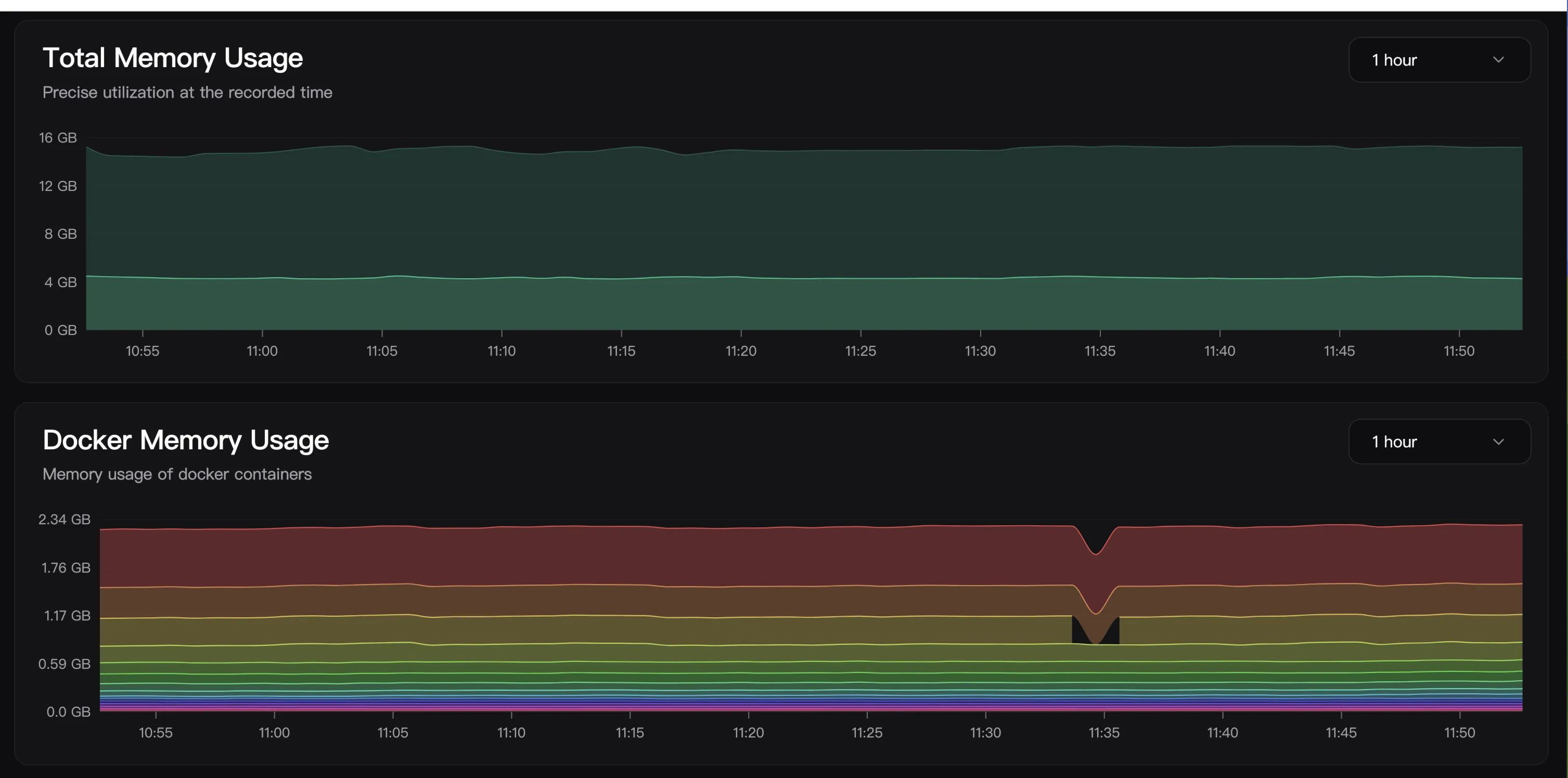
Last week while browsing Reddit I stumbled across this project, which focuses on lightweight monitoring. You can think of it as a smaller-scale Prometheus-style stack, with features like automatic backups to S3, monitoring, Docker stats, and more. Deployment is straightforward: you can use either Docker or a systemctl-based setup.
Panel Deployment & Installation
Create the directory
mkdir -p /root/docker/beszeldocker-compose.yaml file
services: beszel: image: 'henrygd/beszel' container_name: 'beszel' restart: unless-stopped ports: - '8090:8090' volumes: - ./beszel_data:/beszel_datRun
docker compose up -dPanel configuration
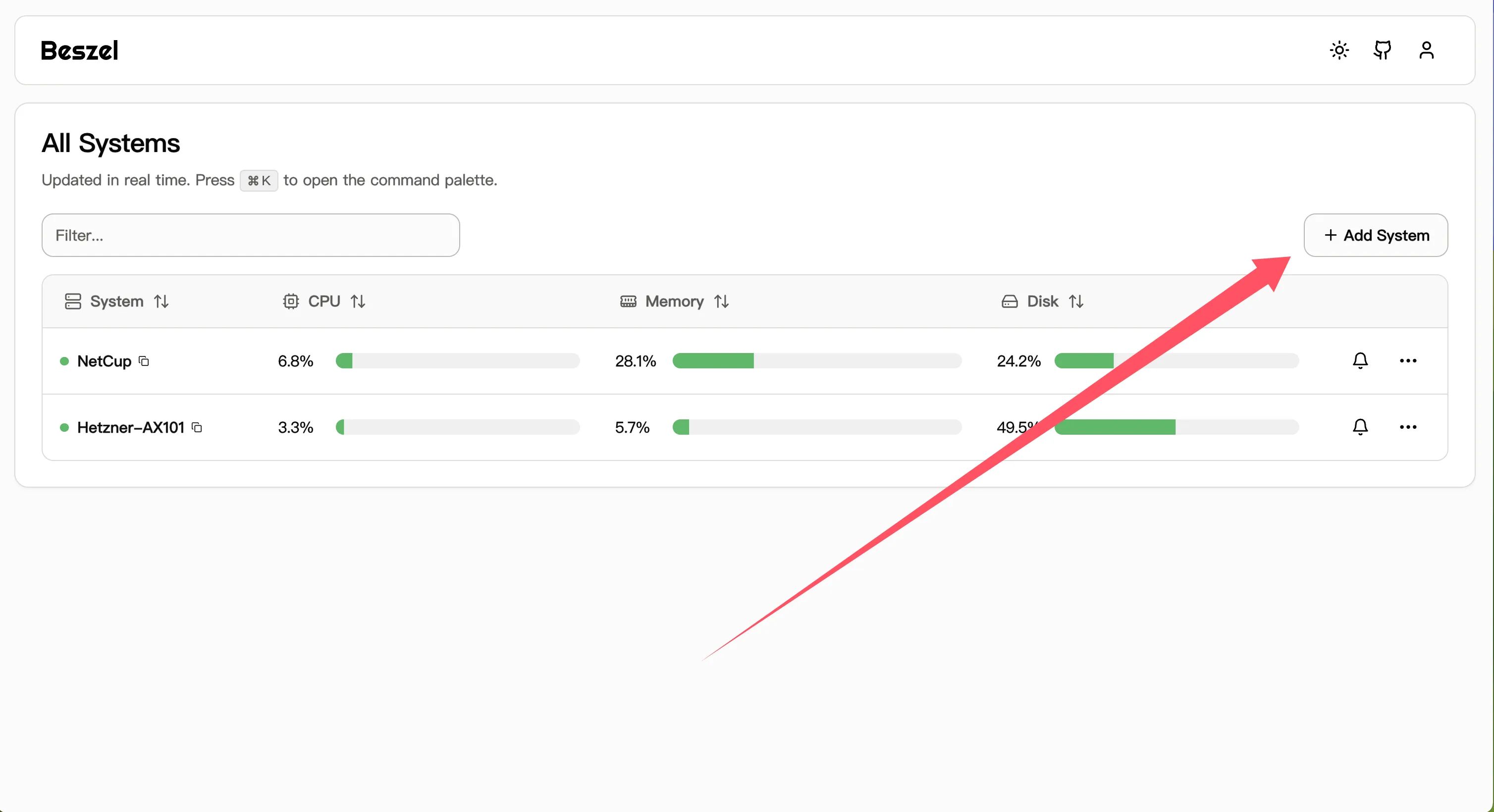
Enter the target host IP and display name you want to monitor
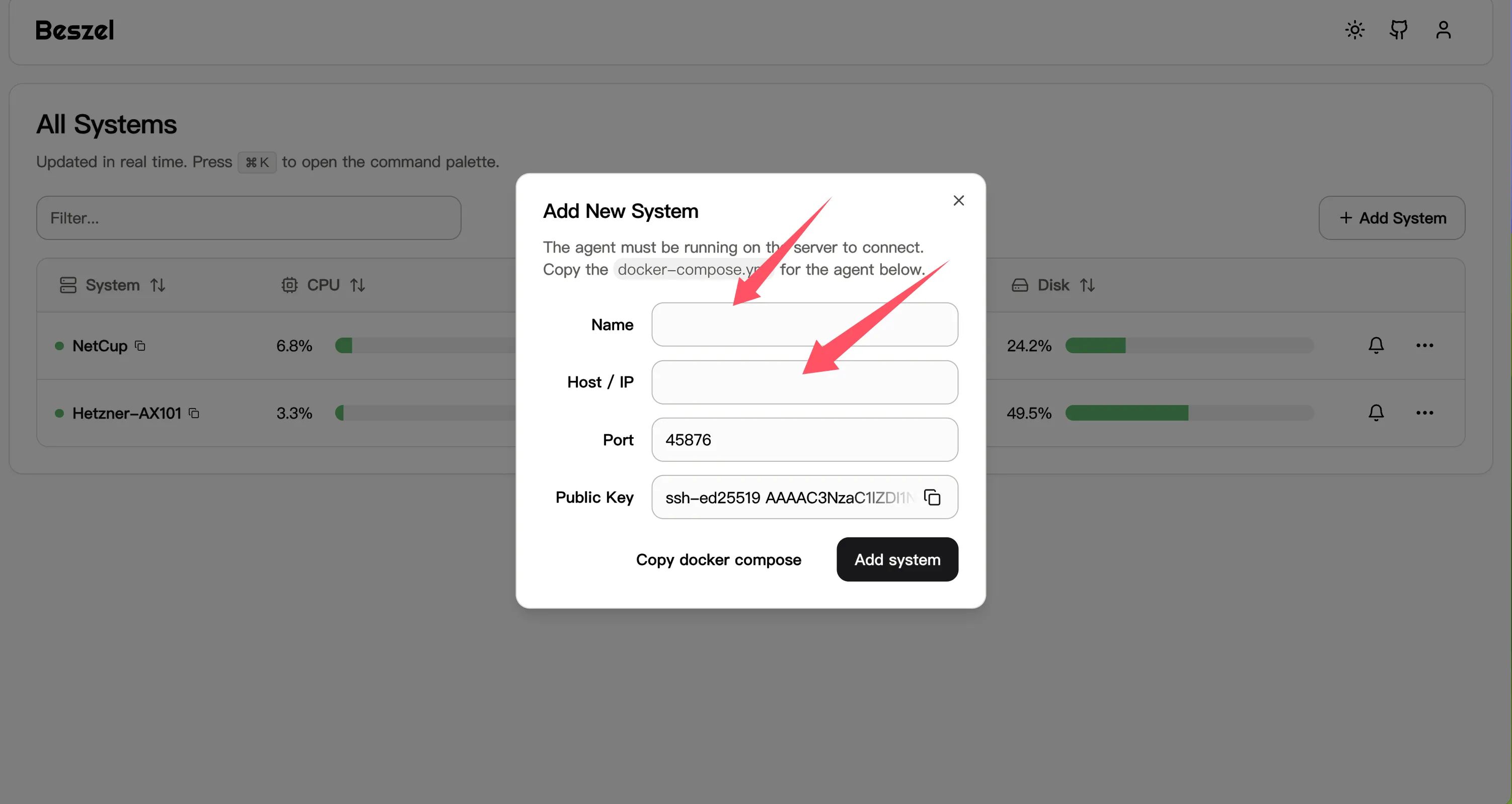
Agent Installation
Download the Agent binary
curl -sL "https://github.com/henrygd/beszel/releases/latest/download/beszel-agent_$(uname -s)_$(uname -m | sed 's/x86_64/amd64/' | sed 's/armv7l/arm/' | sed 's/aarch64/arm64/').tar.gz" | tar -xz -O beszel-agent | tee ./beszel-agent >/dev/null && chmod +x beszel-agent && ls beszel-agentCreate a systemd service
sudo vim /etc/systemd/system/beszel-agent.serviceService unit file
[Unit]Description=Beszel AgentAfter=network.target
[Service]Environment="PORT=45876" ## your portEnvironment="KEY=ssh-ed25519 A" ## your keyExecStart=/root/docker/beszel/beszel-agent ## your agent binary pathRestart=alwaysUser=rootWorkingDirectory=/root/docker/beszel ## your working directory
[Install]WantedBy=multi-user.targetReload systemd configuration
sudo systemctl daemon-reloadsudo systemctl start beszel-agentsudo systemctl enable beszel-agentCheck the service status
sudo systemctl status beszel-agent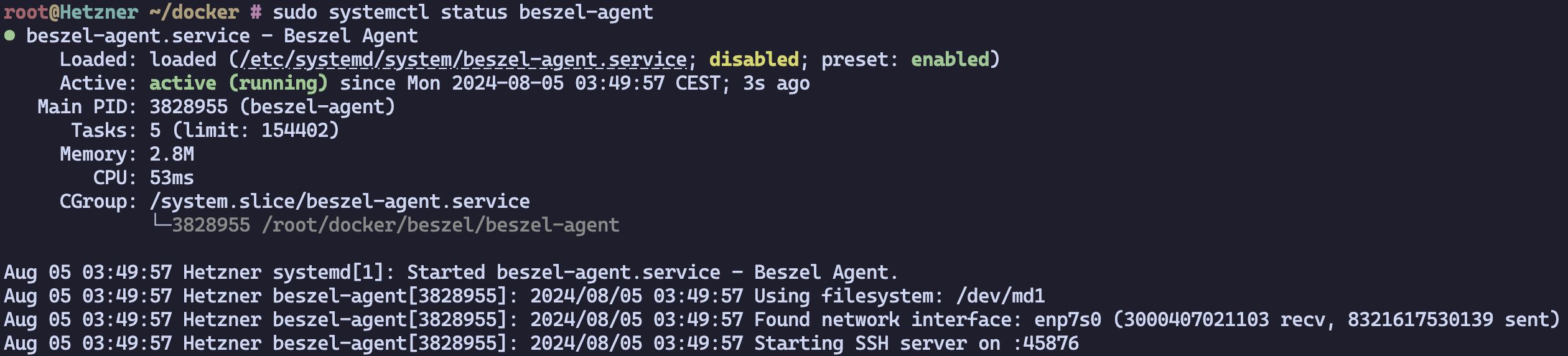
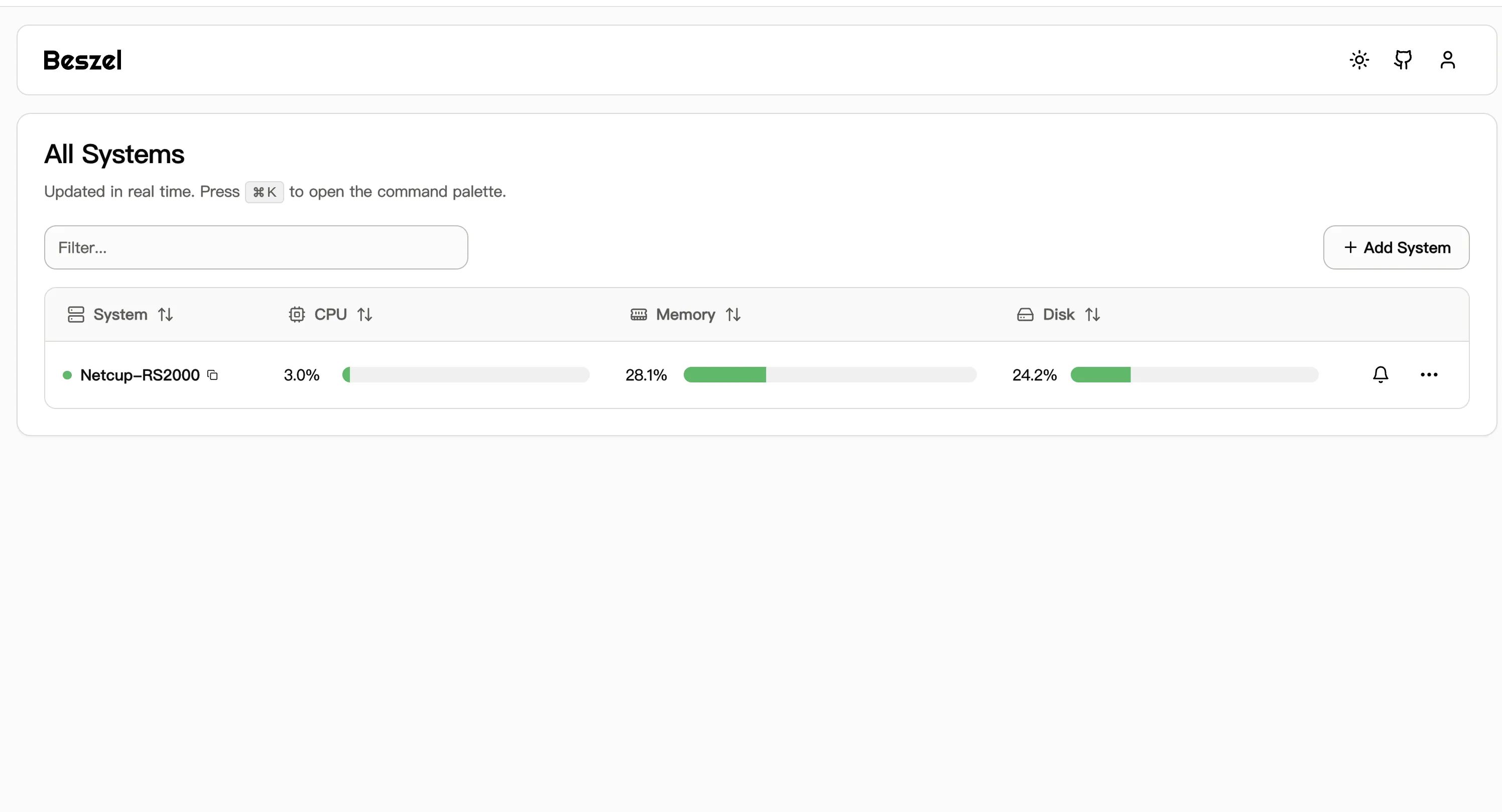
Check whether the panel is receiving data
Deploying Beszel Lightweight Monitoring with Docker
https://catcat.blog/en/docker-install-beszel.html