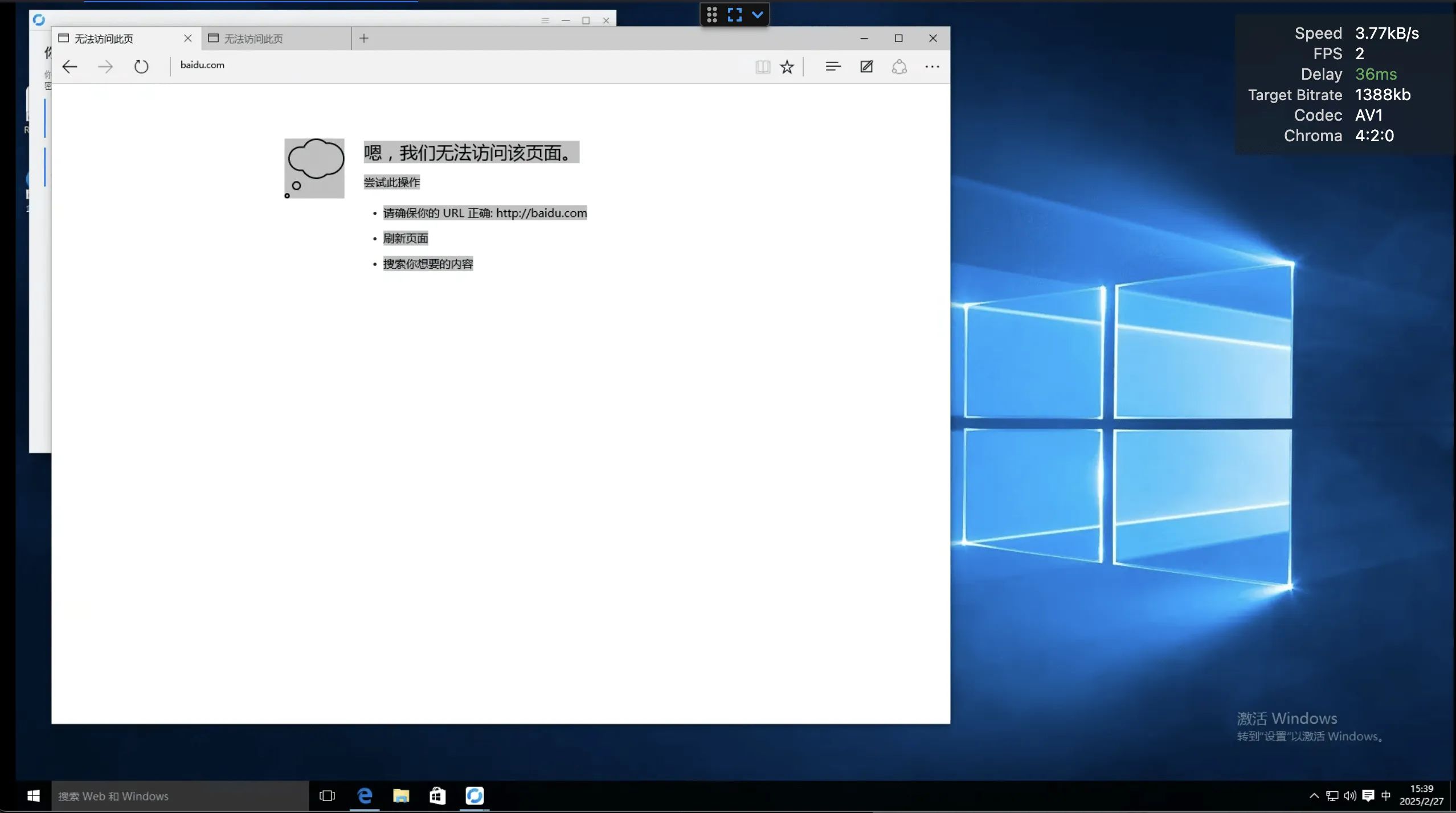
Set Up a Self‑Hosted RustDesk Relay Server with Docker
RustDesk is an open-source remote desktop application designed to provide a simple, secure, and efficient remote access experience. It’s written in Rust (hence the name) and is known for being lightweight and high-performance. Unlike traditional remote desktop tools such as TeamViewer or AnyDesk, RustDesk’s standout feature is its self-hosting support. This means you can fully control your own data, eliminate dependence on third-party servers, and better ensure the privacy and security of your connections.
RustDesk is built around the idea of being “ready to use out of the box.” Whether you’re remotely controlling a computer or transferring files, it requires little to no complex configuration. For regular users, you can quickly connect using the official public servers. For power users who want maximum control, running your own relay server is a perfect choice.
Core Advantages of RustDesk
- Open and transparent: RustDesk’s code is hosted on GitHub, so anyone can inspect, audit, or contribute to it, helping ensure there are no hidden backdoors or privacy risks.
- Cross-platform support: It supports Windows, macOS, Linux, iOS, and Android, covering nearly all mainstream operating systems.
- End-to-end encryption: Encryption based on NaCl keeps your remote connections secure at all times.
- Self-hosting option: By running your own server, you gain full control over your data flows and avoid third-party dependence, improving privacy protection.
- Simple and user-friendly: Whether you’re a non-technical user or an advanced one, RustDesk’s UI and features balance ease of use with flexibility.
Why Run Your Own Relay Server?
Although RustDesk provides a free public server by default, self-hosting a relay server offers several advantages for users with specific requirements:
- Higher privacy: All connection data stays on your own server, without passing through any third party.
- Better performance: You can choose the server location according to your network environment to minimize latency.
- Full control: You can customize the configuration to meet special requirements for businesses or individuals.
Why Is Now a Good Time to Deploy RustDesk?
Right now is an excellent time to deploy a self-hosted RustDesk relay server, especially because many domestic public cloud providers have recently launched lightweight, high-bandwidth servers. These instances offer low cost, strong performance, and ample bandwidth, making them ideal for running RustDesk relay and signal servers. Here’s why:
- Cost-effective: Lightweight servers typically start from 1 vCPU and 1 GB RAM, which is already enough to meet RustDesk’s minimum hardware requirements. Pricing is attractive, with annual fees sometimes as low as 30 (during special promotions), significantly lowering the barrier to self-hosting.
- High-bandwidth support: RustDesk relay servers require substantial bandwidth to handle multiple user connections and data transfers. Domestic lightweight high-bandwidth servers offer 200 Mbps unmetered bandwidth and BGP connectivity, which is more than enough to support stable, low-latency remote connections—especially suitable for remote work or team collaboration.
- Fast deployment and scaling: These servers usually support one-click Docker deployment. Combined with RustDesk’s open-source nature, you can spin up a server quickly and scale it flexibly as needed, whether for personal use or enterprise scenarios.
- Localization advantages: By relying on domestic cloud providers’ servers, you benefit from faster connections and lower latency, particularly for users in mainland China, while avoiding the instability and bottlenecks that can come with international links.
Note that there have recently been scam cases involving RustDesk. If someone calls you and asks you to install RustDesk—especially someone you don’t know or trust—hang up immediately and refuse to install it to protect your privacy and financial security.
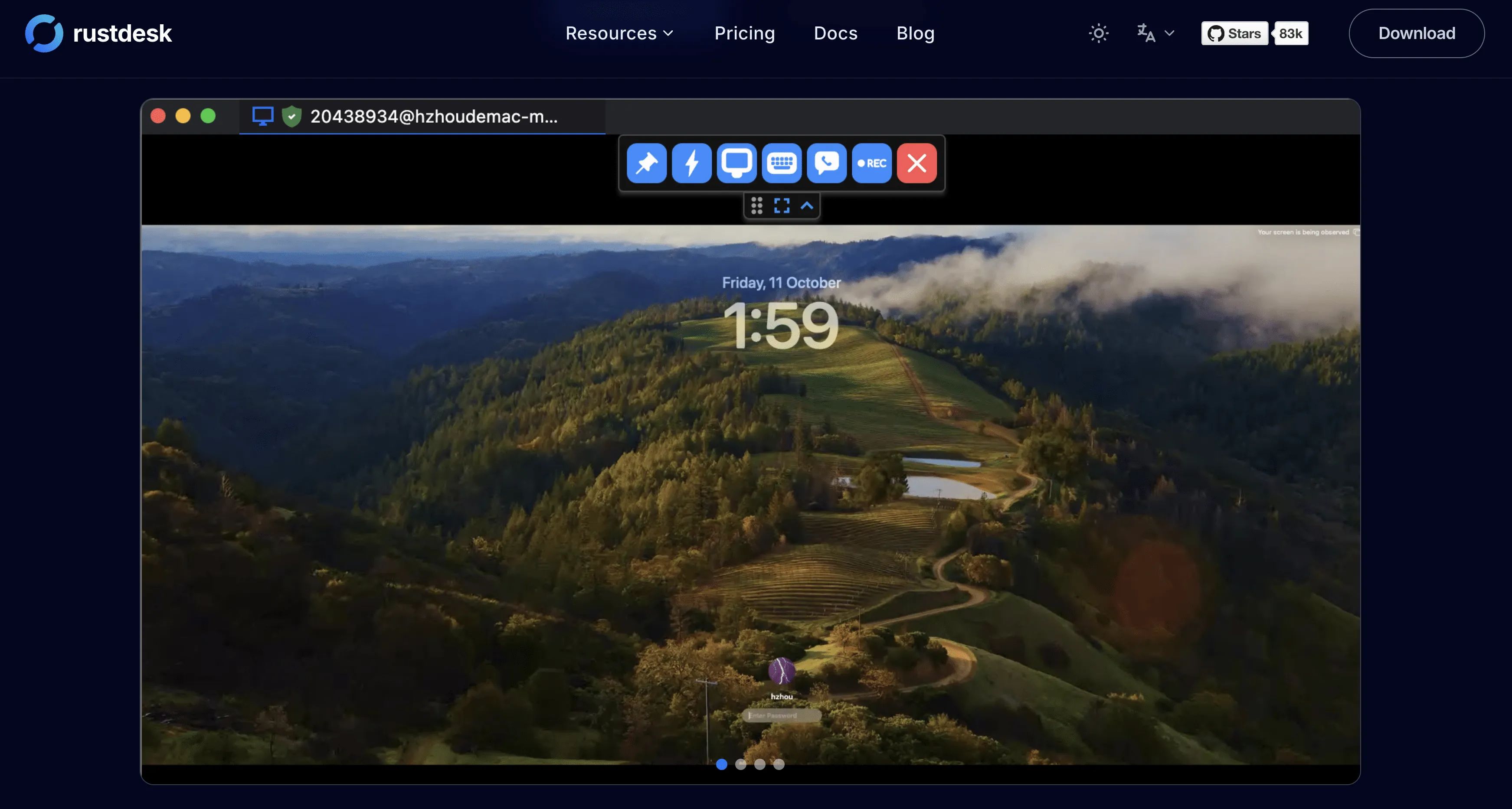
Deployment
I’m not going to cover how to install Docker here; if you read my blog often, you probably have that part down already.
Here is the docker-compose.yaml directly:
networks: dozzle_default: external: true
services: hbbs: # RustDesk ID/Rendezvous 服务器 container_name: hbbs ports: - 21115:21115 # 用于 NAT 类型测试的 TCP - 21116:21116 # TCP打孔 - 21116:21116/udp # UDP心跳/ID服务器 - 21118:21118 # 如果要运行web客户端,则使用TCP进行web套接字 image: rustdesk/rustdesk-server:latest command: hbbs volumes: - /data/rustdesk/hbbs:/root environment: - 'RELAY=IP:21117' # 运行这些容器的服务器的【IP:port】或域名 - 'ENCRYPTED_ONLY=1' # 开启加密 - 'KEY=Key' # 自定义KEY,去掉这一行可以自动生成 networks: - dozzle_default depends_on: - hbbr restart: unless-stopped
hbbr: # RustDesk 中继服务器 container_name: hbbr ports: - 21117:21117 # TCP中继 - 21119:21119 # 如果要运行web客户端,则使用TCP进行web套接字 image: rustdesk/rustdesk-server:latest command: hbbr volumes: - /data/rustdesk/hbbr:/root networks: - dozzle_default restart: unless-stoppeddocker compose up -d 启动
Installation and Usage
Install the client.
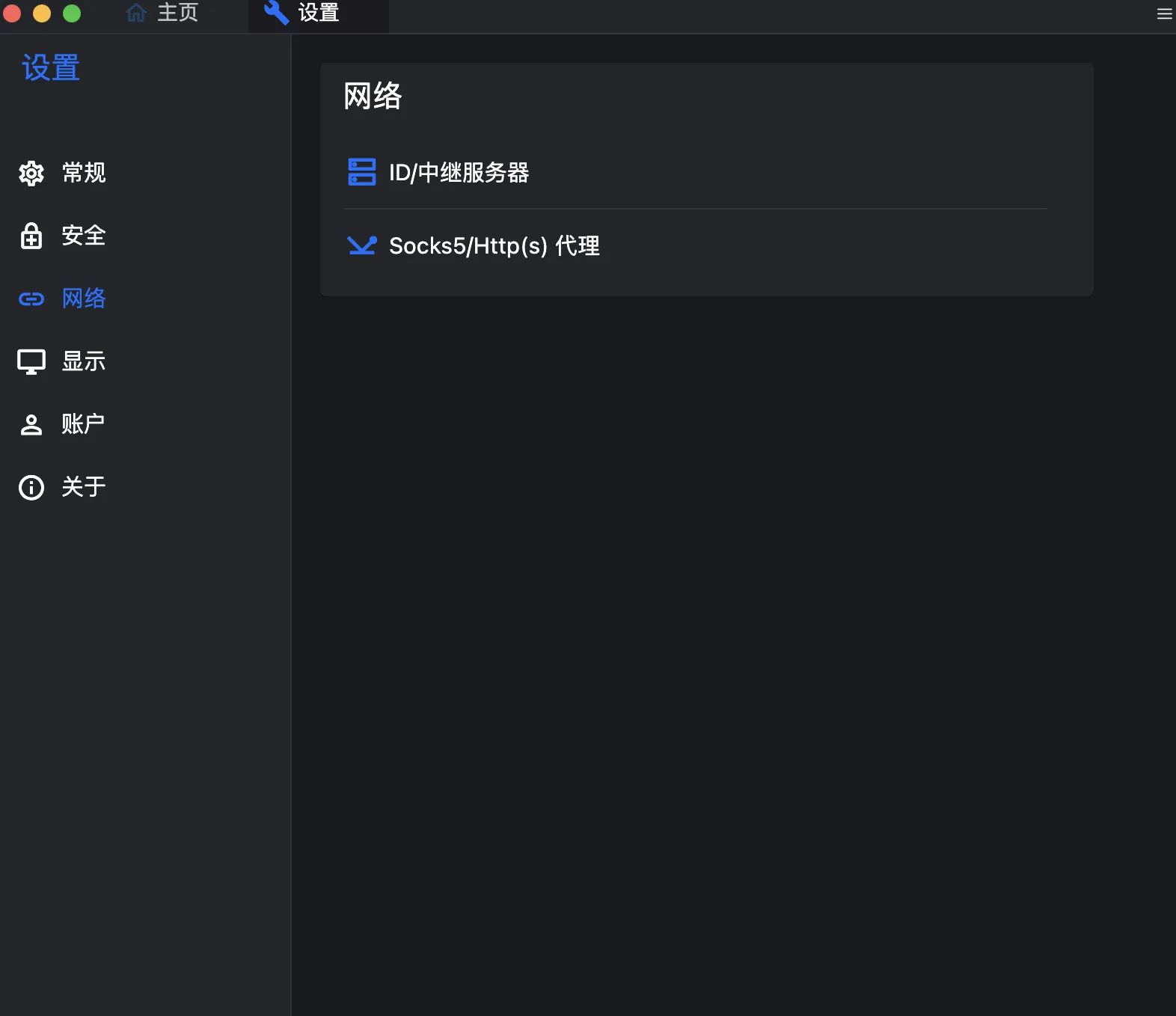
Go to Settings → Network → ID/Relay Server.
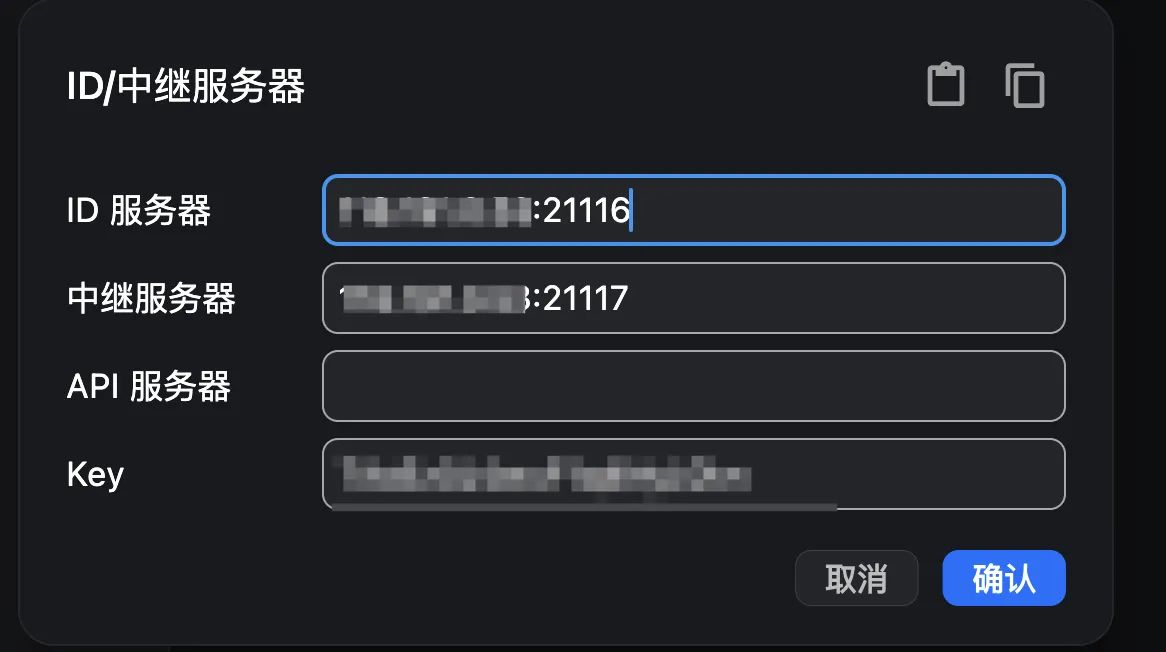
Fill in the key you configured on the server side, along with your server address and port.
Other usage is similar to tools like Sunlogin or ToDesk, so it won’t be repeated here.