
Netcup Tax-Free Registration Onboarding Guide
Introduction to Netcup
Netcup is a server provider headquartered in Germany, founded in 1998, with two data centers located in Nuremberg and Vienna. They currently offer domain registration, VDS, VPS, ARM VPS, dedicated servers, block storage, and more. Thanks to strong performance, generous bandwidth, and large traffic quotas, their machines are often used by Chinese users for PT scenarios. Netcup has been awarded Europe’s most popular web host for many consecutive years. They care a lot about their reputation and provide very good service. However, due to the conservative, rigid nature of German contracts, there are quite a few pitfalls when purchasing.
Registration Preparation
You need one billing statement in English.
(This can be a bill from another European VPS provider, but the information on it must match the details you register with at Netcup.)
Registration Process
Open the official site: https://www.netcup.eu/ (English) / https://www.netcup.eu/ (German)
Getting a Coupon
Open: https://www.netcup-sonderangebote.de
Enter your email address to subscribe.
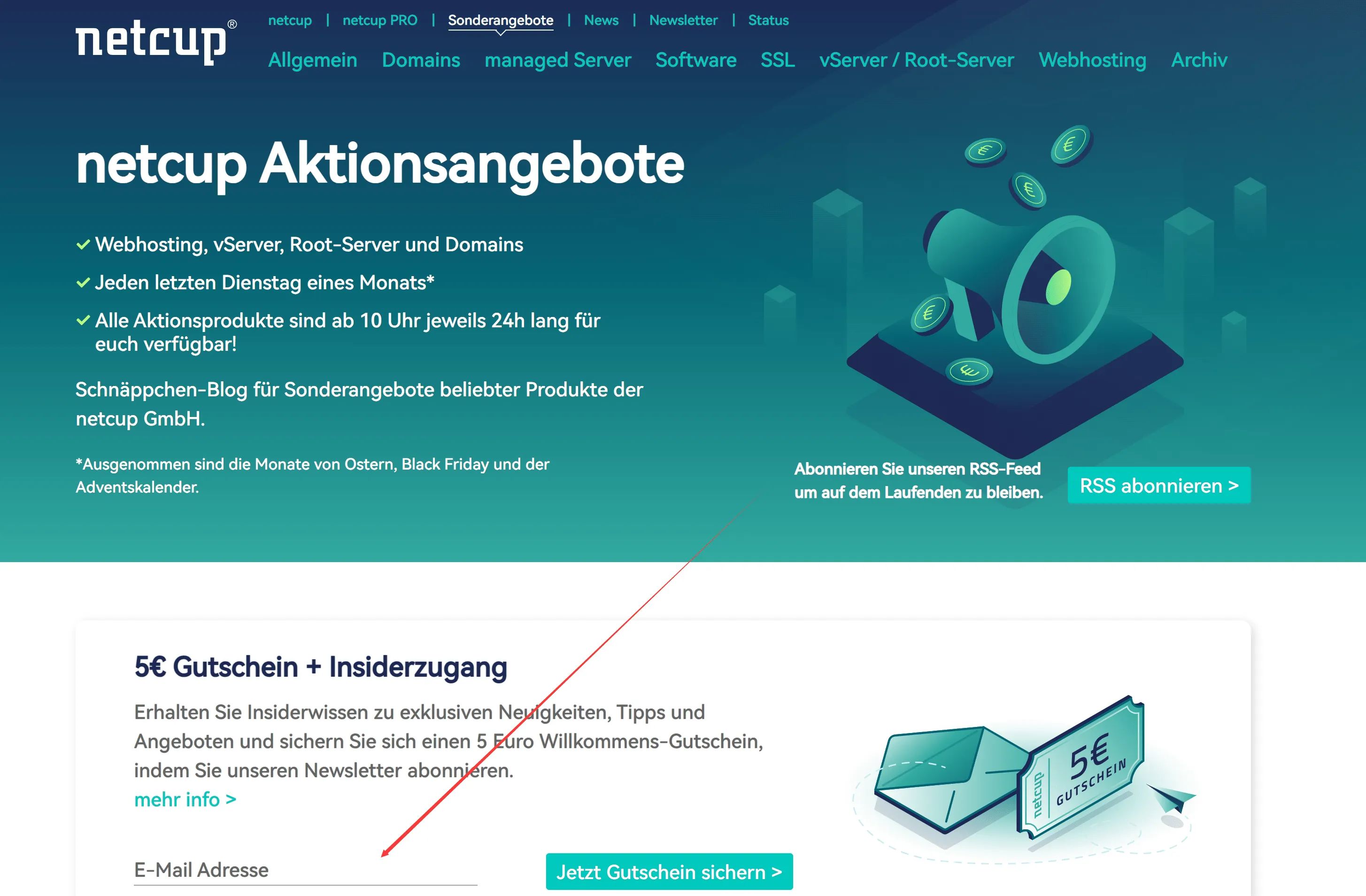
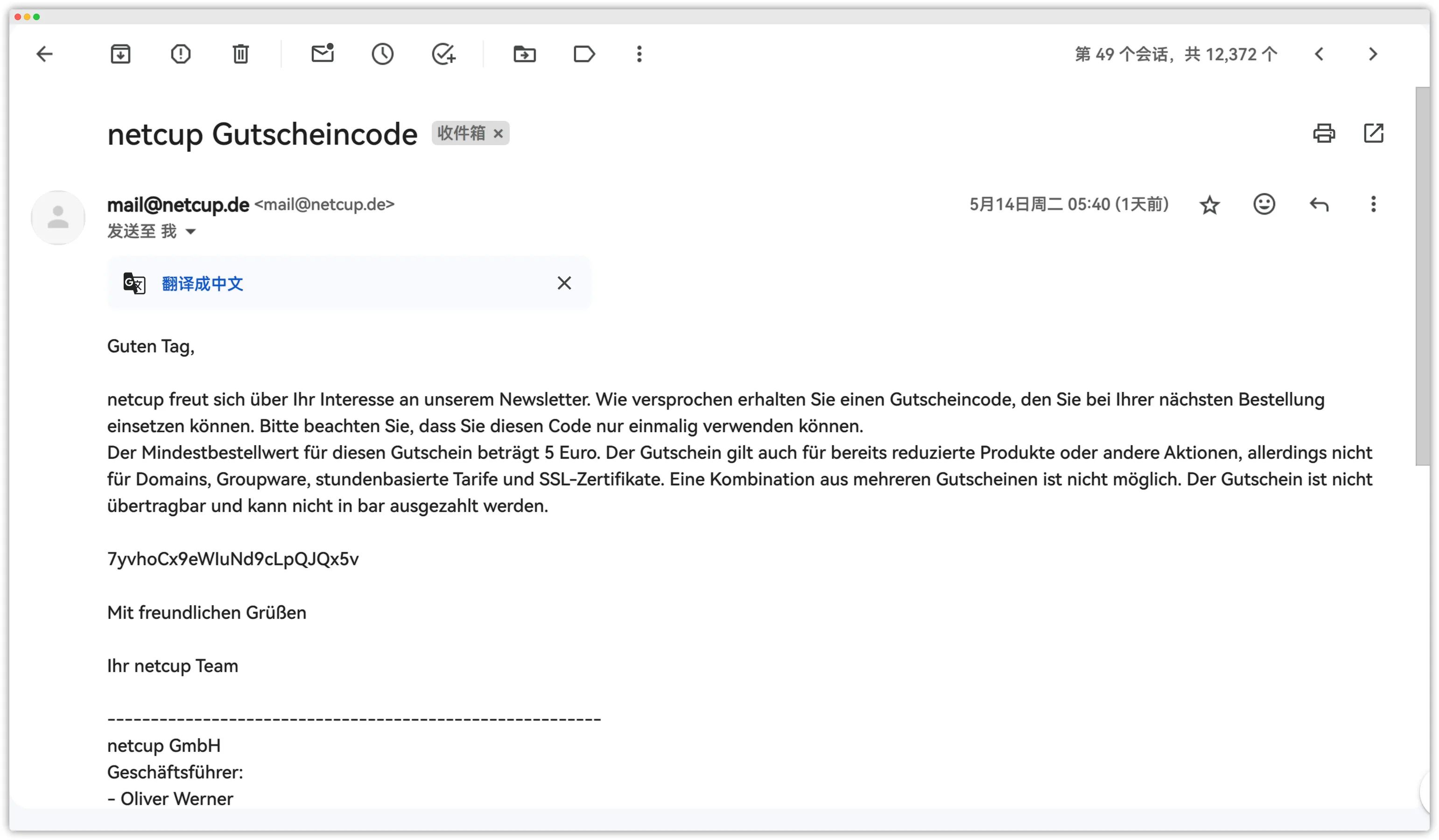
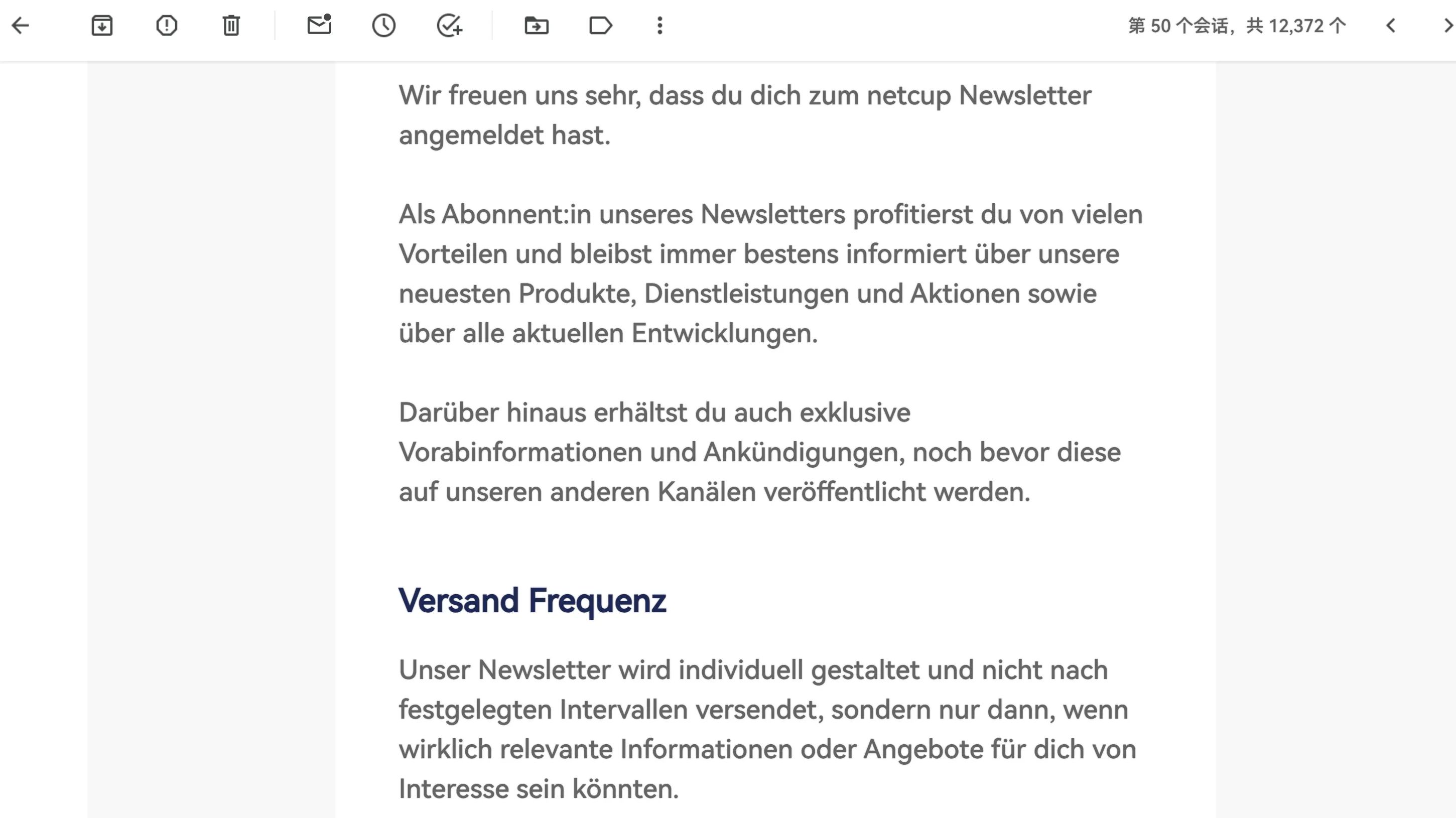
After subscribing successfully, you will receive two emails: one confirming your subscription to their promotions, and one containing a €5 voucher.
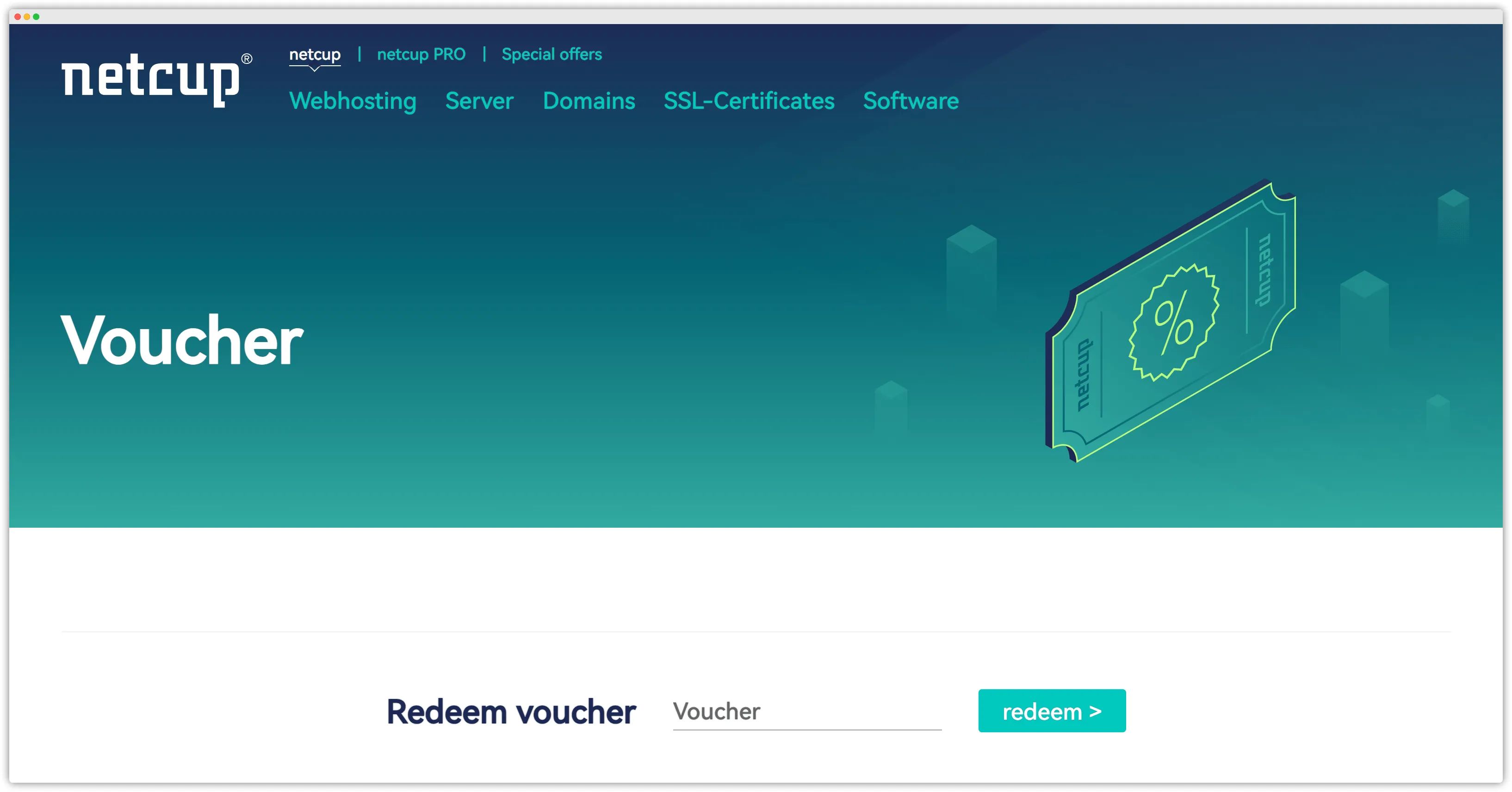
Redeem the coupon here: https://www.netcup.eu/bestellen/gutschein_einloesen.php
Find a product (it’s recommended to first read Netcup Pricing Notes below), then add it to your cart. For example, purchase an RS series VDS such as RS 1000 G11.
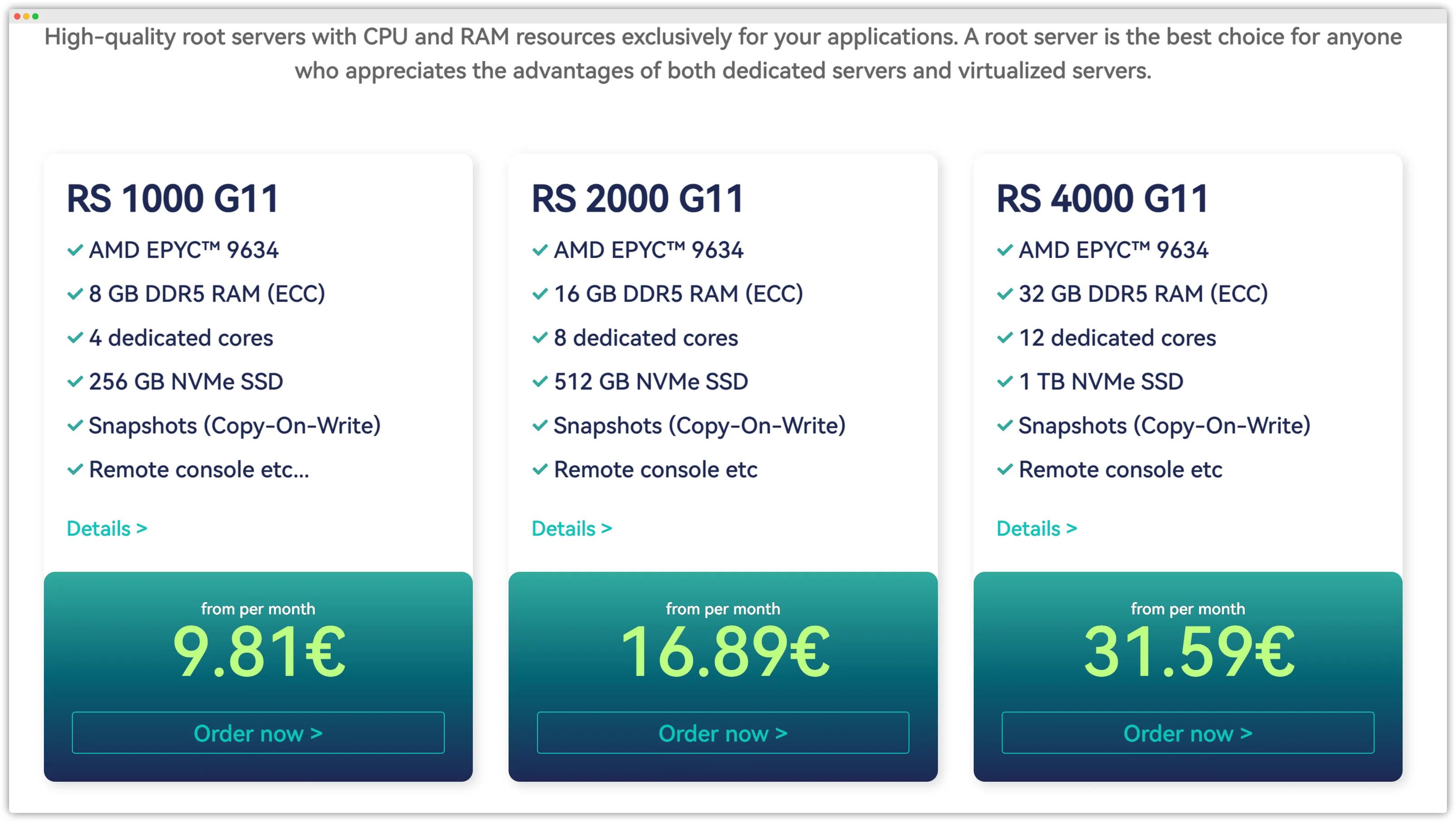
Click Order now and you will be taken to the screen below.
Select the subscription period you need under Contract period.
Explanation: the longer the contract period you order, the higher the discount. The price for a 12‑month contract and a 1‑month contract is not the same.
Before tax exemption, the 12‑month option costs €9.81 per month, while the monthly contract costs €11.77 per month.
If you choose the €9.87 (12‑month) option, you must complete at least one full year of payments. Whether you use the server or not, you must pay; the contract cannot be cancelled early. Germans strictly observe contracts; if you fail to complete the 12‑month term, you might even receive a letter from their lawyer. Disregarding contract obligations will damage the reputation of Chinese customers, making it harder for later buyers to register and leading to higher entry barriers for customers from China.
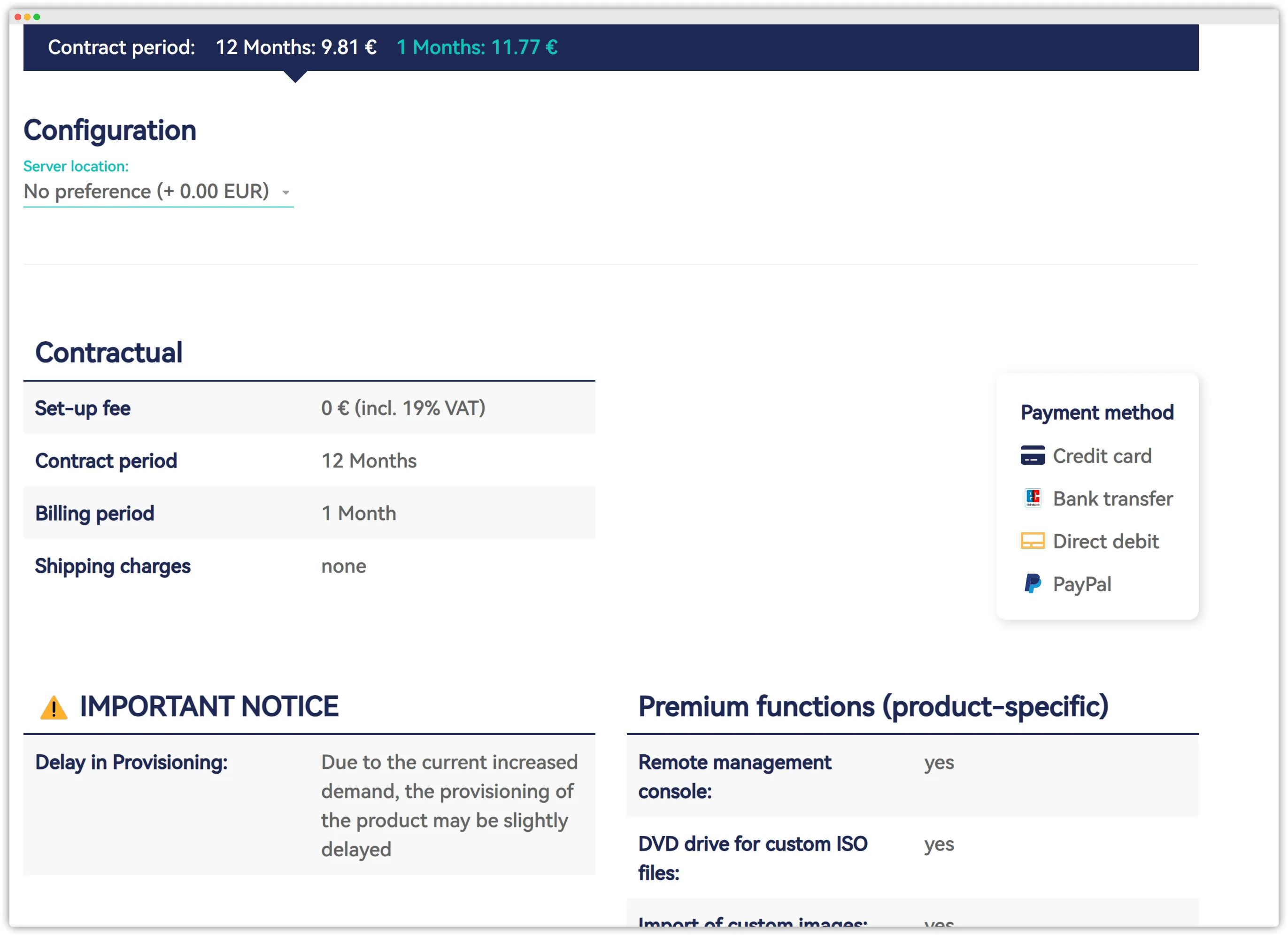
Below that you can choose the data center location you want.
No preference means your server will be placed randomly in one of the two locations based on actual available capacity. Note that after choosing No preference, you cannot change the data center later. If you have a preference, specifying Germany costs an extra €1.51, and specifying Vienna costs an extra €0.86.
Netcup’s explanation for the surcharge on specified locations is: if you select “no preference”, they can optimize capacity expansion and pass on the resulting cost advantages. In simpler terms, they will optimize placement based on available capacity, and data centers with more spare capacity will prioritize “no preference” orders.
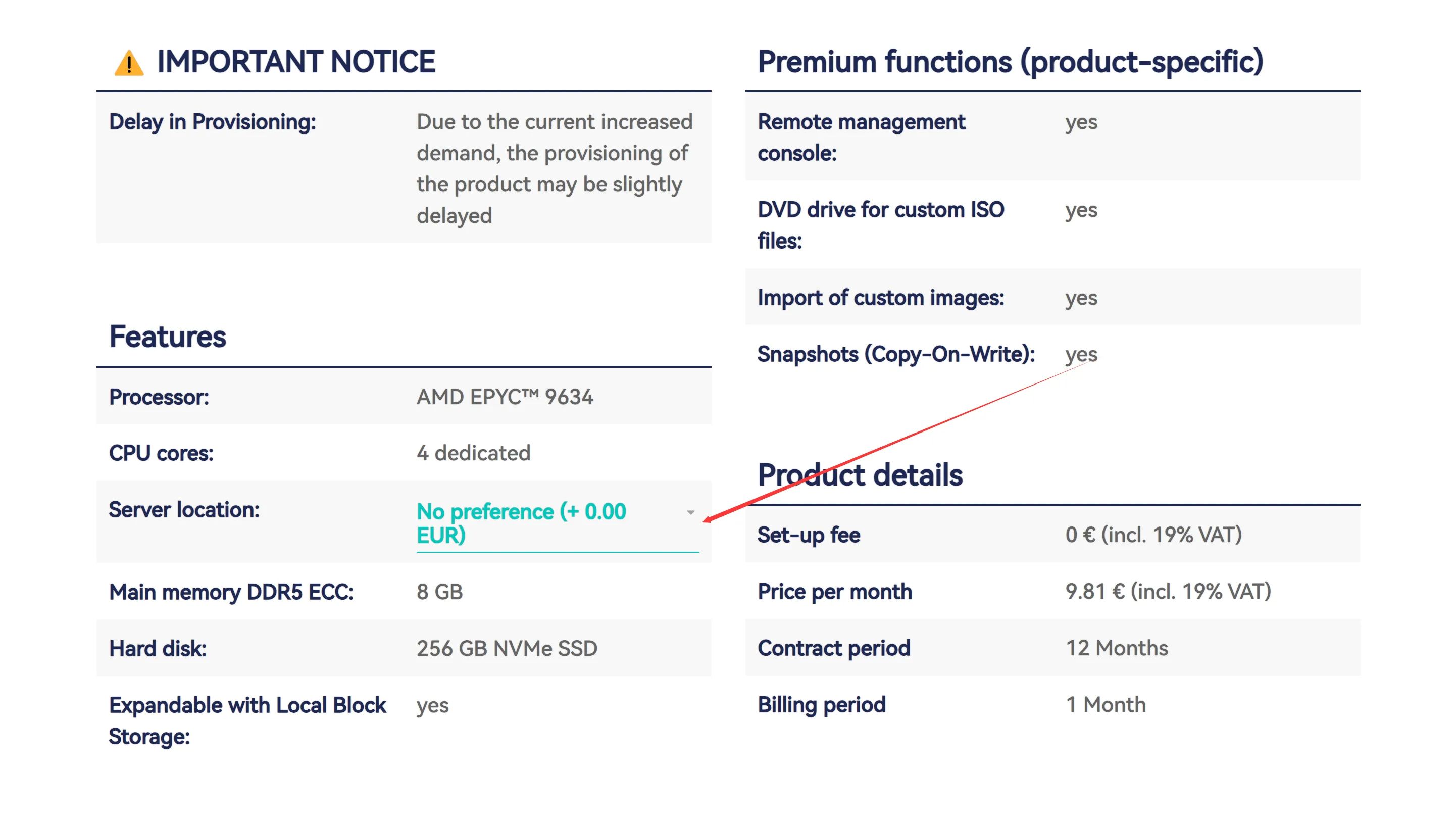
After confirming everything is correct, click Add to cart below to proceed to checkout.
If you already redeemed a voucher earlier, it will now appear in the cart. If not, you can still redeem a voucher here in the checkout section. We won’t repeat the steps here.
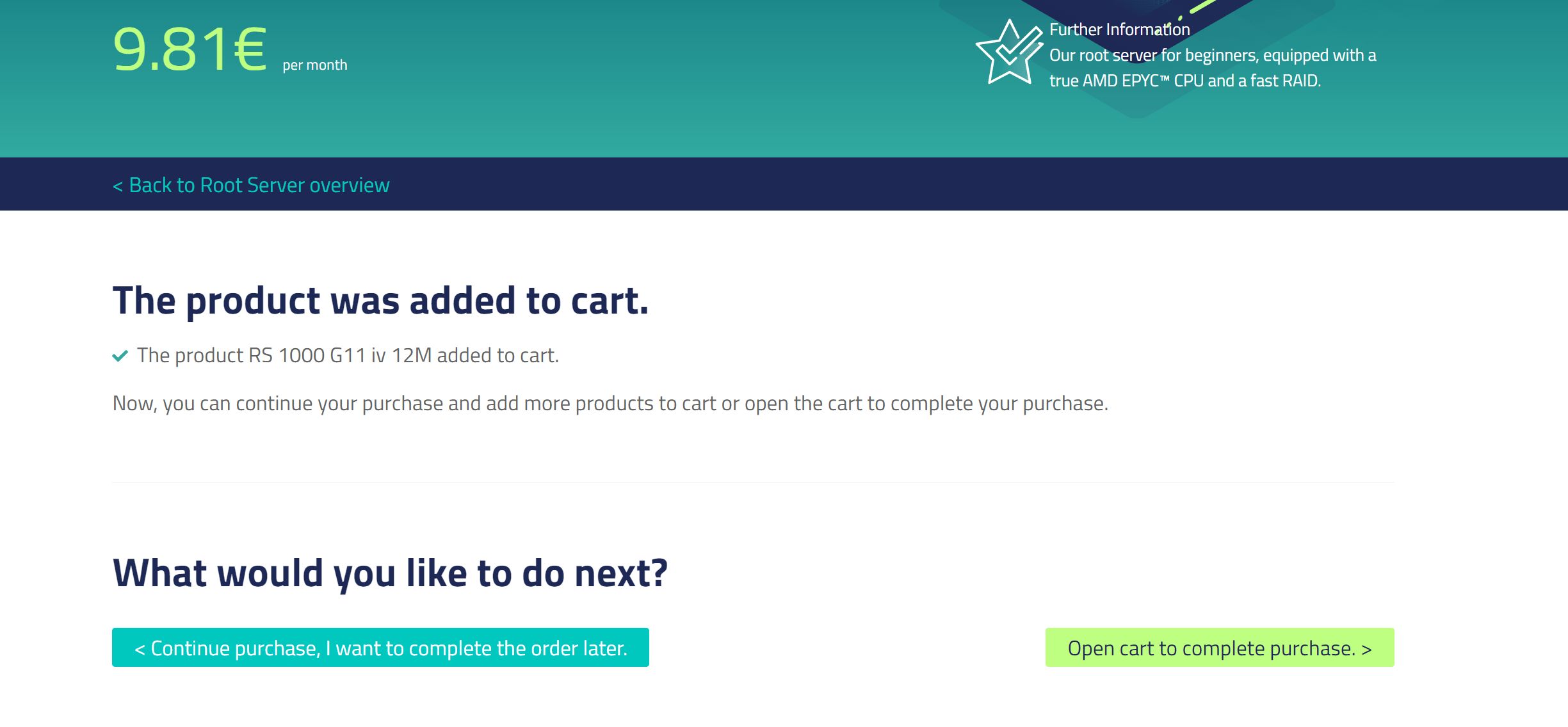
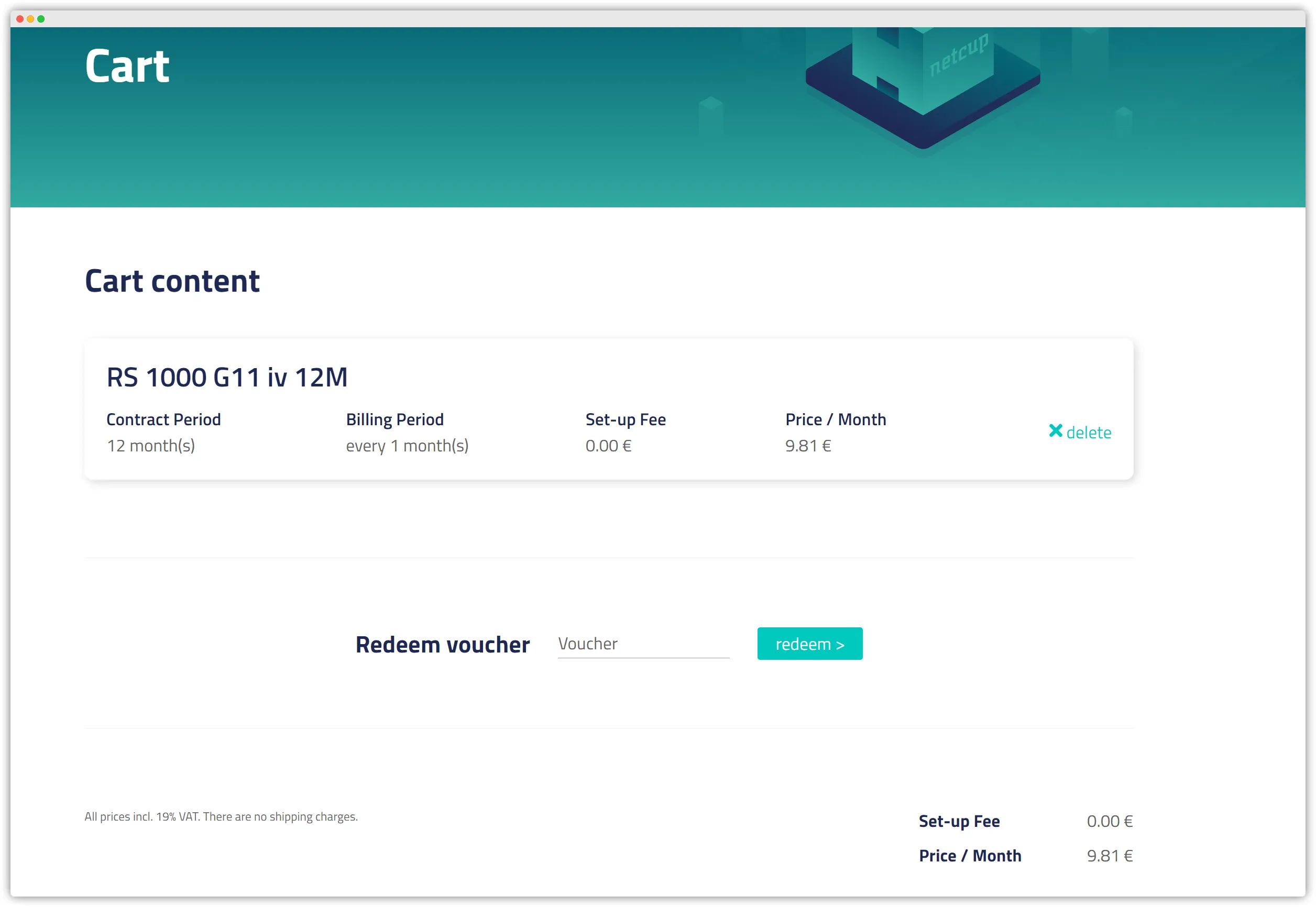
Click Continue order at the bottom and you’ll arrive at the Netcup registration screen.
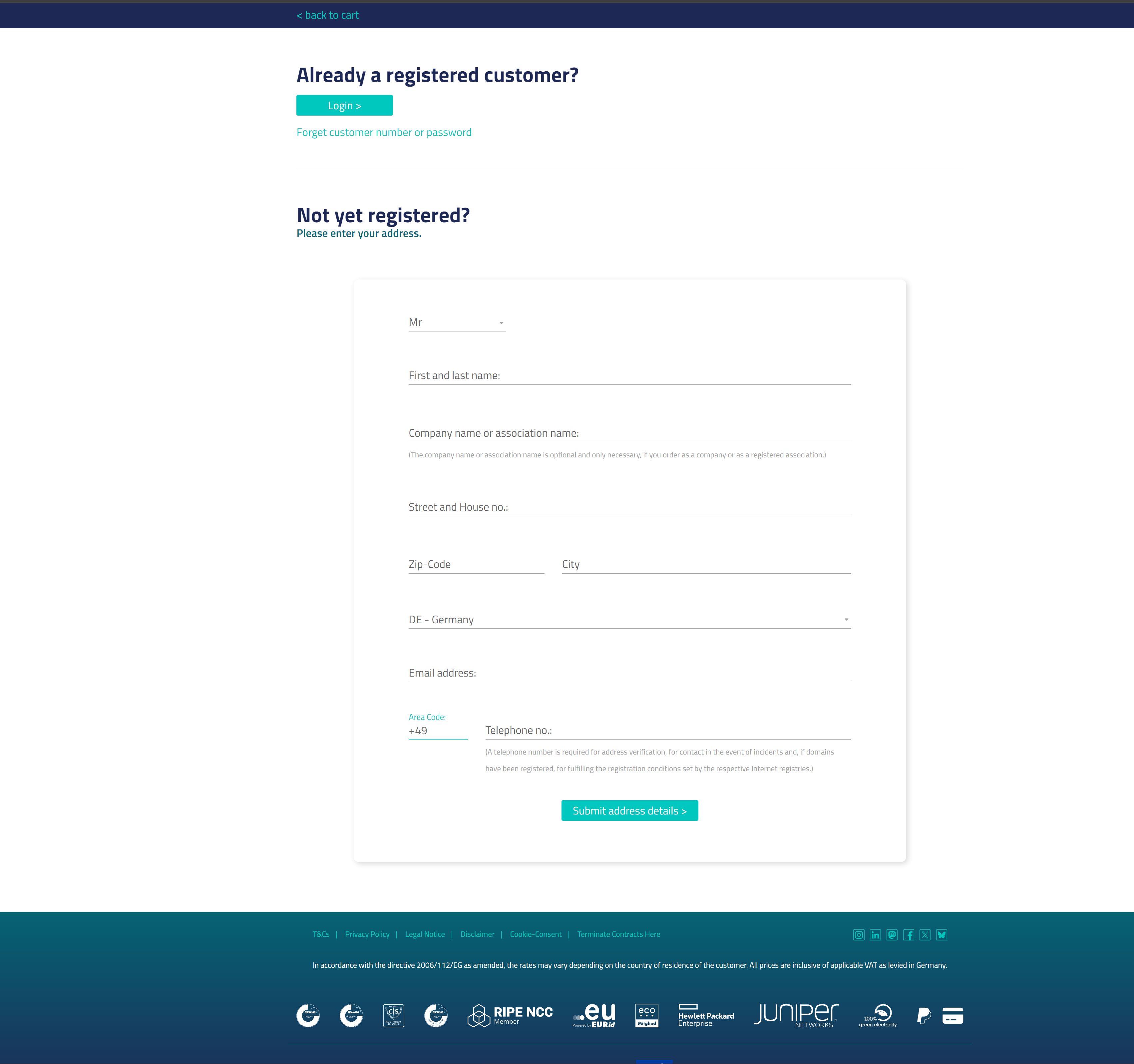
Fill in your personal details.
Note: It’s best if this matches the information on the bill you prepared above. Your address also needs to be translated into English. For country, you can select China.
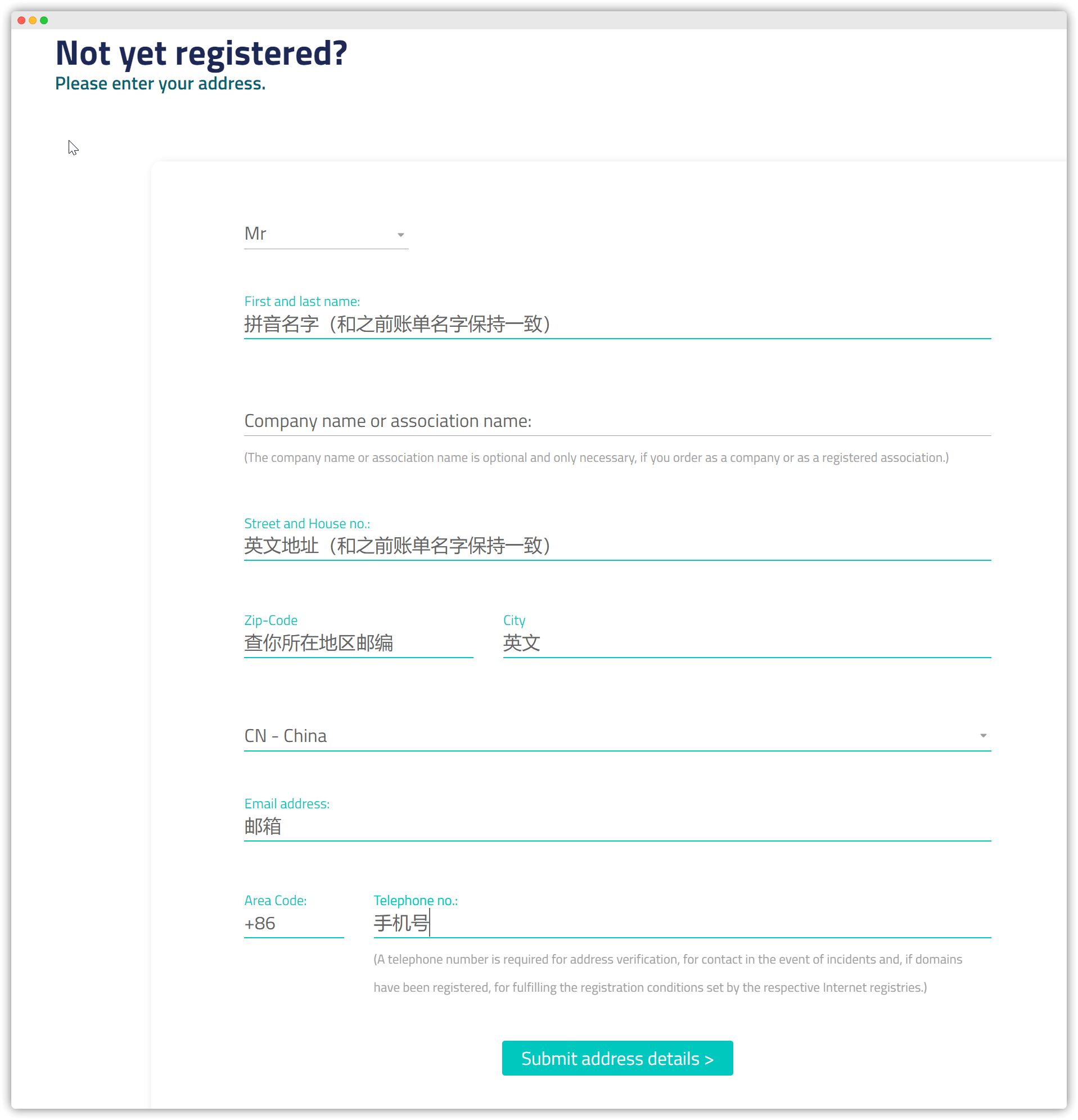
Click Save address at the bottom, then proceed to confirm the order.
You will see the full order details, where you can clearly see the €5 coupon applied and the monthly RS1000 order. Tick both checkboxes to agree to the terms.
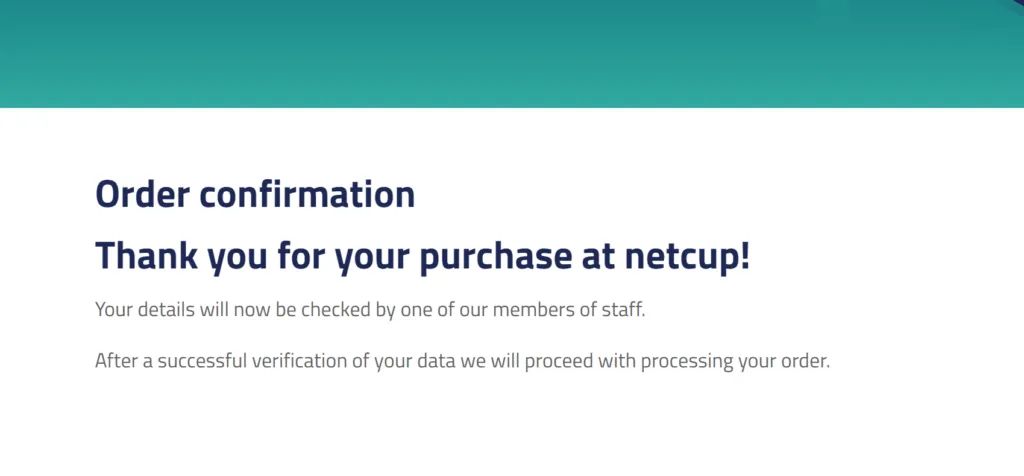
Click Continue order. When you see text similar to the screenshot below, it means your order has been placed and is waiting for manual review.
Account Verification
After completing the steps above, you can proceed with account verification. Typically, Netcup staff will review orders during their working hours in the afternoon (German local time).
You will receive an email like the one shown below:
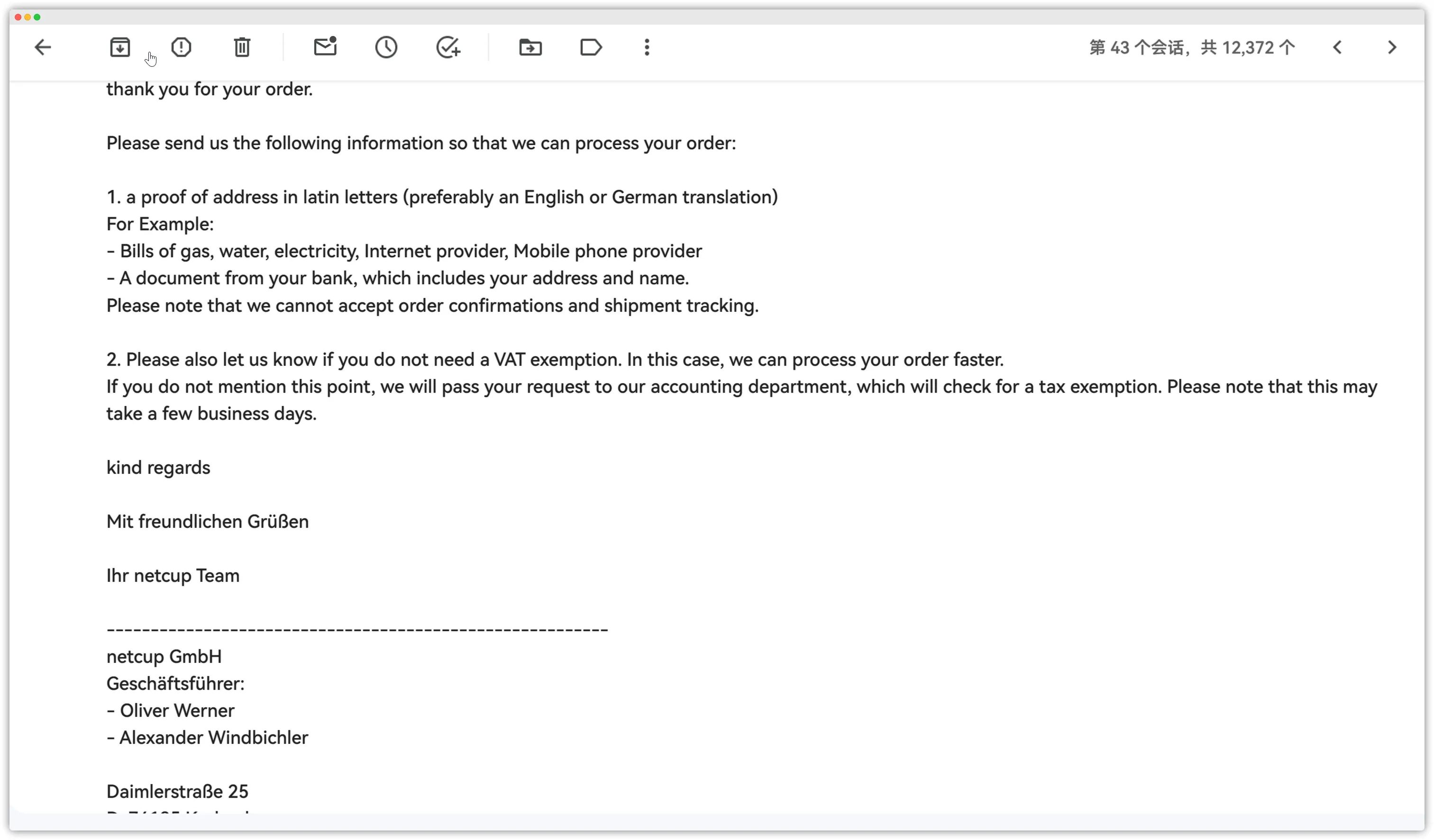
请向我们发送以下信息,以便我们处理您的订单:
1. 拉丁字母地址证明(最好是英语或德语翻译)例如:- 煤气费、水费、电费、互联网提供商、移动电话提供商的账单-来自您银行的文件,其中包括您的地址和姓名。请注意,我们不接受订单确认和发货跟踪。
2. 如果您不需要增值税豁免,也请告知我们。在这种情况下,我们可以更快地处理您的订单。如果您没有提及这一点,我们会将您的请求传递给我们的会计部门,该部门将检查是否免税。请注意,这可能需要几个工作日。Directly reply to this email and attach the bill you prepared.

After sending it, just wait for the notification that your tax exemption has been approved and that your account (including CCP access) has been created.
This email will contain your username and password, similar to this:

You will also receive a congratulatory email and a billing overview.
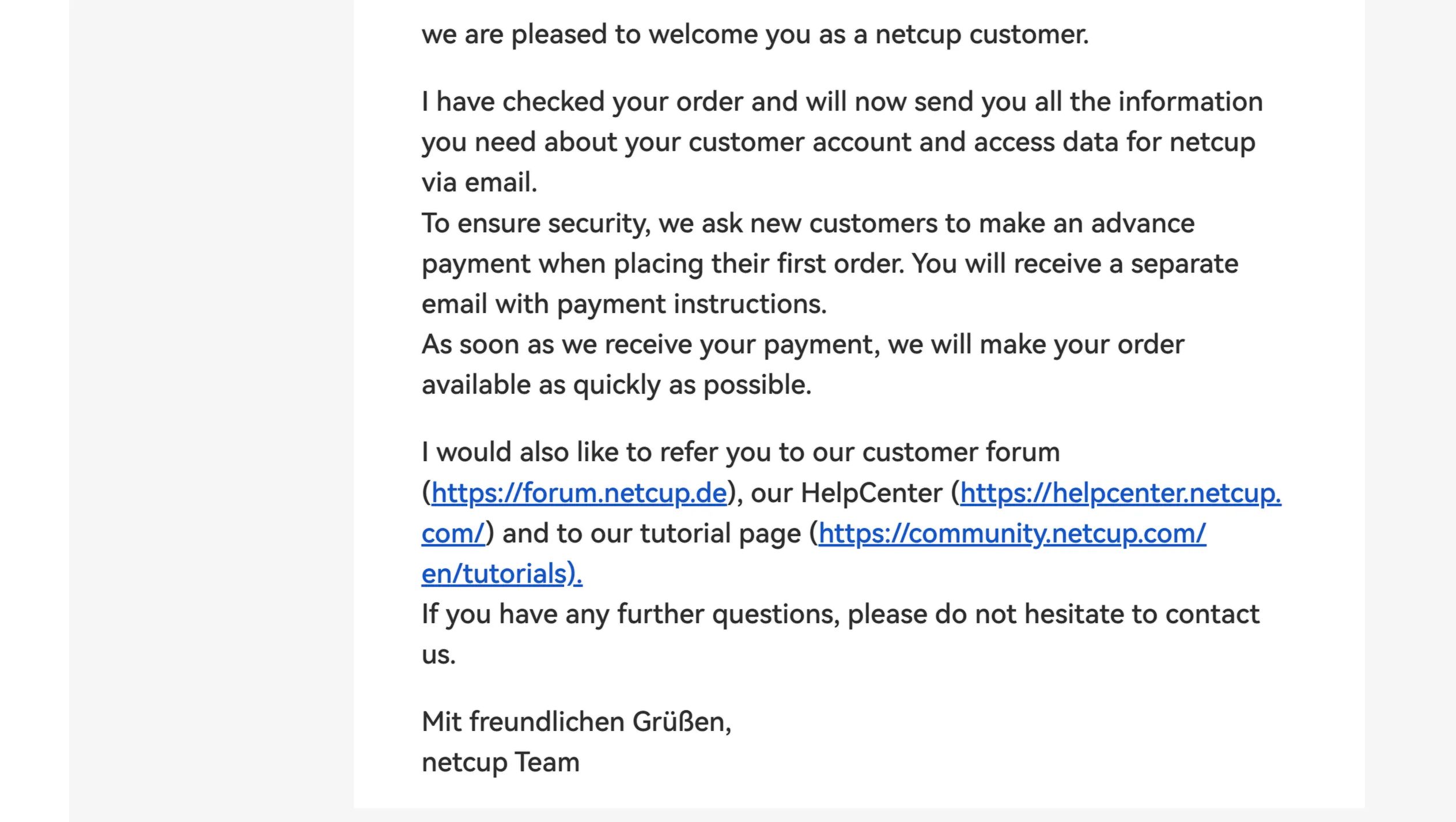
This email means your tax exemption has been completed. You now need to pay the invoice in full so they can manually confirm your order.
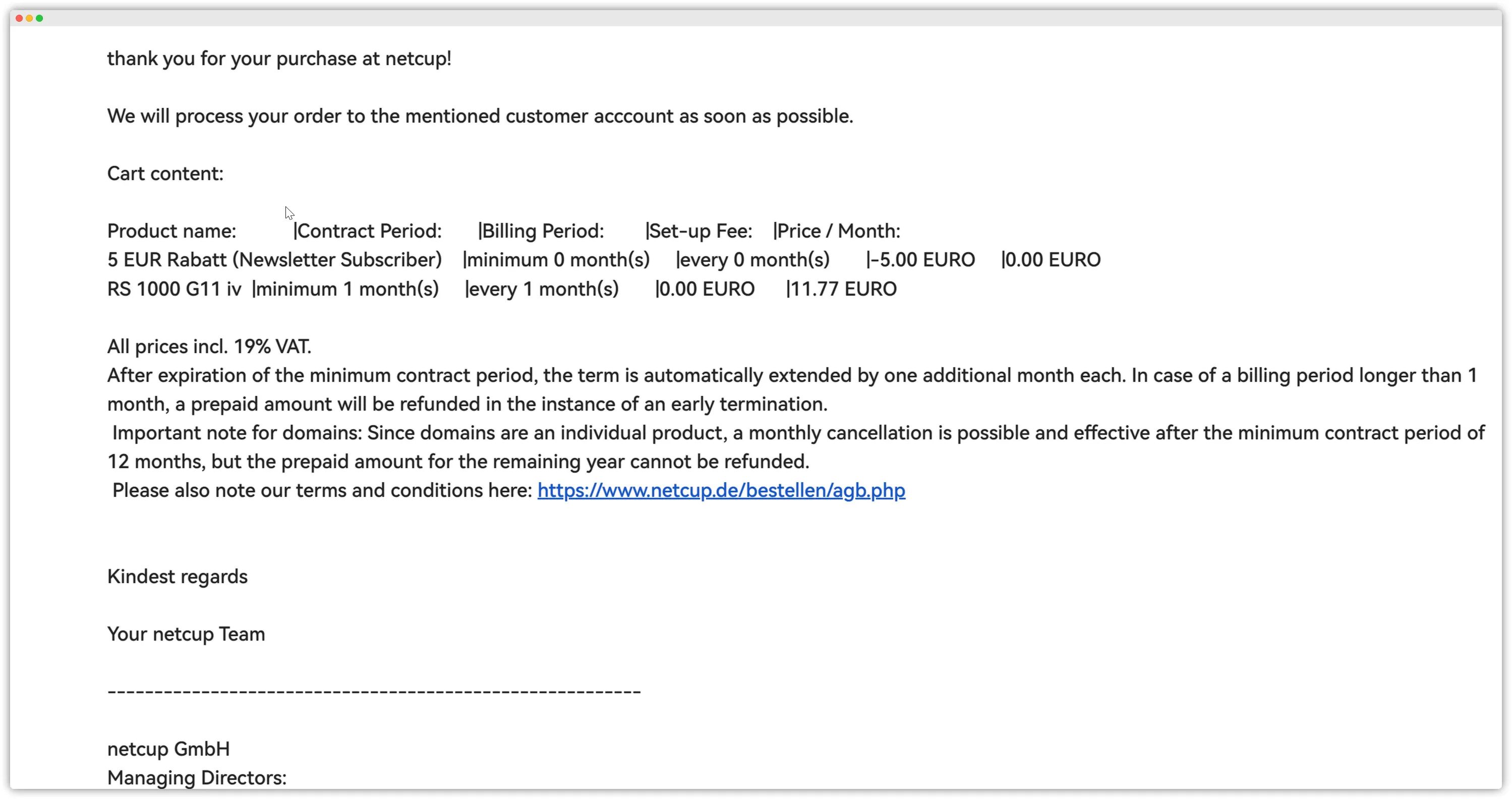
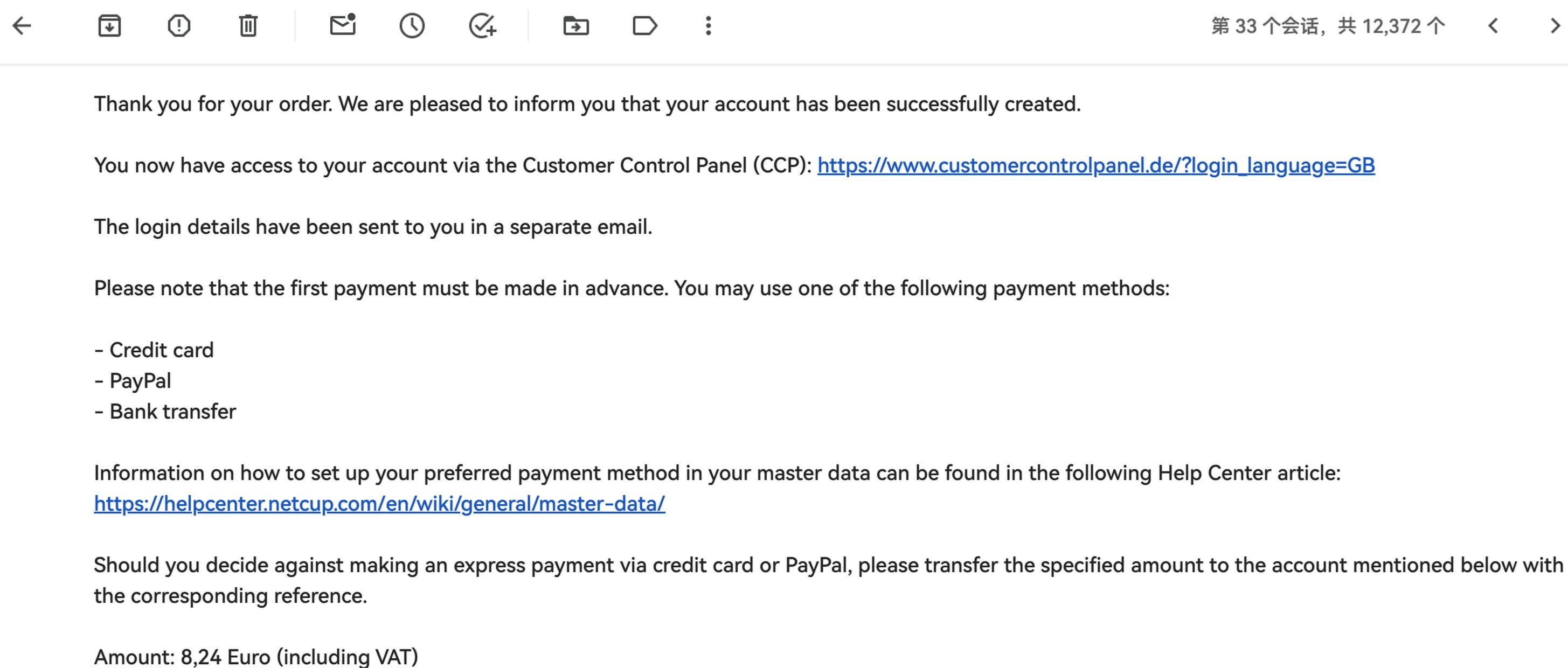
You can now log in and pay using the CCP credentials provided.
Paying Orders in CCP
Address: https://www.customercontrolpanel.de
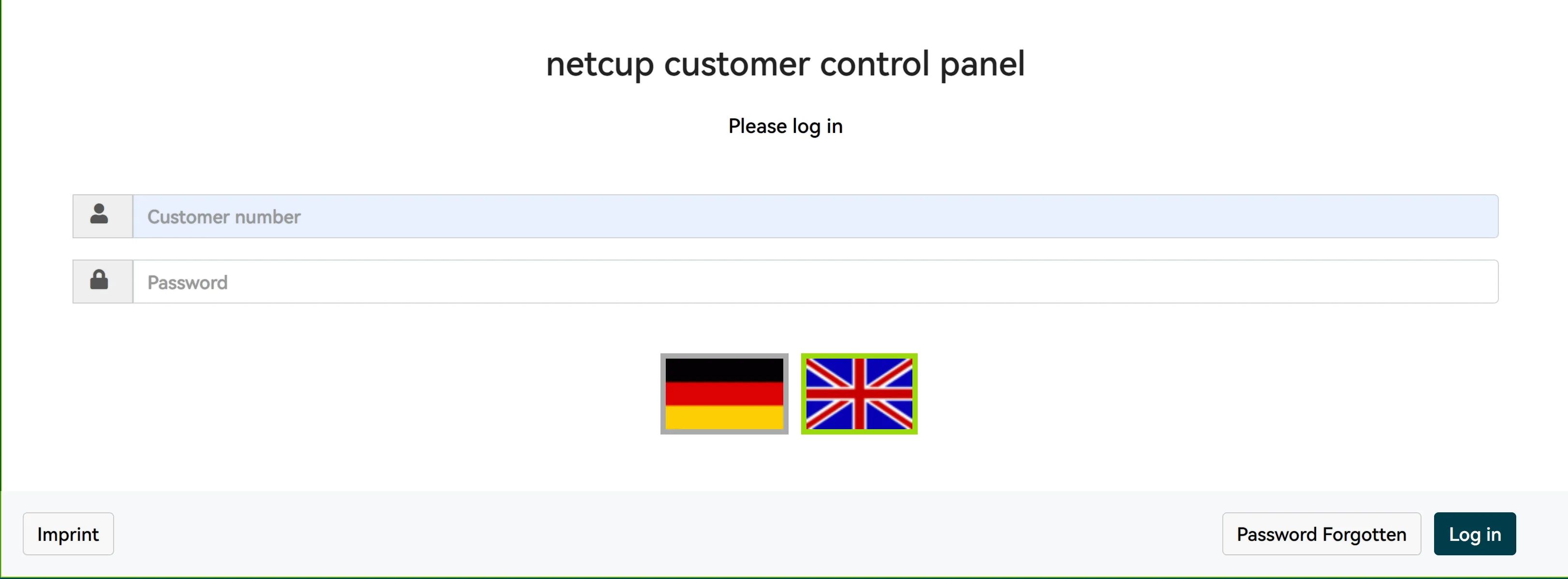
Usually, you’ll see your unpaid invoices in the top-right corner of the site. You need to complete payment for them.
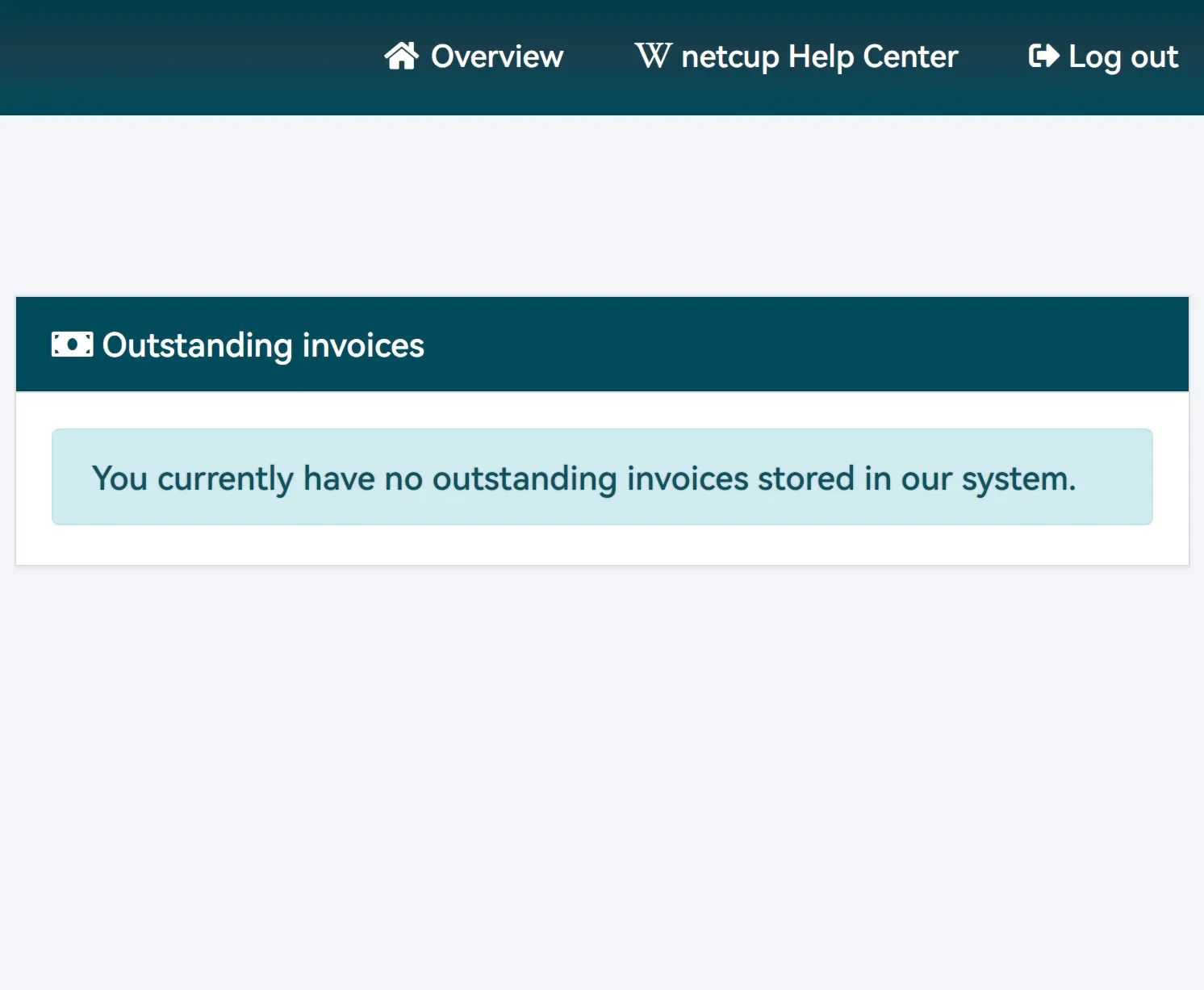
Once payment is complete and Netcup confirms it, you’ll receive an email titled Access data for SCP.
This contains your SCP account and password, which are used to manage the servers Netcup provides you.
Address: https://www.servercontrolpanel.de/SCP/

The second email contains your server information and is titled A Server has been created.
It will provide your IP address, root password, and other details.
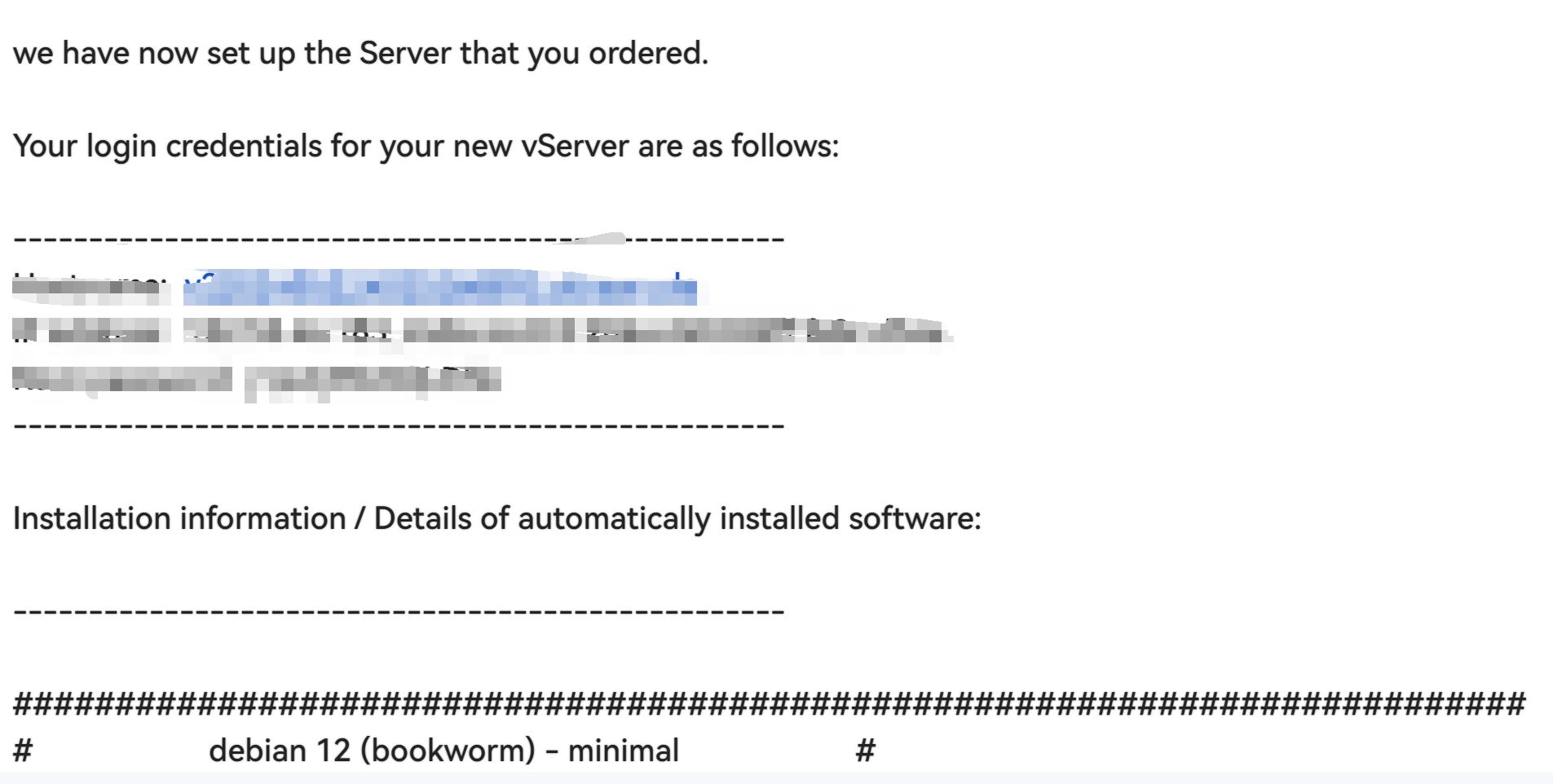
At this point, you’ve completed the whole process: tax-free setup, registration, and purchasing your Netcup server.
Cancelling a Netcup Server
First log in to CCP: https://www.customercontrolpanel.de
Click Products on the left.
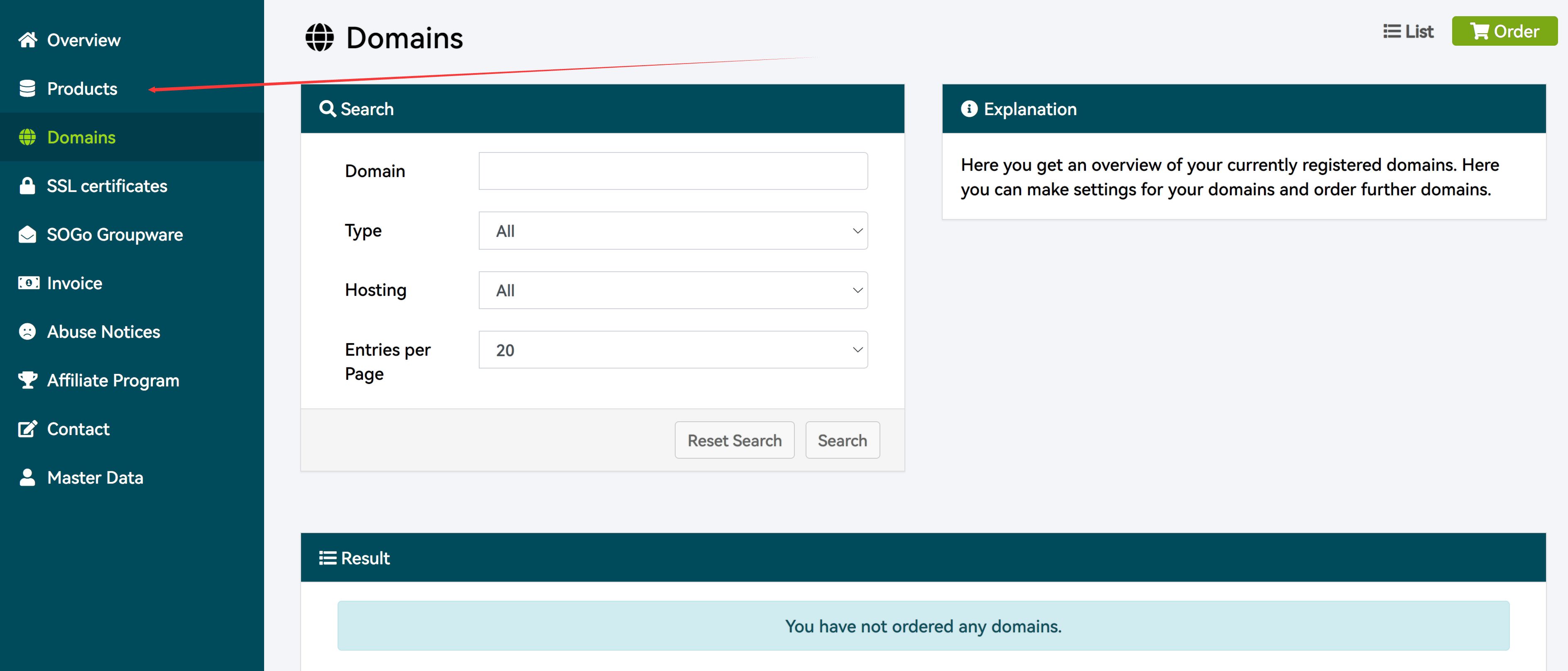
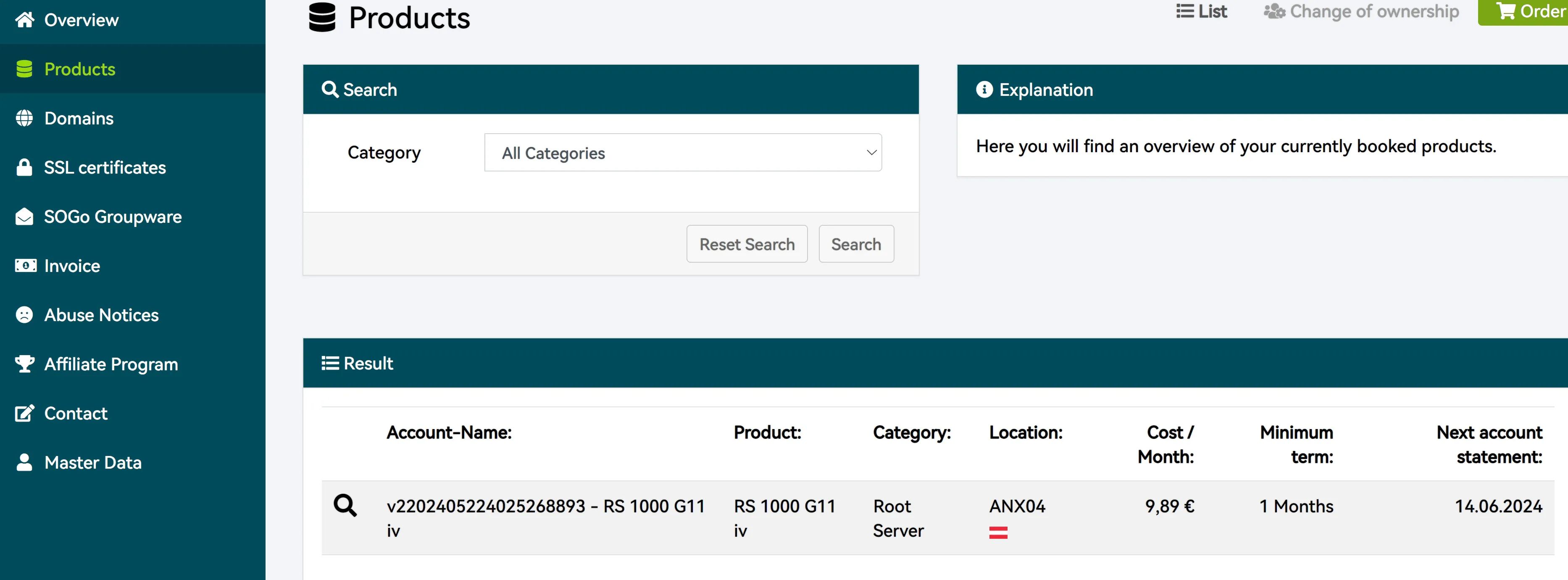
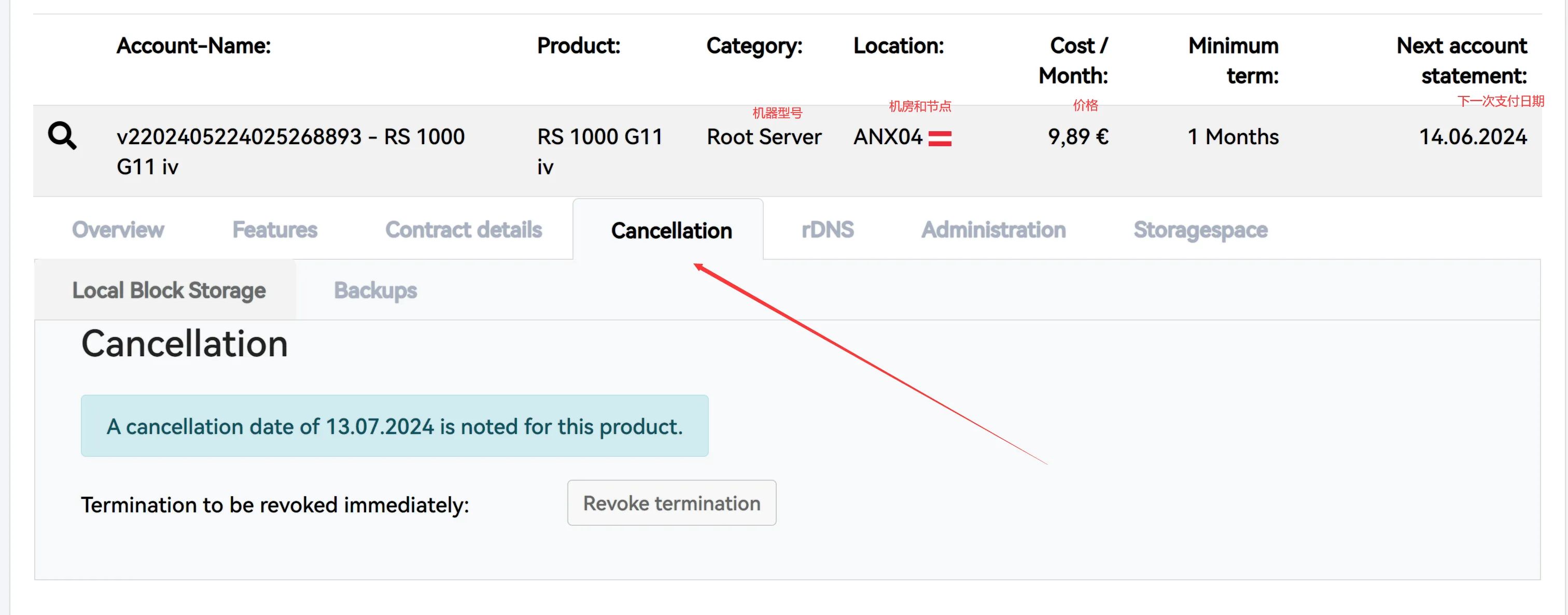
Click the magnifying glass in front of the server you want to cancel, then click Cancellation and select Cancel product.
Special note:
For active VPS instances, Netcup requires that cancellations be submitted at least 31 days before the next renewal date — i.e., at least one month in advance. If you bought a VPS with a monthly billing period and only want to use it for one month with no renewal, you must click “Cancel product” in the panel on the first day after payment. Otherwise, it will enter the next billing cycle and you will effectively need to pay for at least two months.
If you’re not sure when cancellation takes effect, it’s simple: the management interface under Cancellation shows the effective date if you terminate now. The date displayed is the last day your VPS will be available after your current cancellation request.
Netcup Pricing Notes
Using RS1000 as an example:
The monthly price is €11.76; after tax exemption it is €9.88/month, billed every month. If you no longer want it, you must cancel in the control panel at least 31 days in advance.
Since new accounts generally use a €5 coupon, the first month’s bill after tax exemption is €5.67, and then €9.88/month afterwards. The shortest usage time is to cancel as soon as the server becomes available after your first payment. Because you must cancel 31 days in advance, sometimes it will end within the first month, and sometimes in the second month. If it ends in the second month, your two‑month cost is €5.67 + €9.88.
The yearly contract price is €9.81/month; after tax exemption it is €8.24/month, billed every 6 months, with a minimum term of one year. Normally, a 6‑month bill is 8.24 × 6 = €49.44.
If the account uses a 3‑month free coupon, then the first half‑year price is 8.24 × 3 = €24.72, and the second half‑year is €49.44.
Many of the so‑called “promo plans” are mostly disk‑doubled versions, such as RS1000 G9.5 SE. These are annual contracts billed every 6 months, and after tax exemption the 6‑month bill is 8.24 × 6 = €49.44, billed every half‑year, with at least one year of usage. There are no extra discounts and you cannot use coupons. Compared to the regular RS1000, they are effectively three months more expensive. Under the 120 TB high‑speed traffic cap, the normal yearly plan actually offers better value if you only care about PT scenarios.
How to Check Your Netcup Contract Term
Go to the server’s order details page.
Contract period indicates the contract term and means you must pay for the full 12 months.
Billing period indicates the billing cycle — how often you are charged.
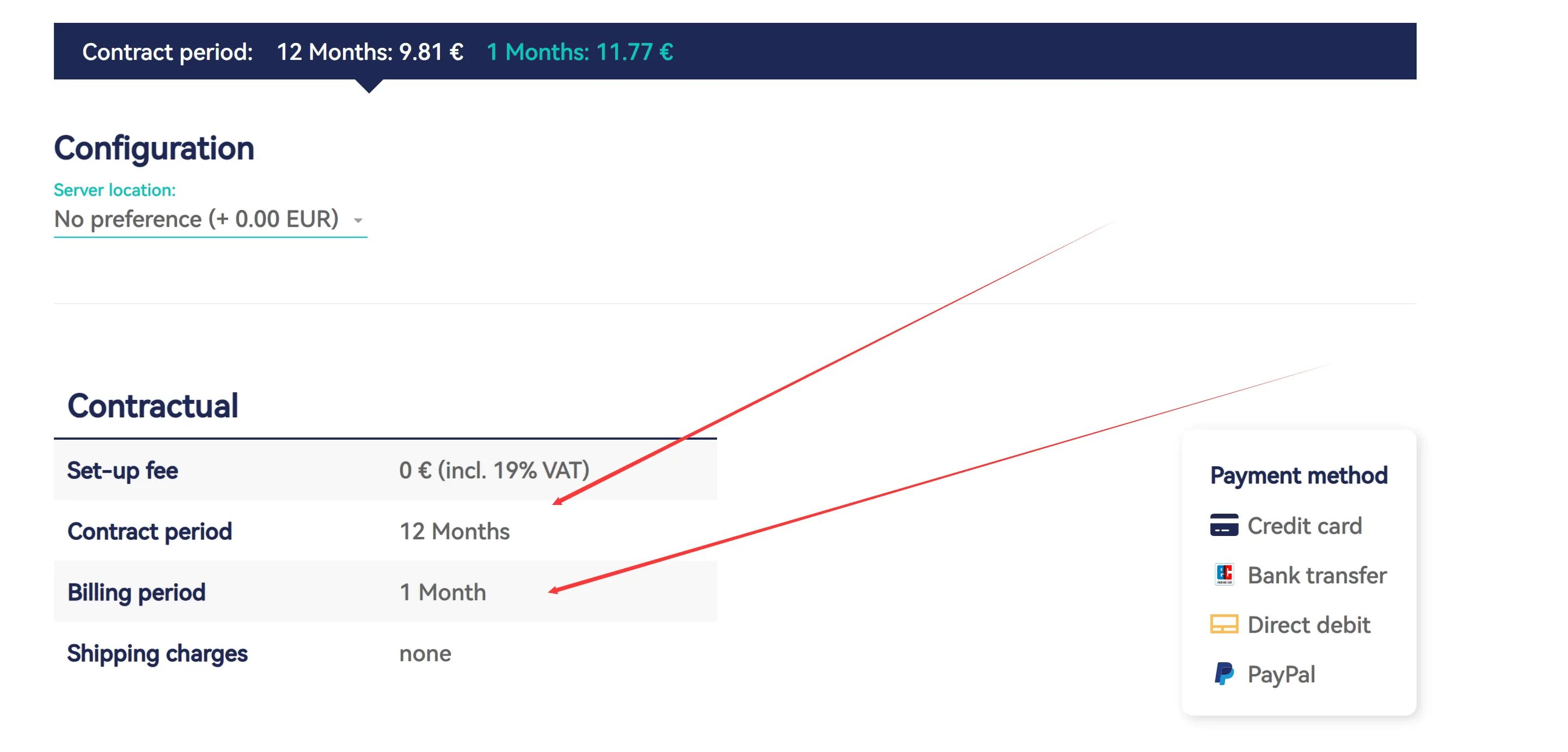
RS1000
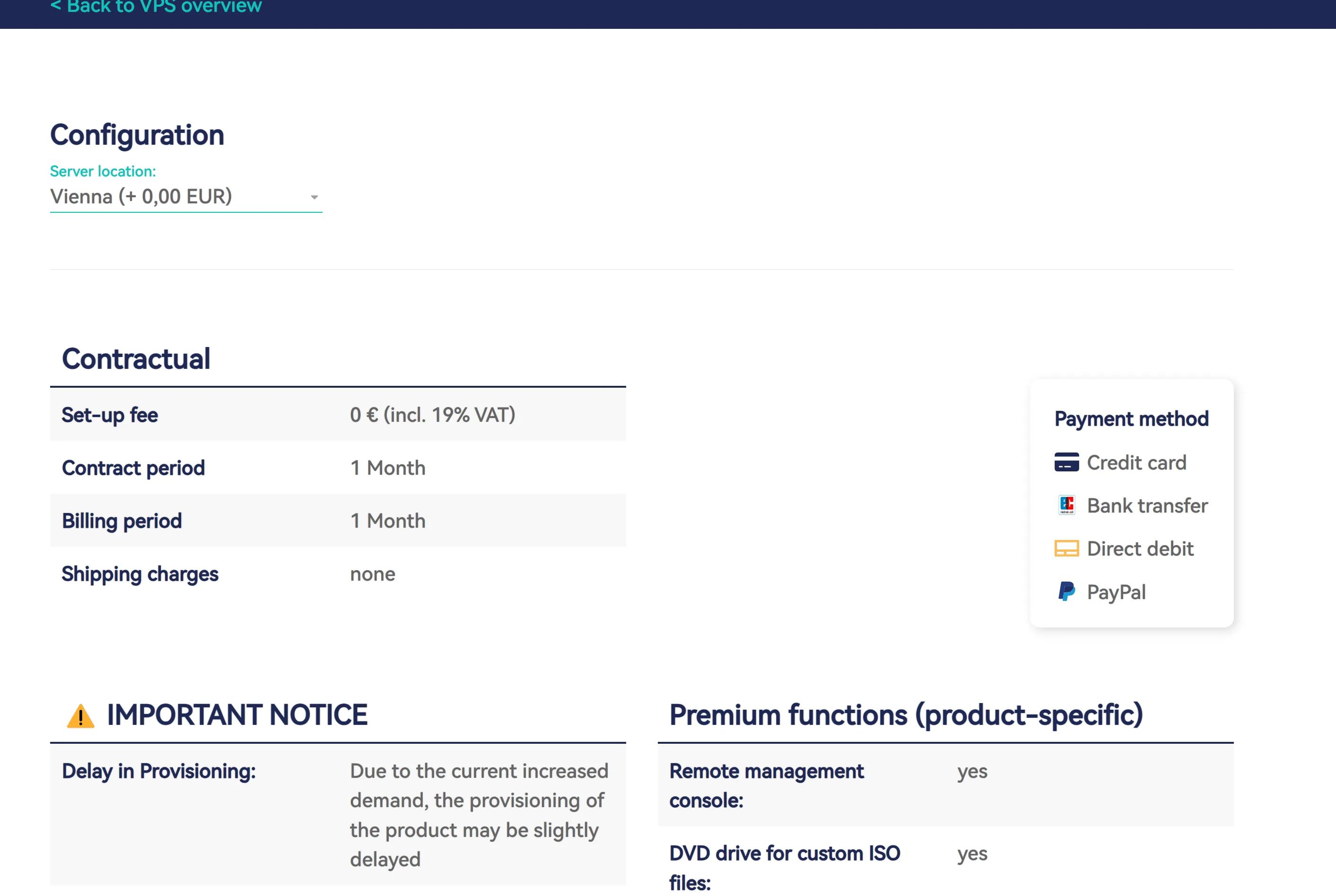
ARM G11
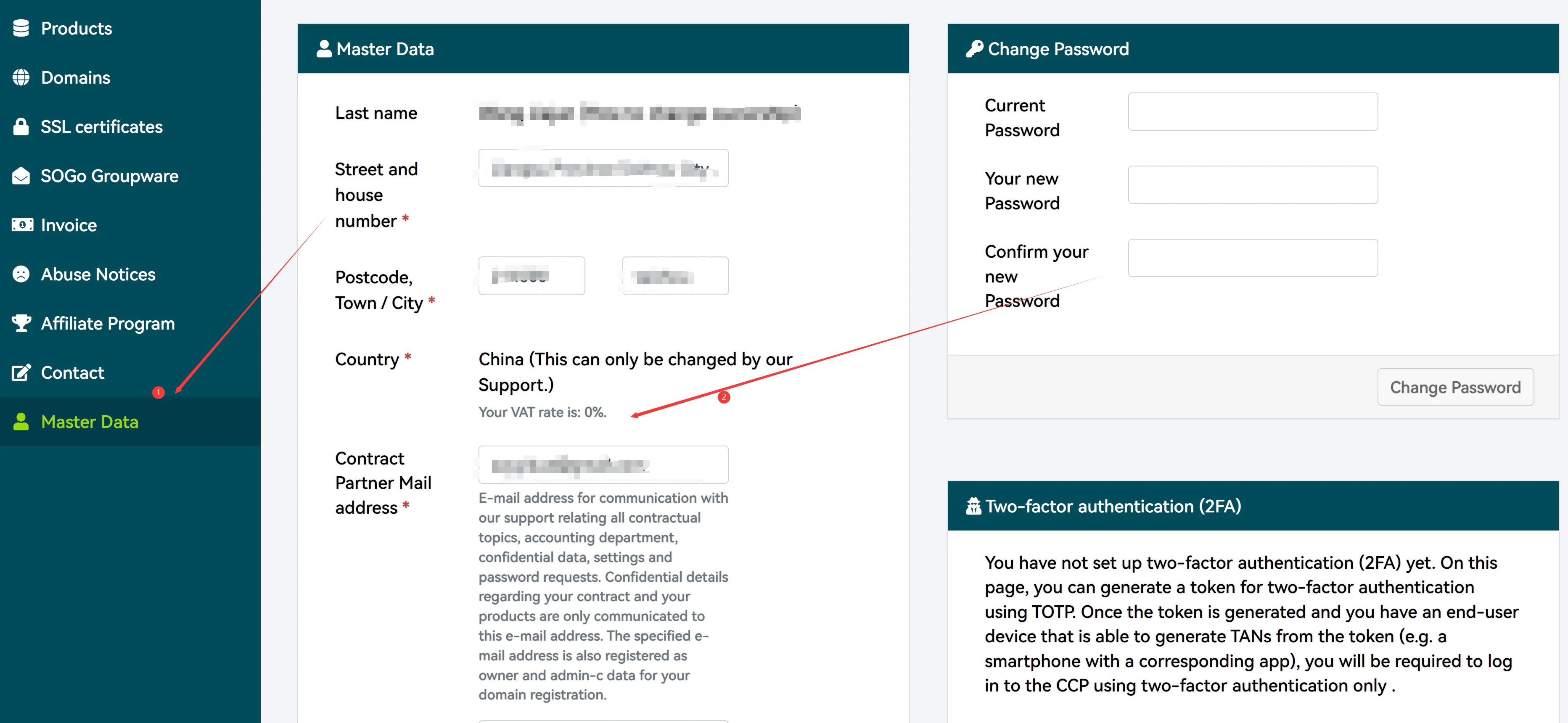
How to Confirm Your Account Is Tax-Exempt
Log in to CCP: https://www.customercontrolpanel.de
Click Master Data on the left.
How to PUSH a Server
This is in the same place as where you cancel a server. A transfer code will be generated there, so we won’t elaborate.
Note: If your account has outstanding unpaid invoices, you cannot receive servers pushed from other people. Therefore, for orders created during new account registration, you need to either pay them or email support to cancel them (they will usually reply that the order will automatically disappear after 15 days). In practice, either pay the unpaid order or wait 15 days for it to be automatically cancelled.
Bandwidth and Traffic Rules
For regular VPS plans, traffic is 80 TB with 1 Gbit/s bandwidth. After exceeding 80 TB, bandwidth will be limited to 100 Mbit/s, but traffic is then unlimited, with no extra fees.
For Root-Server plans, traffic is unlimited. Root Servers have 2.5 Gbit/s bandwidth, and each VPS is guaranteed at least 1 Gbit/s usable bandwidth. To ensure fairness for other customers, bandwidth will be limited to 200 Mbit/s if both of the following conditions are met at the same time:
- Traffic exceeds 120 TB within a month.
- For more than 60 consecutive minutes, your bandwidth usage exceeds 1 Gbit/s.
The first condition is straightforward. The second may feel a bit confusing, so here’s a simpler explanation: if your VPS transfers more than 128 MB/s × 3600 s = 460,800 MB ≈ 460 GB within one hour, it triggers the condition. In other words, as long as your hourly traffic does not exceed 460 GB, you can keep running at 2.5 Gbit/s.
For the new Root Server G11 plans, the latest traffic rule is: if traffic over the past 24 hours exceeds 3 TB, bandwidth will be temporarily limited to 300 Mbit/s. Once the condition no longer applies, the limit will be removed.
Netcup Promotion Periods
- Black Friday (late November)
- Christmas / New Year (late December to early January)
- Spring Sale (March–April)
- Anniversary Sale (May–June)
- Summer Sale (July–August)
Netcup Coupons
€5 Coupons
36nc1745421360036nc1745421360136nc1745421360236nc1745421360336nc1745421360436nc1745421360536nc1745421360636nc1745421360736nc1745421360836nc17454213609VPS 1000 G11
4095nc174542143304095nc174542143314095nc174542143324095nc174542143334095nc174542143344095nc174542143354095nc174542143364095nc174542143374095nc174542143384095nc17454214339RS 1000 Coupons
4096nc174542108004096nc174542108014096nc174542108024096nc174542108034096nc174542108044096nc174542108054096nc174542108064096nc174542108074096nc174542108084096nc17454210809RS 2000 Coupons
4098nc174542147304098nc174542147314098nc174542147324098nc174542147334098nc174542147344098nc174542147354098nc174542147364098nc174542147374098nc174542147384098nc17454214739