
Deploying the New FileBrowser Quantum with Docker
Preface
In June, the original filebrowser project announced a feature freeze and moved into maintenance‑only mode, no longer accepting new feature requests or PRs. The core developer then started a new branch. Quantum is a fork with a strong opinionated direction and design philosophy. To better control the overall experience, the developer made “significant and opinionated” changes (such as removing the terminal, executors, CLI flags, etc.). The project is now in Beta, and a stable release is planned for the second half of 2025.
What’s Different from the Original filebrowser?
Compared with the original project, FileBrowser Quantum differs significantly in features, performance, and user experience:
1. Feature‑Rich Advanced Set
- Multiple sources
- Multiple authentication methods: OIDC login, password + 2FA, proxy auth, etc.
- Responsive and customizable UI
- Simplified
config.yamlconfiguration file GitHub.
2. Efficient Indexing & Real‑Time Updates
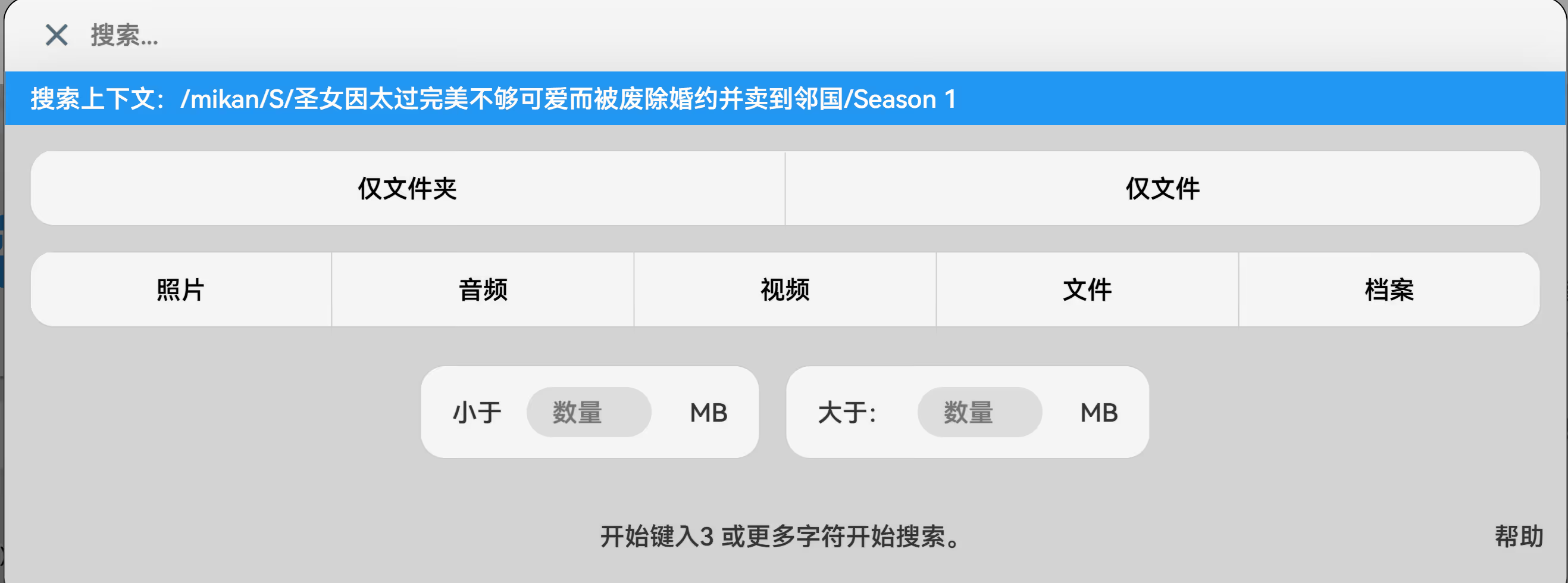
- Real‑time search suggestions
- UI updates in real time as changes occur
- File/folder size display and filtering support GitHub.
3. Optimized File Browsing Experience
- Richer previews for more file types (office documents, videos, etc.)
- Switching views or sort order without reloading data
- Folder size display and scroll‑position memory GitHub.
4. Flexible Sharing & Access Control
- Configure share link expiration, allowed visitors (including anonymous), and theme
- Granular view/edit/upload permissions for shared content
- Directory‑level user/group access control GitHub.
5. Developer API Support
- Long‑lived API tokens
- Built‑in Swagger API page for easy exploration
Comparison
| Aspect | Original filebrowser | FileBrowser Quantum (Quantum) |
|---|---|---|
| Maintenance & Activity | Slow or unresponsive | Fast‑moving and actively evolving |
| Feature Customizability | Basic feature set | Rich feature set, highly customizable (UI, access, sharing, API) |
| Search & UI Experience | Basic browsing interface | Real‑time search, smart filters, scroll memory, and other modern UX features |
| Architecture & Dev Velocity | Legacy architecture, slower | Rewritten architecture, local builds ~10× faster |
| Removed Features | Jobs and shell support kept | No jobs, shell/CLI support removed |
| Developer Vision | Community‑driven, conservative evolution | Personal vision‑driven, highly extensible, ambitious goals |
Preview
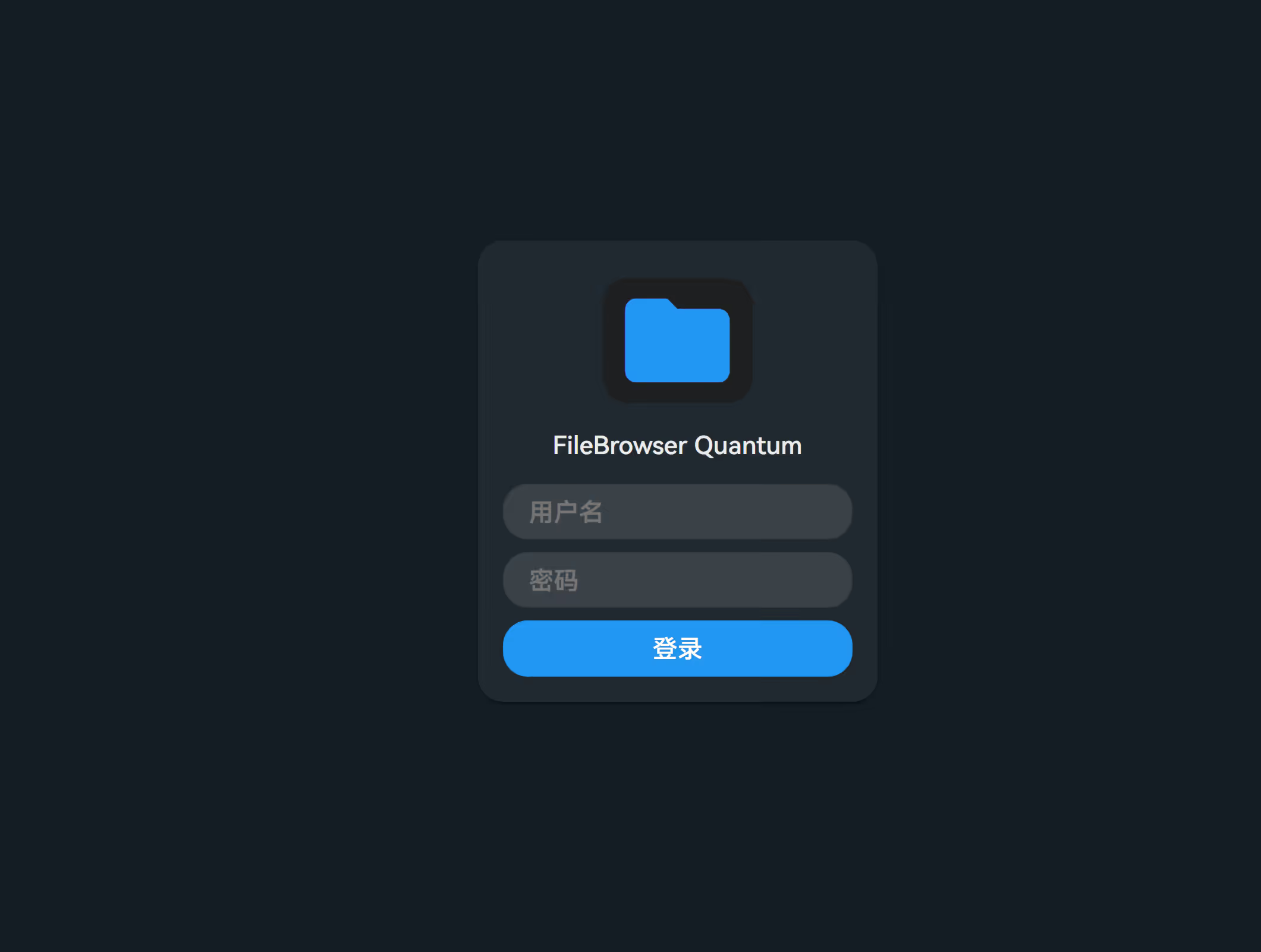
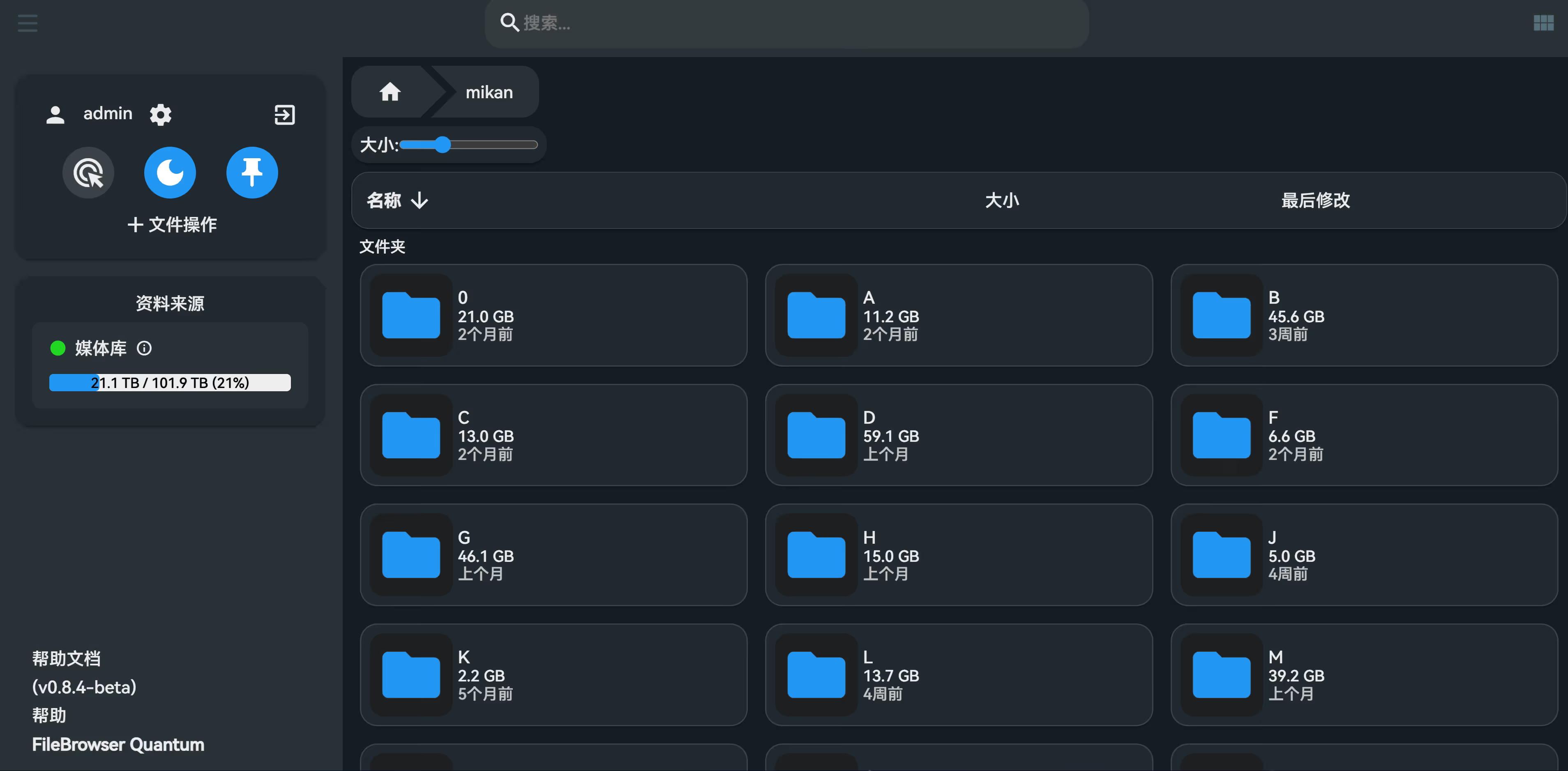
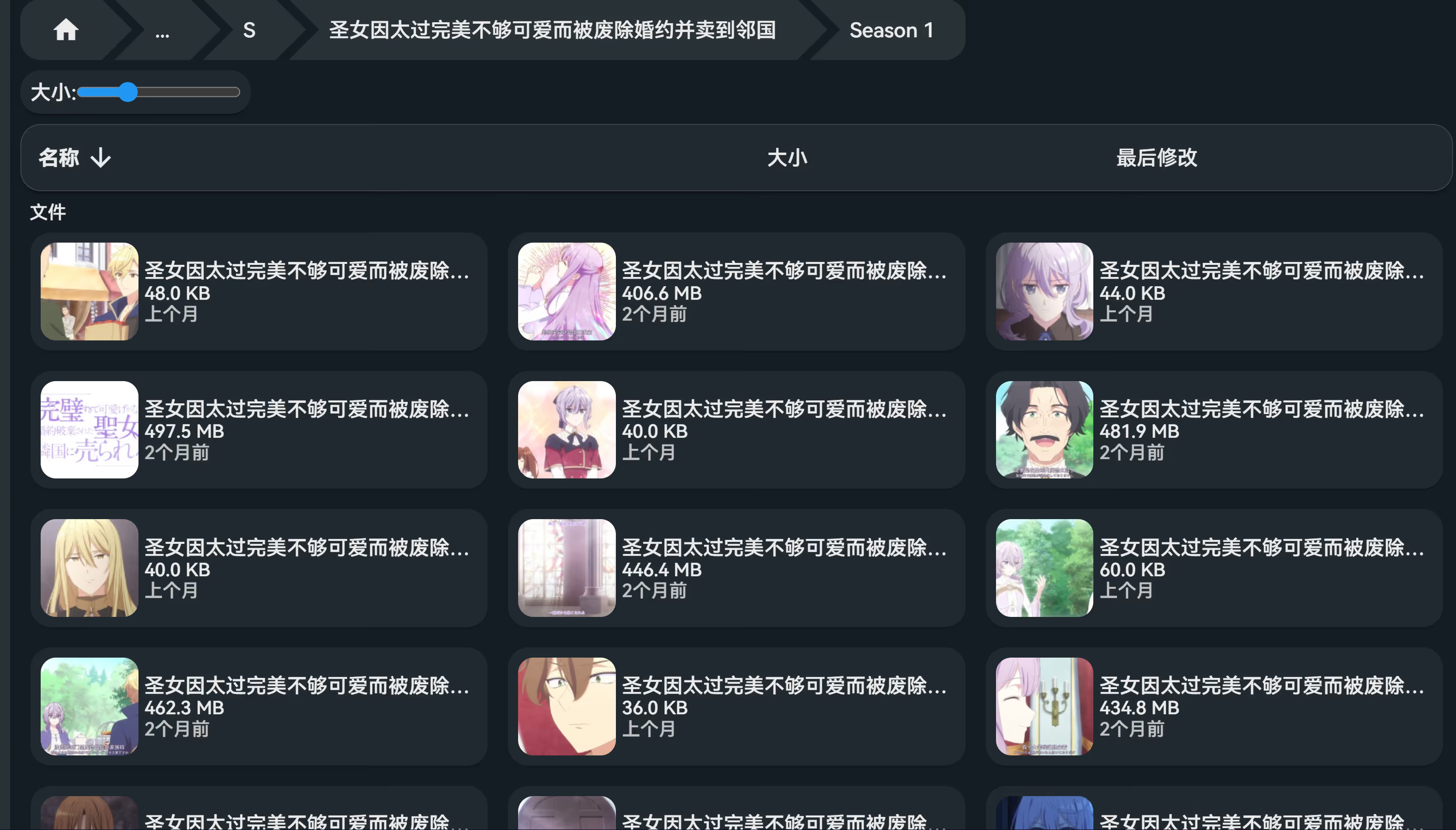
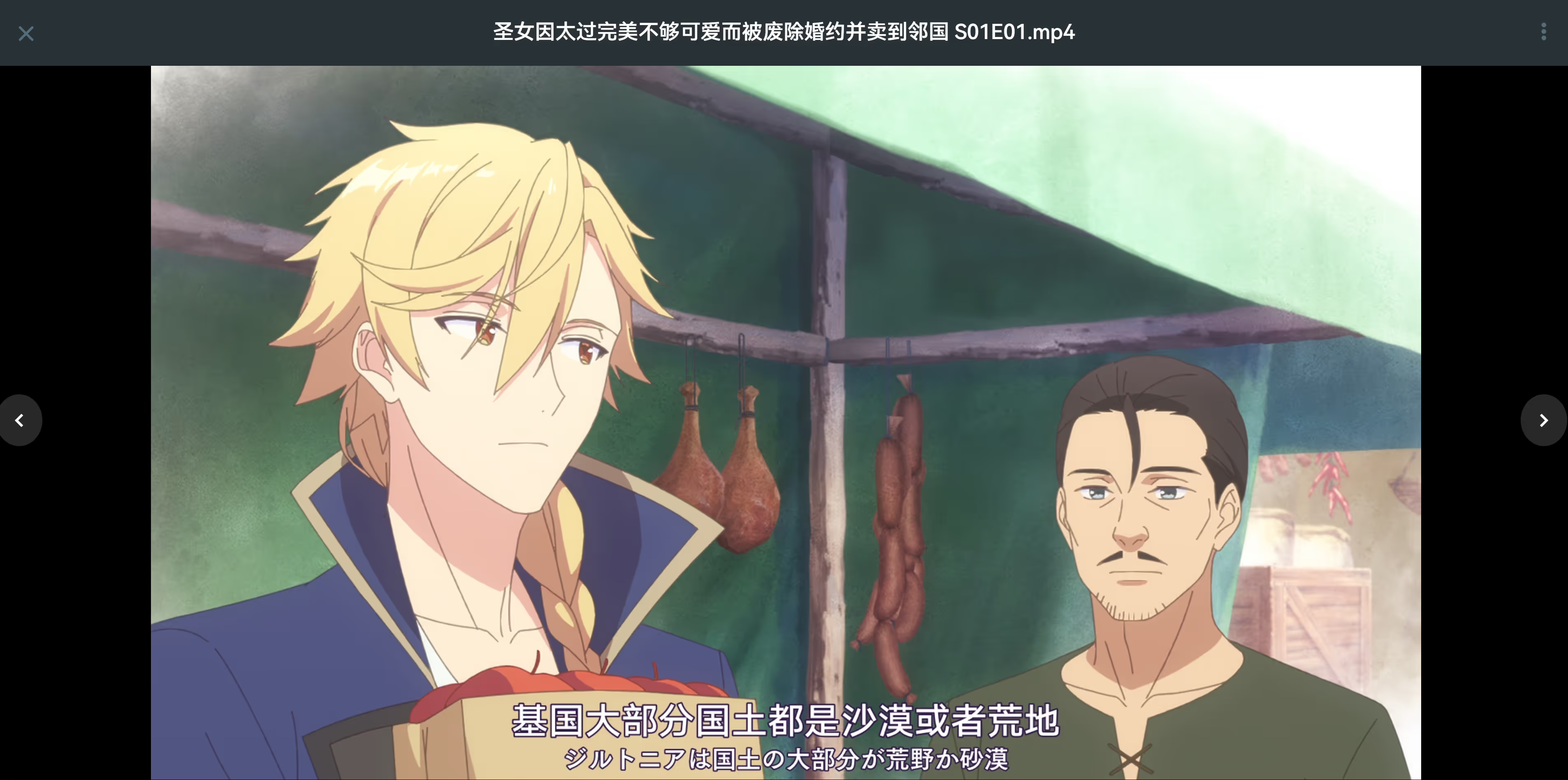
Setup
First, create a data directory and add a config file at data/config.yaml. You can use this sample config.yaml as a reference.
version: '3.8'
services: filebrowser: image: gtstef/filebrowser container_name: filebrowser environment: FILEBROWSER_CONFIG: "data/config.yaml" FILEBROWSER_ADMIN_PASSWORD: "passwd" TZ: "Asia/Shanghai" volumes: - /hdd/media:/folder # ← 本地真实目录映射 - ./data:/home/filebrowser/data # ← 配置文件和数据库存放处 ports: - "127.0.0.1:8185:80" restart: unless-stoppedYou can also tweak the configuration to your needs. Below is my example:
https://github.com/gtsteffaniak/filebrowser/wiki/Configuration-And-Examples
server: port: 80 baseURL: "/" database: "database.db" cacheDir: "tmp" disablePreviews: false disablePreviewResize: false disableTypeDetectionByHeader: false logging: - levels: "info|warning|error" output: "stdout" sources: - path: "/folder" # Docker 映射后的路径,对应本地 /hdd/media name: "媒体库" config: defaultEnabled: true defaultUserScope: "/" disableIndexing: false
auth: adminUsername: "admin" adminPassword: "admin" tokenExpirationHours: 2 methods: password: enabled: true minLength: 5 signup: false
frontend: name: "FileBrowser Quantum" disableUsedPercentage: false disableDefaultLinks: false disableNavButtons: false externalLinks: - text: "帮助文档" title: "帮助文档" url: "https://github.com/gtsteffaniak/filebrowser/wiki"
userDefaults: darkMode: true locale: "zh" viewMode: "normal" singleClick: false showHidden: false themeColor: "var(--blue)" quickDownload: false dateFormat: false gallerySize: 3 stickySidebar: true disableQuickToggles: false disableSearchOptions: false hideSidebarFileActions: false permissions: admin: false modify: false share: false api: false realtime: false preview: image: true video: true popup: true office: false highQuality: false autoplayMedia: false disableHideSidebar: false loginMethod: "password" disableUpdateNotifications: false deleteWithoutConfirming: false fileLoading: maxConcurrentUpload: 10 uploadChunkSizeMb: 10
integrations: media: ffmpegPath: "" # 如需支持视频转码可指定 /usr/bin(容器中 ffmpeg 安装路径)Finally:
docker compose up -dSummary
For now, Quantum appears to outperform the original in both performance and usability. The interface is more intuitive and user‑friendly, with practical additions like real‑time search, multiple file sources, and Office document preview. Looking forward to the stable release.