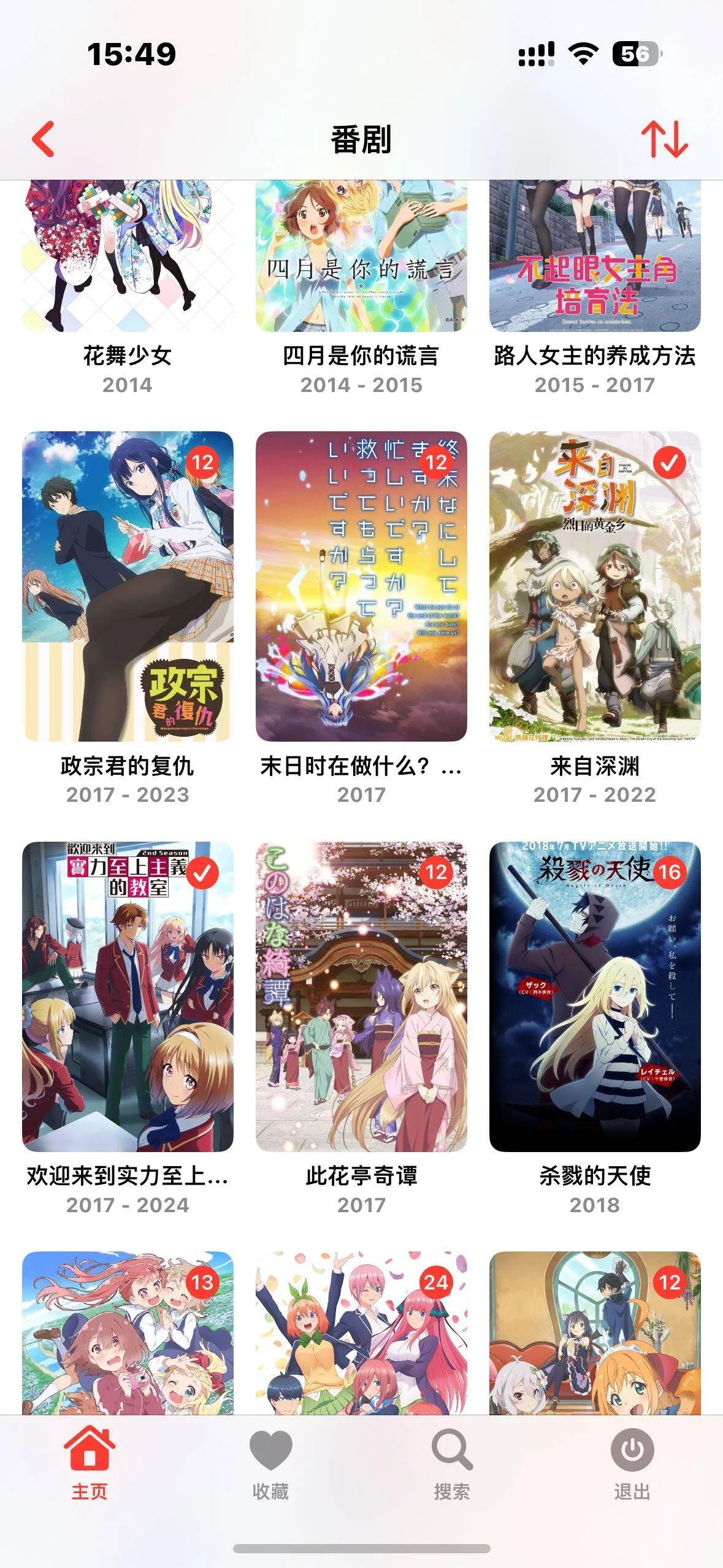
Recommended Emby Clients
Android
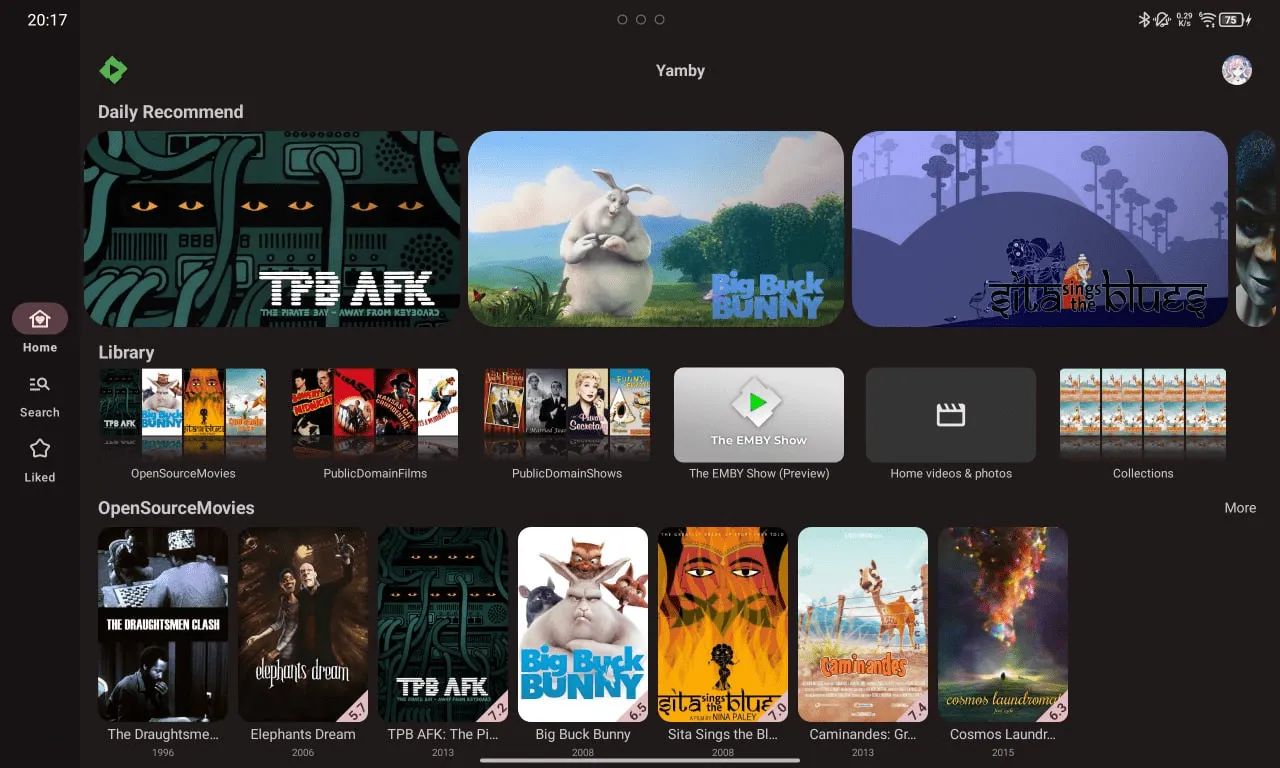
Y****amby
A newly released third-party Emby client for Android, Yamby has a generally sleek UI. Images don’t load line by line like the official Emby app, and version selection, subtitle selection, and audio track selection are all well implemented. It can also hook into the 弹弹Play danmaku API, which usually provides plenty of danmaku for anime content. All the essential core features are available for free, and the home screen has no Pro ads or purchase entry points, keeping things very clean. It’s already available on Google Play.
Go to the official Yamby Telegram channel
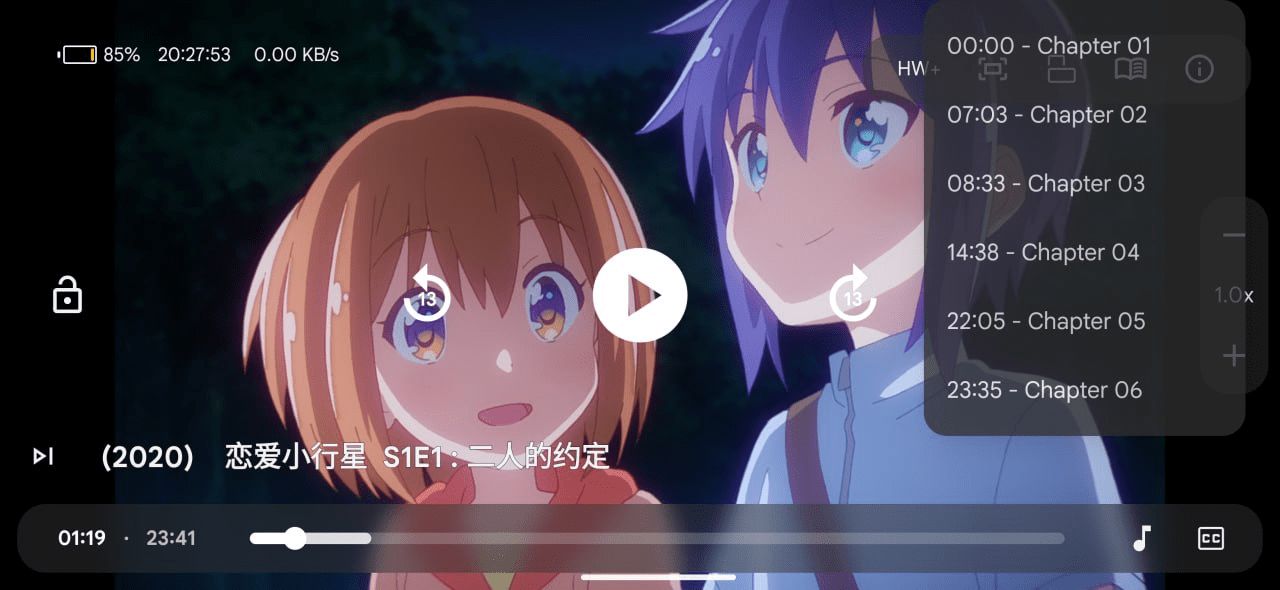
Hills (supports Windows and Android)
● Dual playback engines: mpv and ExoPlayer, freely switchable for perfect adaptation to different devices
● Hardware decoding for Dolby Vision, HDR10+, and 4K, easily handling high‑definition content for stunning visuals
● Supports advanced subtitles and dual subtitles; customize font, color, size, position, and more for a personalized viewing experience
● Supports aggregated search, aggregated playback sources, and aggregated libraries, giving you a one‑stop way to access rich content and watch more efficiently
● Other powerful features include danmaku, Anime4K upscaling, custom mpv configuration, skipping intros, and more
Download links:
(Store version) microsoft store
(Compressed package via Telegram group) telegram group

PC
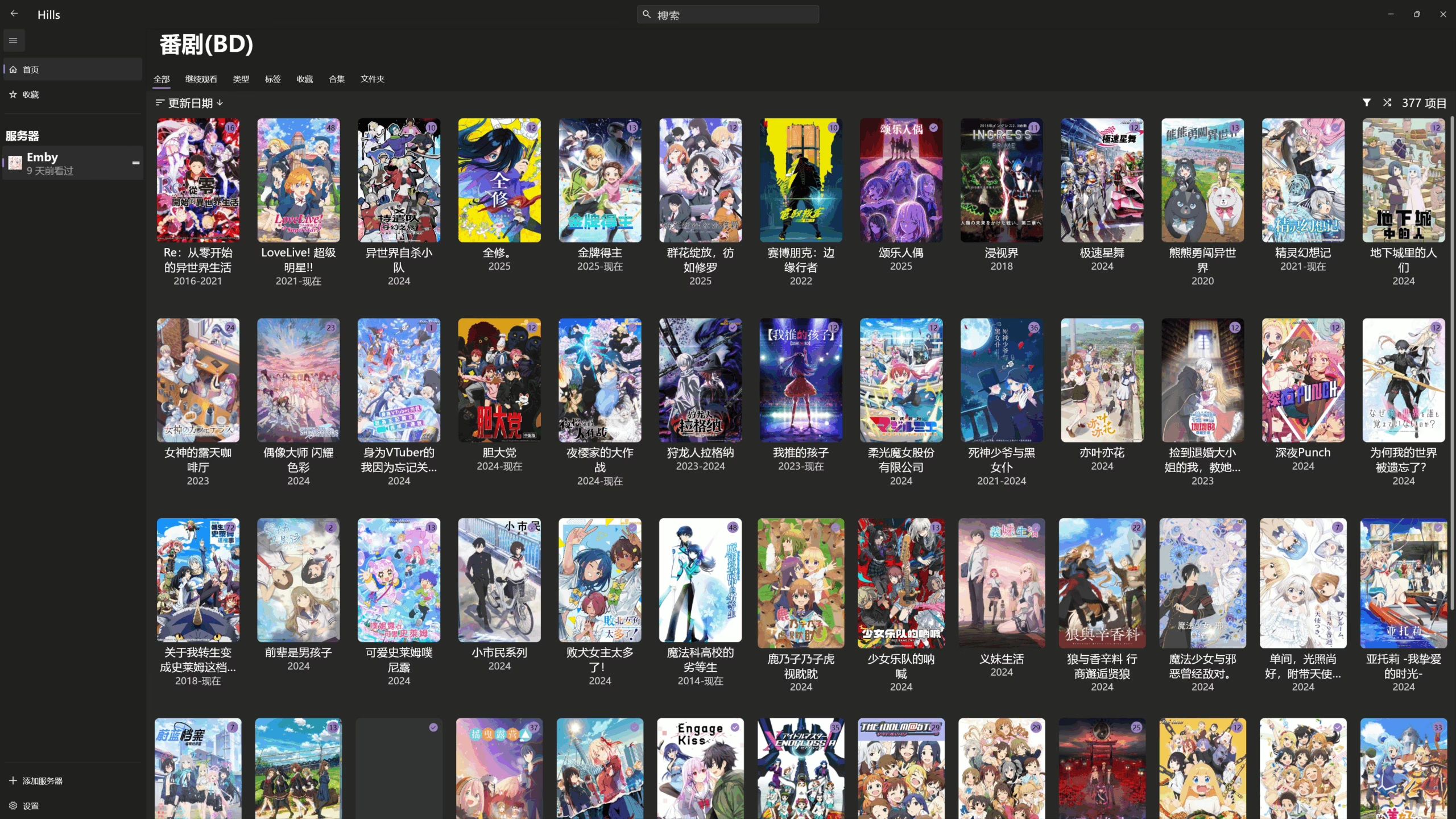
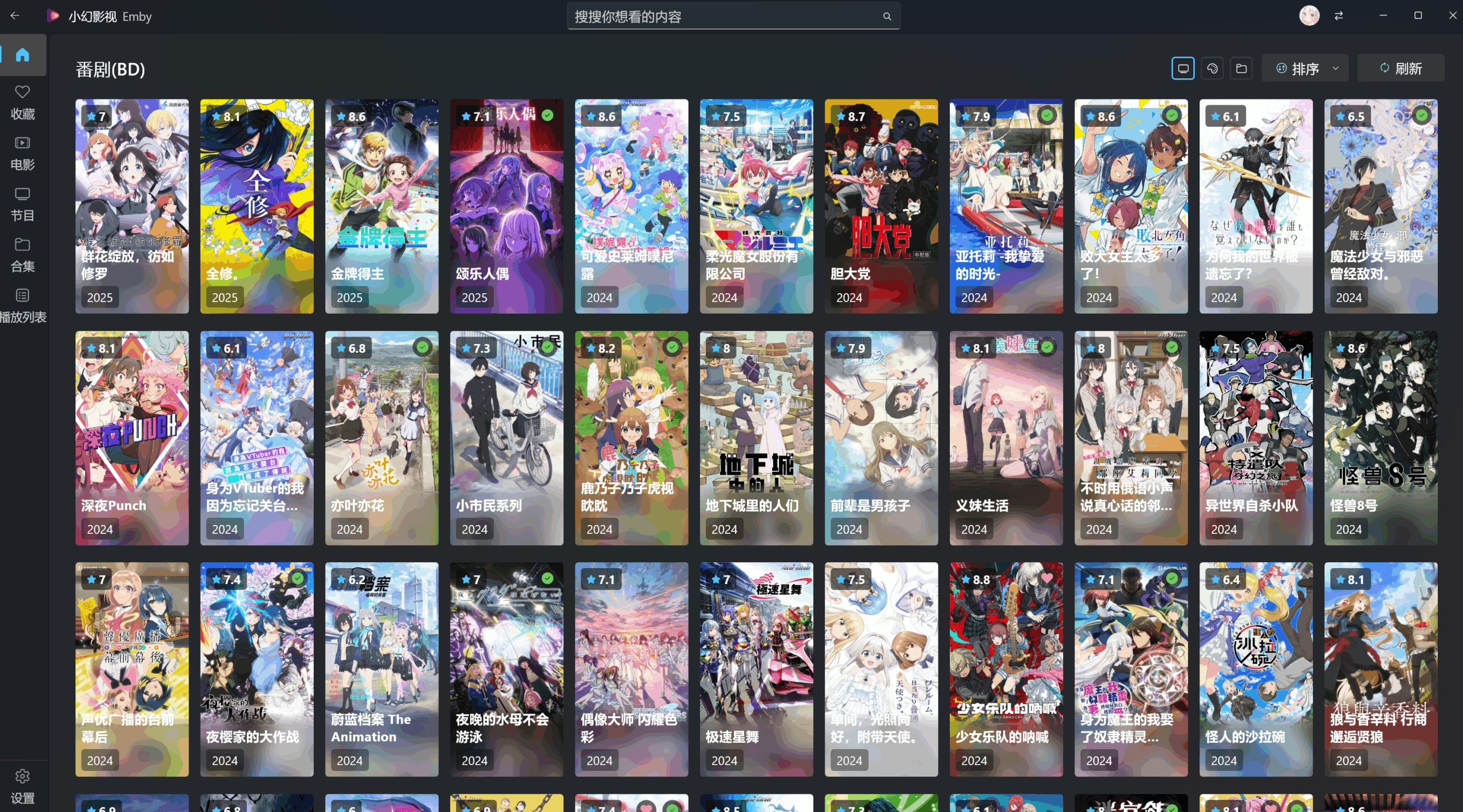
Xiao Huan Video (小幻影视)
A project by a Microsoft engineer, and in actual use it’s been excellent so far. If you’re watching on Windows, this is my top recommendation.
Give your Emby/Jellyfin a front end with Fluent Design styling, or quickly access local folders / SMB / WebDAV (no metadata scraping yet, though). In any case, it’s a fresh new app, and anyone interested should definitely give it a try.
Link: apps.microsoft.com/detail/9NB0H051M4V4

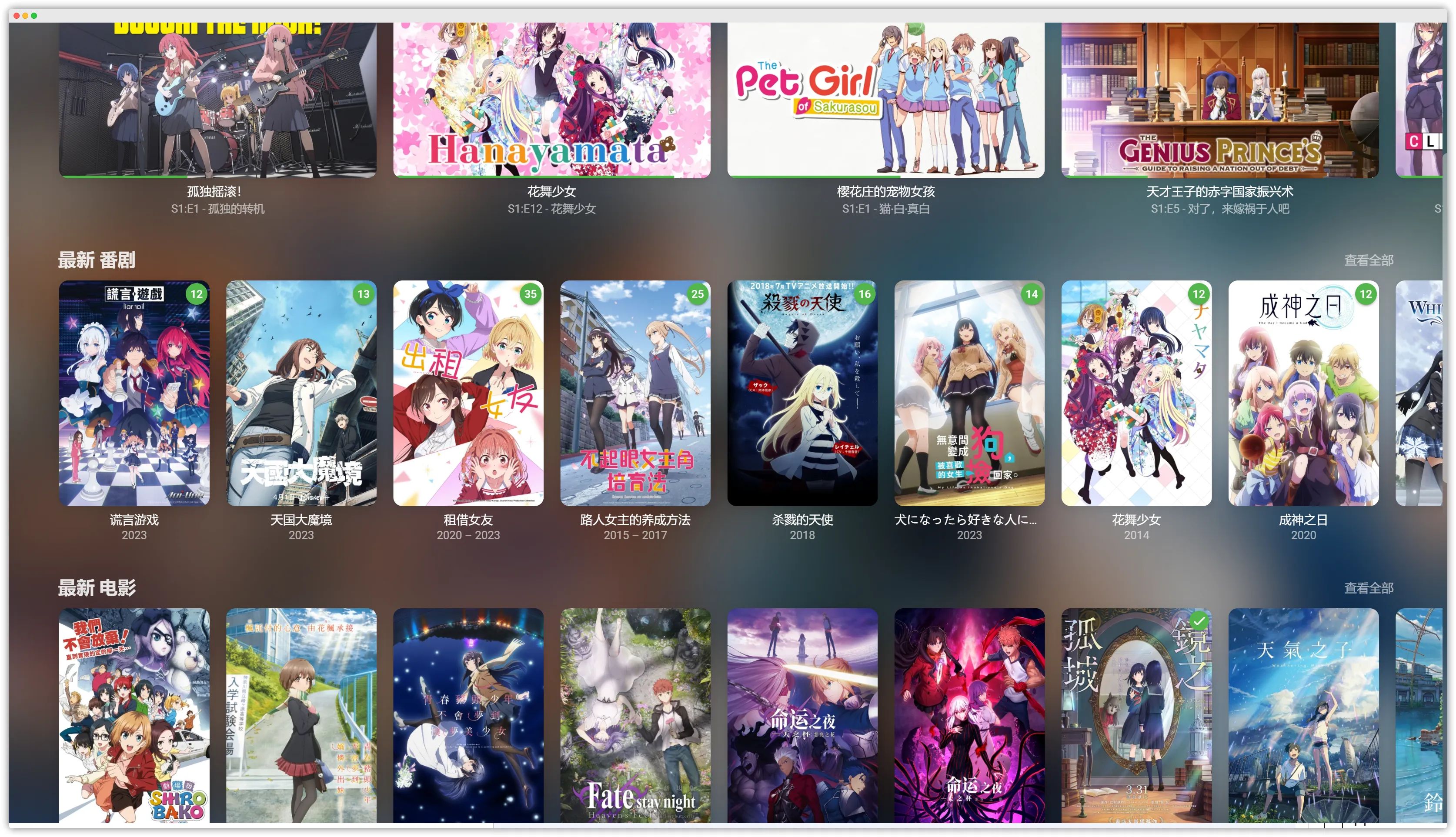
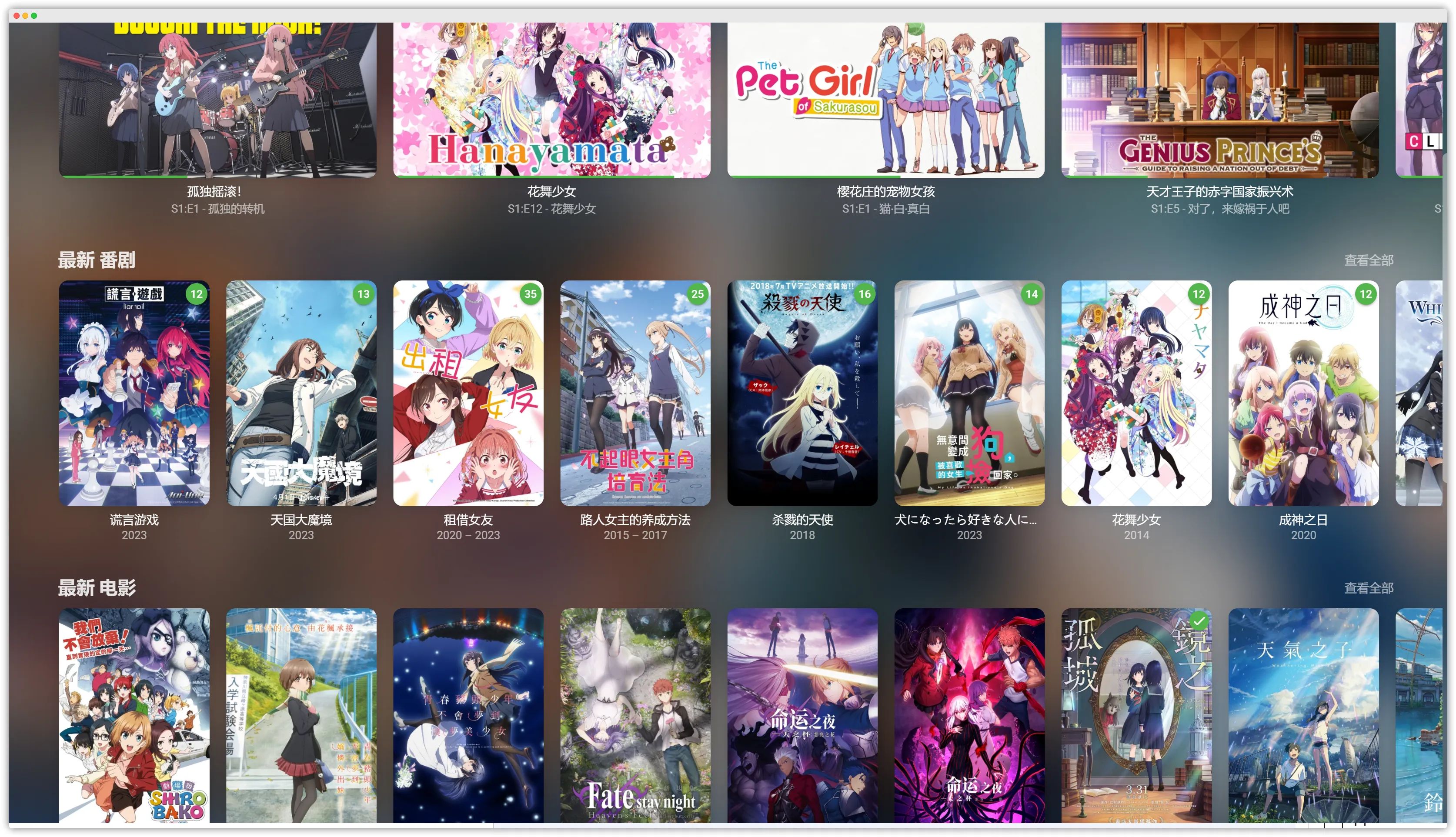
Xiao Mi Emby (小秘Emby)
Supports enabling the Anime4K filter and danmaku plugin, and is also compatible with the Emby.CustomCssJS plugin at the same time.
tsukimi
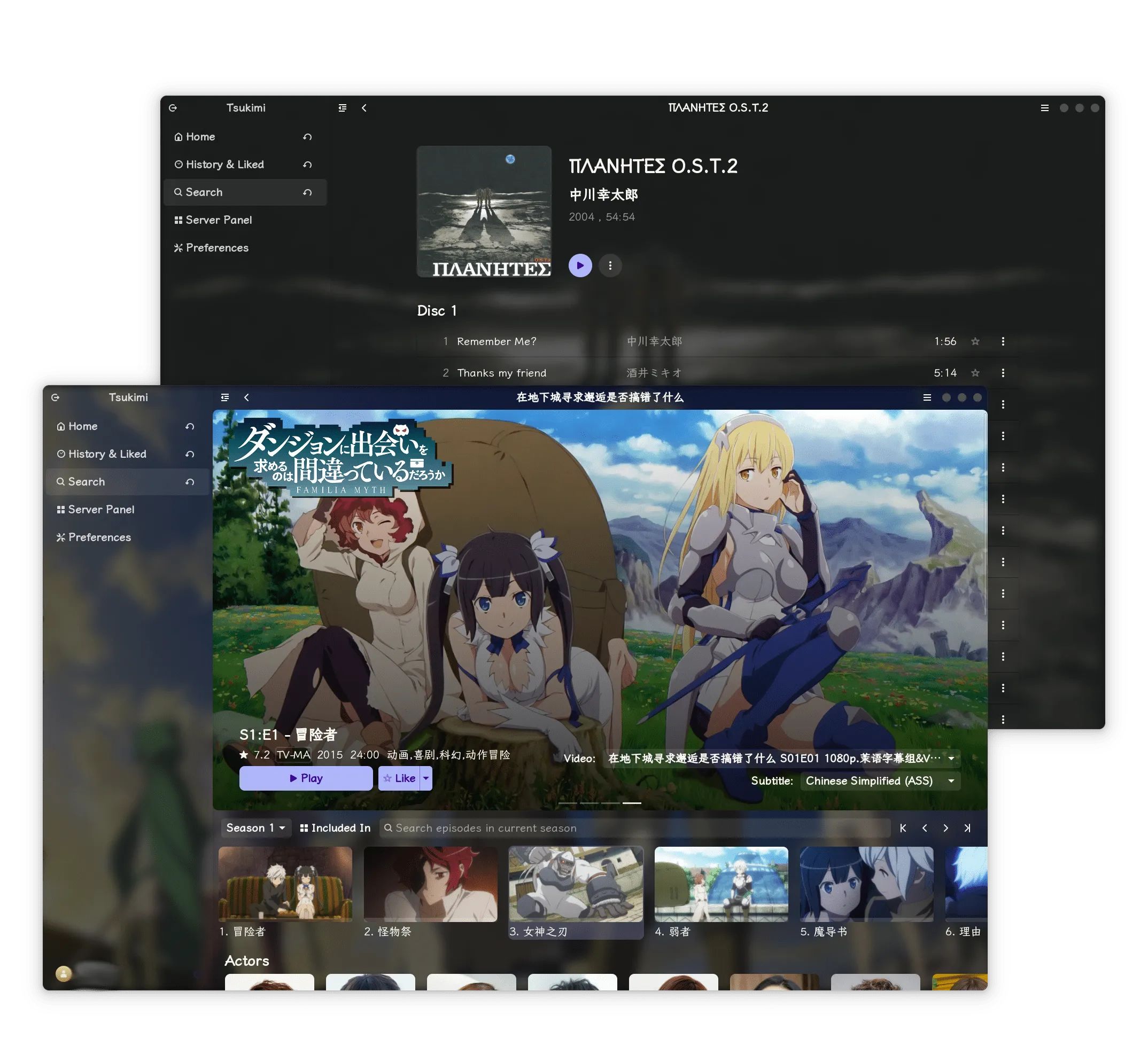
A truly cross‑platform player. The author first built the Linux client and later ported it to Windows. It currently calls the local mpv player for playback, so you’ll need to have mpv properly configured on your machine.
Link: https://github.com/tsukinaha/tsukimi/releases
iOS/macOS
Infuse
If budget isn’t an issue, Infuse is a rock‑solid choice, currently offering some of the strongest decoding capabilities. It supports Mac, PC, NAS, Wi‑Fi drives, Plex, Emby, Jellyfin, as well as Dropbox, Google Drive, OneDrive, Box, pCloud, Yandex.Disk, MEGA, and Aliyun Drive.
SenPlayer
Now a paid app, priced at US$6.99 and US$12.99 for the full bundle.
- Supports Emby, Jellyfin, Baidu Netdisk, Aliyun Drive, and other video sources
- Supports 8K decoding, up to 8× speed via long‑press, and Picture‑in‑Picture playback
- Supports HDR10 and HLG, with the latest FFMPEG 7.0 integrated