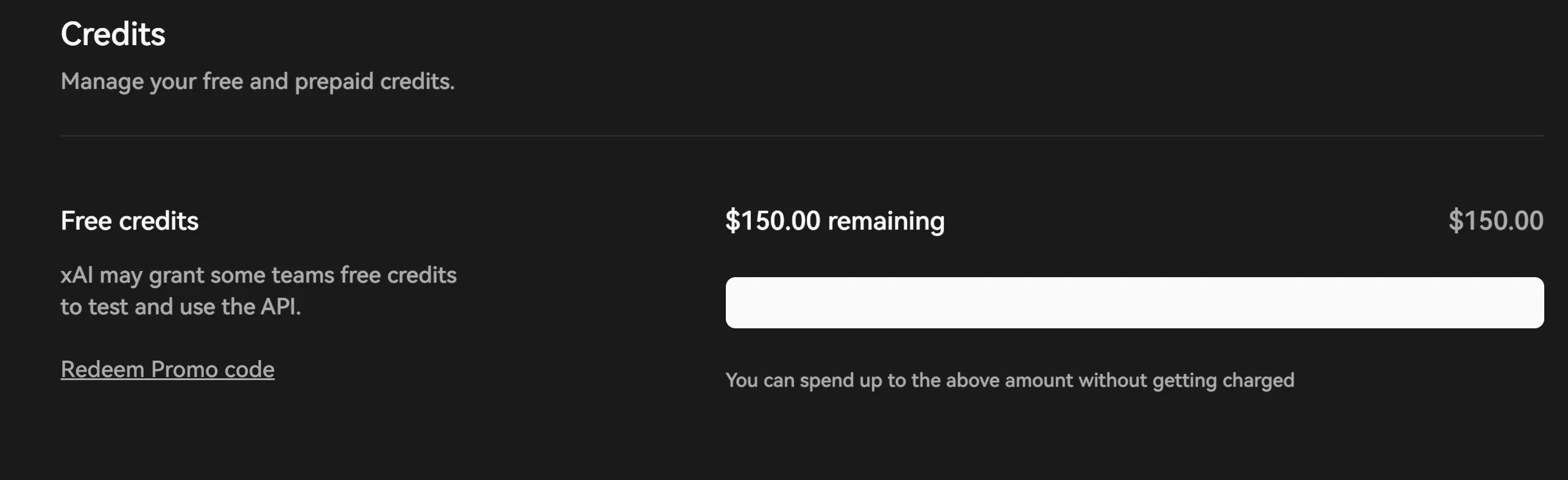
Get $150 in Grok AI Credits by Spending $5
Grok 3 is about to launch today, and Elon Musk is giving out more credit again.
First, create an account:
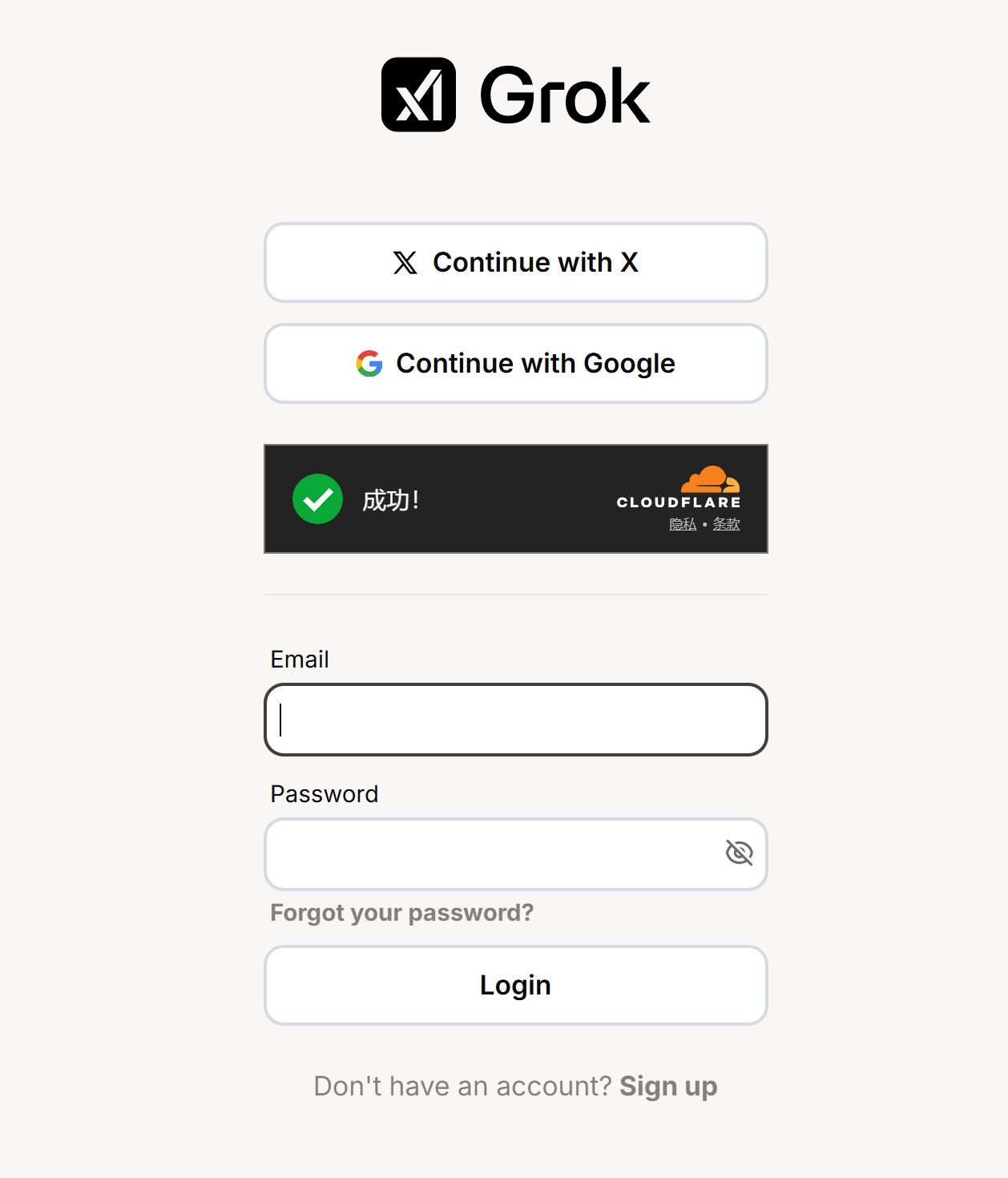
There are two sign-in options: Twitter and Google. Nothing tricky here.
2. Add a payment method (bank card)
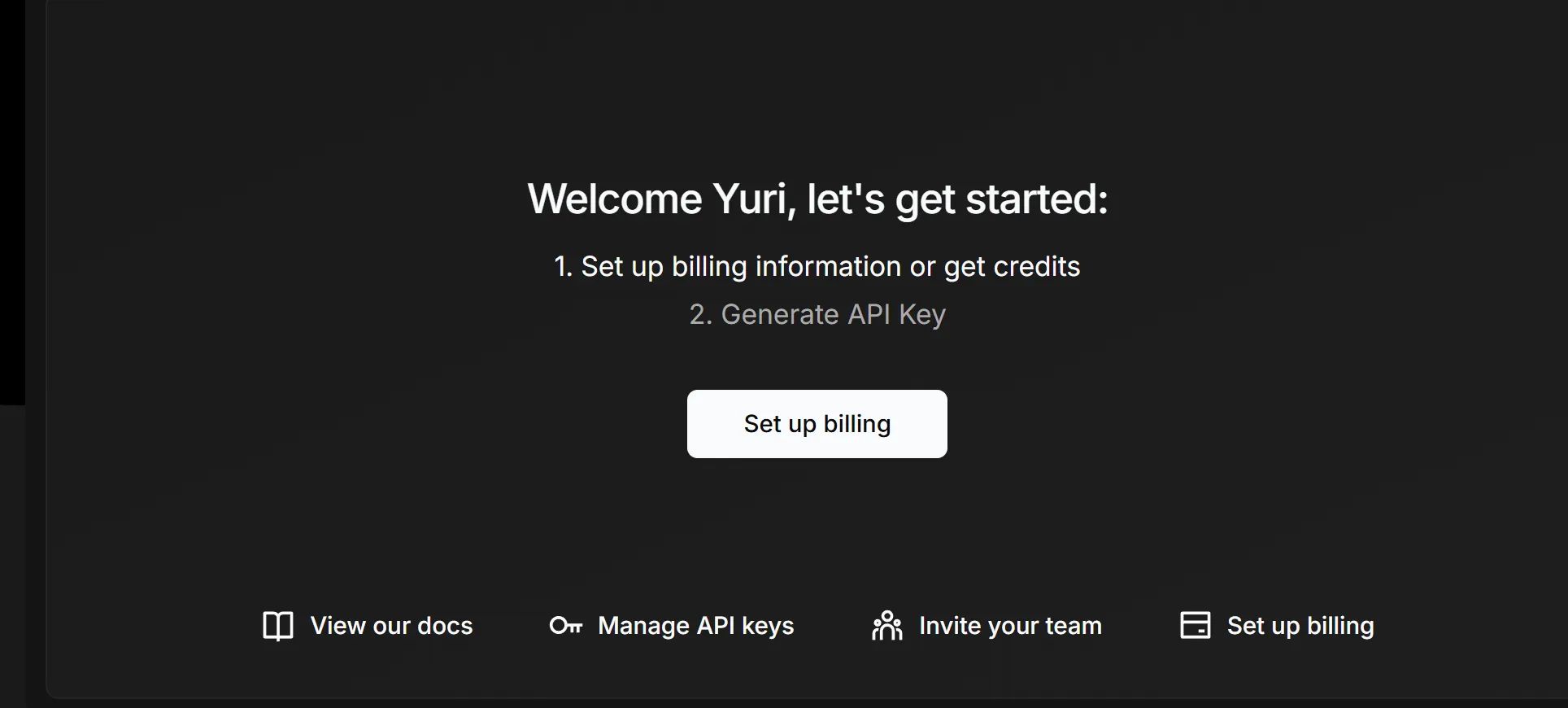
Because there are so many new sign-ups, it now seems you must add a payment method and bank card before you can get API access.
I registered back when Musk first launched it and received $25 in free credits.
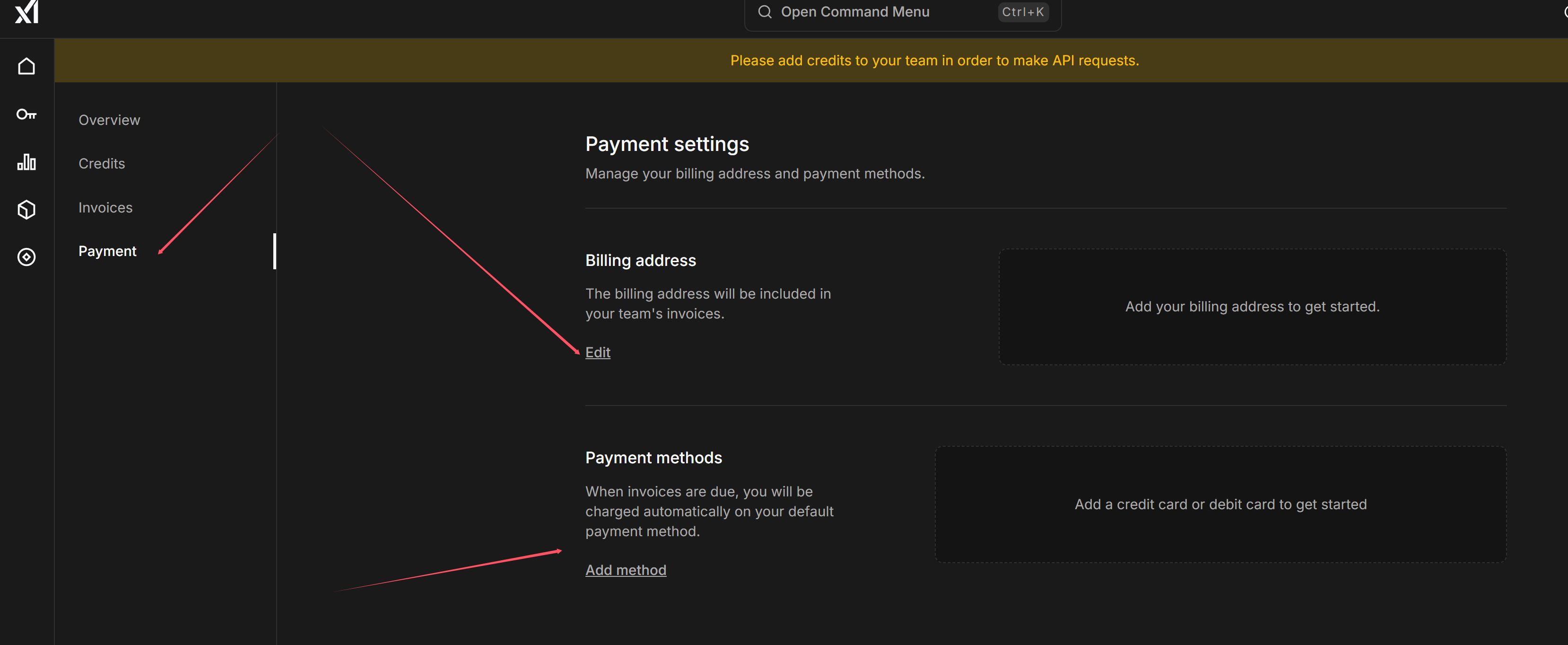
Under Payment, enter your details and save them.
Grok uses Stripe for payments and supports a wide range of cards; China Merchants Bank Visa has been confirmed to work.
After the card is linked, you might not see it appear immediately on refresh. Wait a few minutes.
Do not select any of the following regions:
奥地利, 比利时, 保加利亚, 克罗地亚, 塞浦路斯, 捷克共和国, 丹麦, 爱沙尼亚, 芬兰, 法国, 德国, 希腊, 匈牙利, 爱尔兰, 意大利, 拉脱维亚, 立陶宛, 卢森堡, 马耳他, 荷兰, 波兰, 葡萄牙, 罗马尼亚, 斯洛伐克, 斯洛文尼亚, 西班牙, 瑞典, 冰岛, 列支敦士登, 挪威, 英国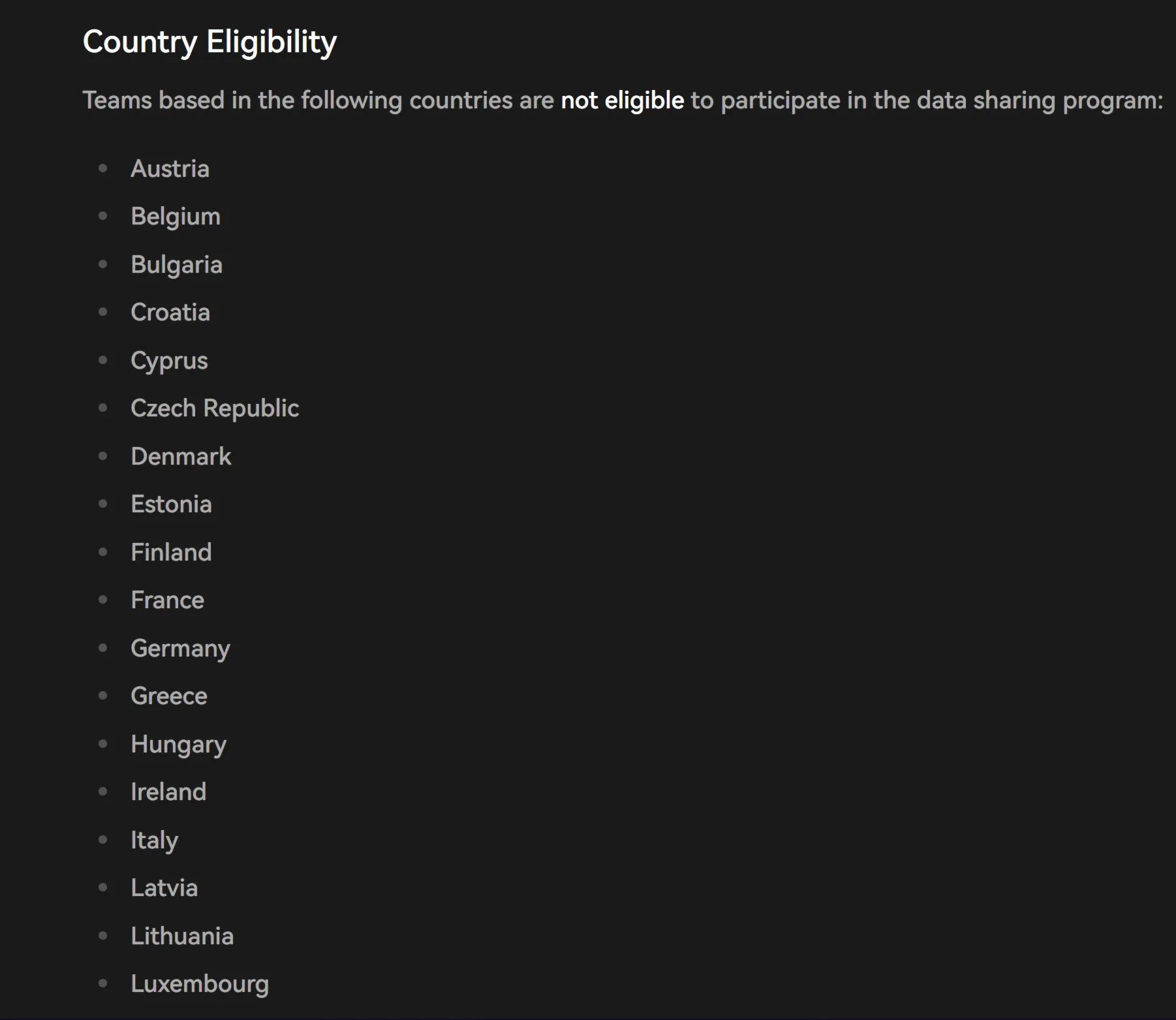
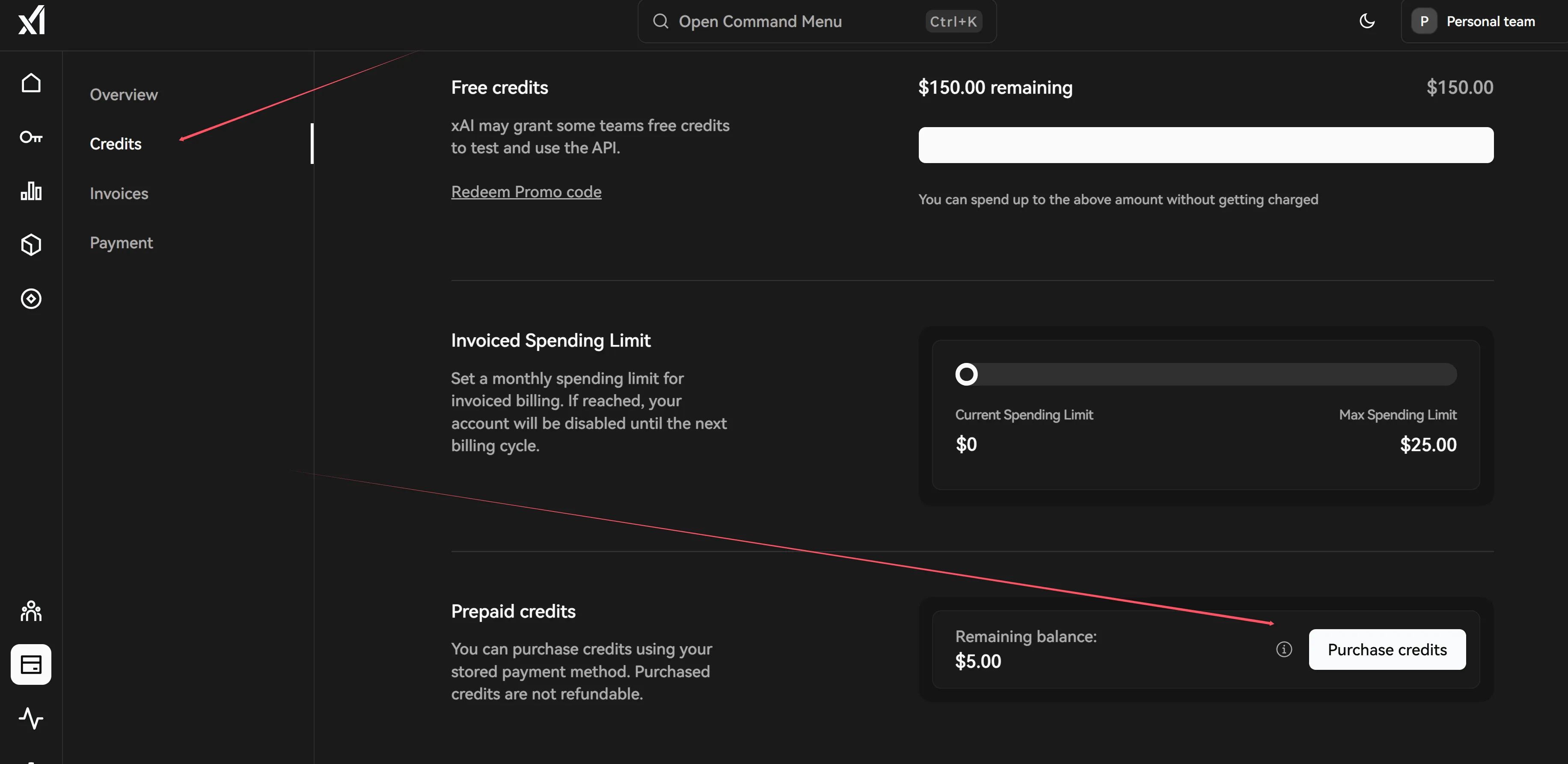
Add funds
If you want to get $150 in free monthly credits, you need to spend $5 on the platform first, and your account must not be in any of the regions listed above.

That’s why you need to first top up and spend $5.
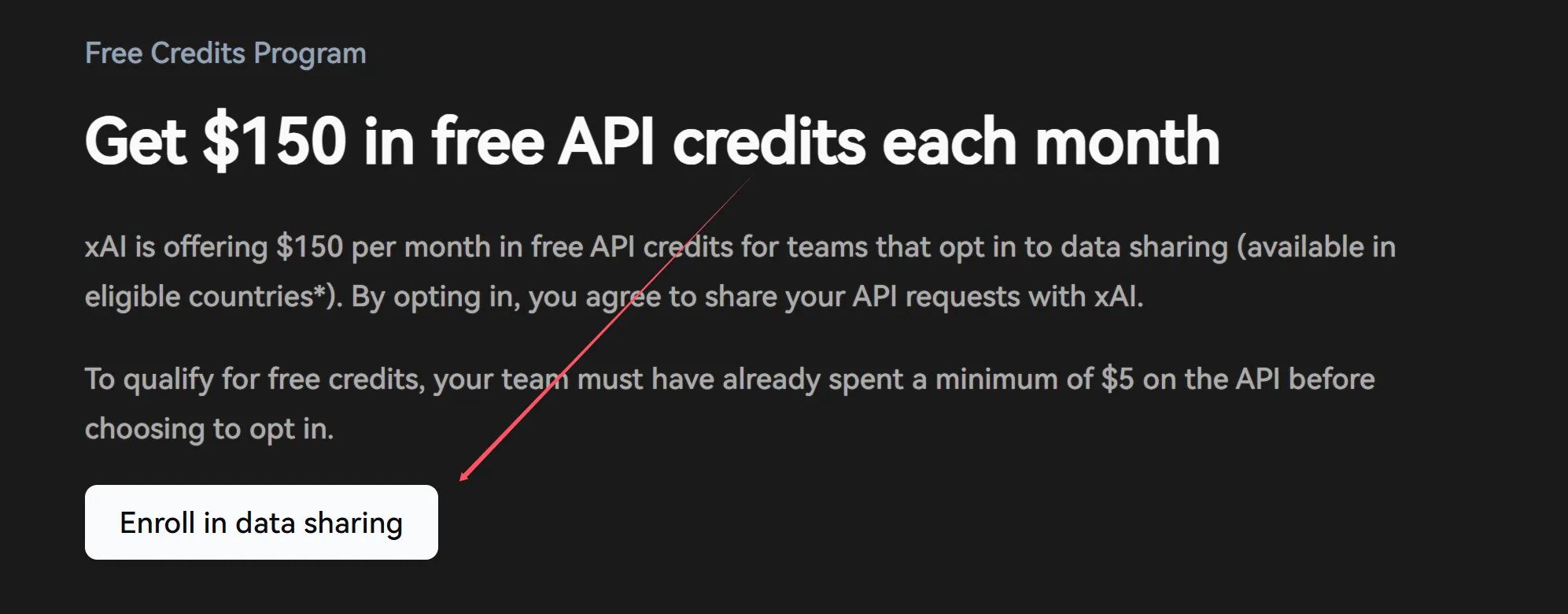
Apply for the $150 credits
https://docs.x.ai/docs/data-sharing#how-it-woks
Click Enroll in data sharing to join the program.
Note: Once you enroll, you cannot opt out.
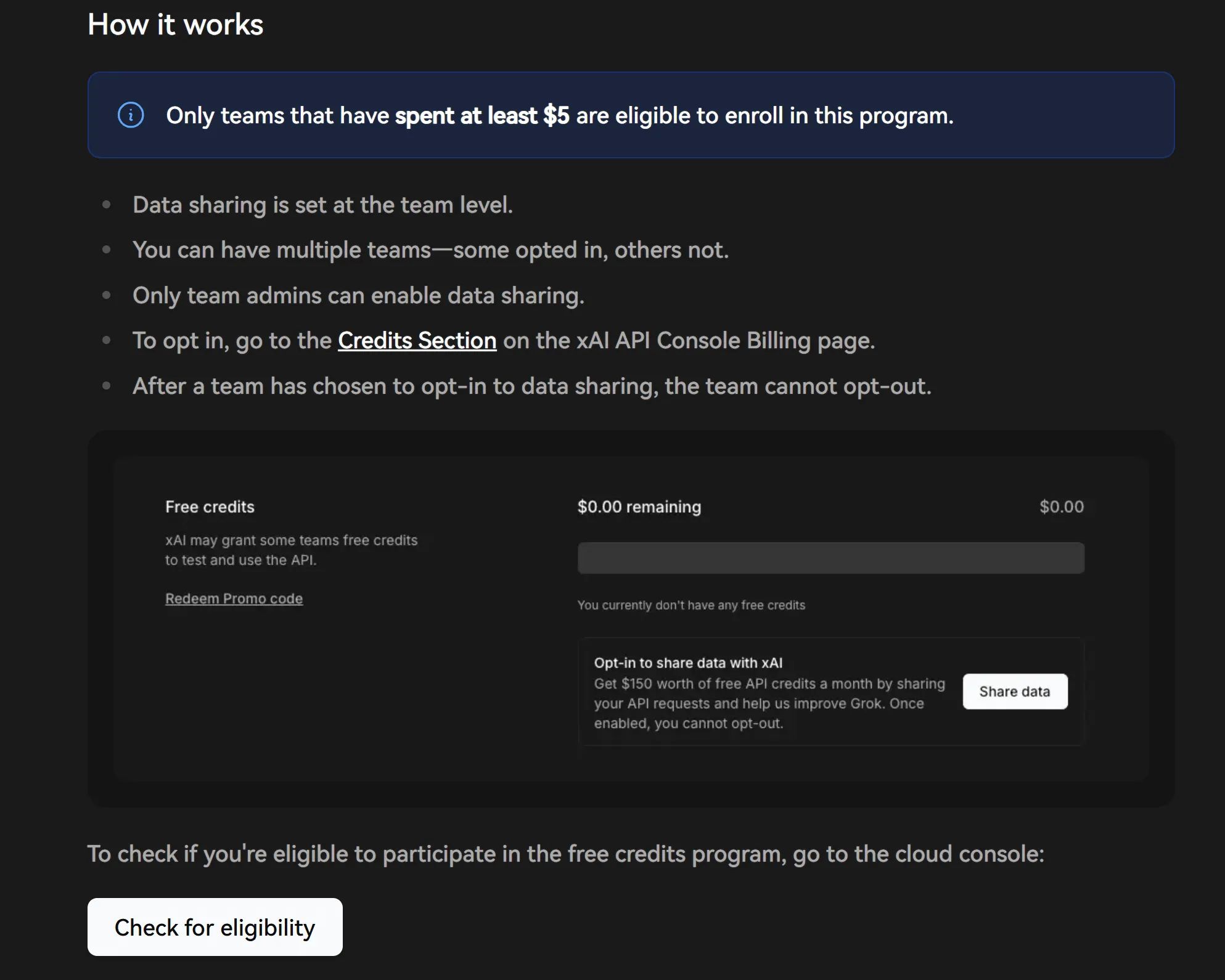
Once you’ve completed the enrollment, go back to https://console.x.ai/ and under Credits you should see an option to verify and activate the $150.