
Oracle Cloud Two-Step Verification Lost? Working Solution Tested in February 2024 (MFA Reset via Support SR)
For record-keeping only, in case anyone else loses their two-step verification
The following method is now invalid:
https://catcat.blog/oracle-2fa.html
Oracle Cloud Two-Step Verification Lost – Working Solution Tested in January 2024
Background: Suddenly locked out of Oracle Cloud, forced to use FIDO or bypass codes, two-step verification enabled
I read through a lot of posts, called support, and tried online chat. Everyone kept passing the buck. The official forum at https://ccc.ociforums.com/ was especially frustrating — same canned replies over and over: if you’re a free user and didn’t save your MFA properly, once it’s lost there’s no way to log in again.
Found a workaround that solved it, sharing the steps
- Log in to this site: https://support.oracle.com. Try logging in with your original account. If it says the account isn’t registered, just register an Oracle account using the same email address as your original Oracle Cloud account.
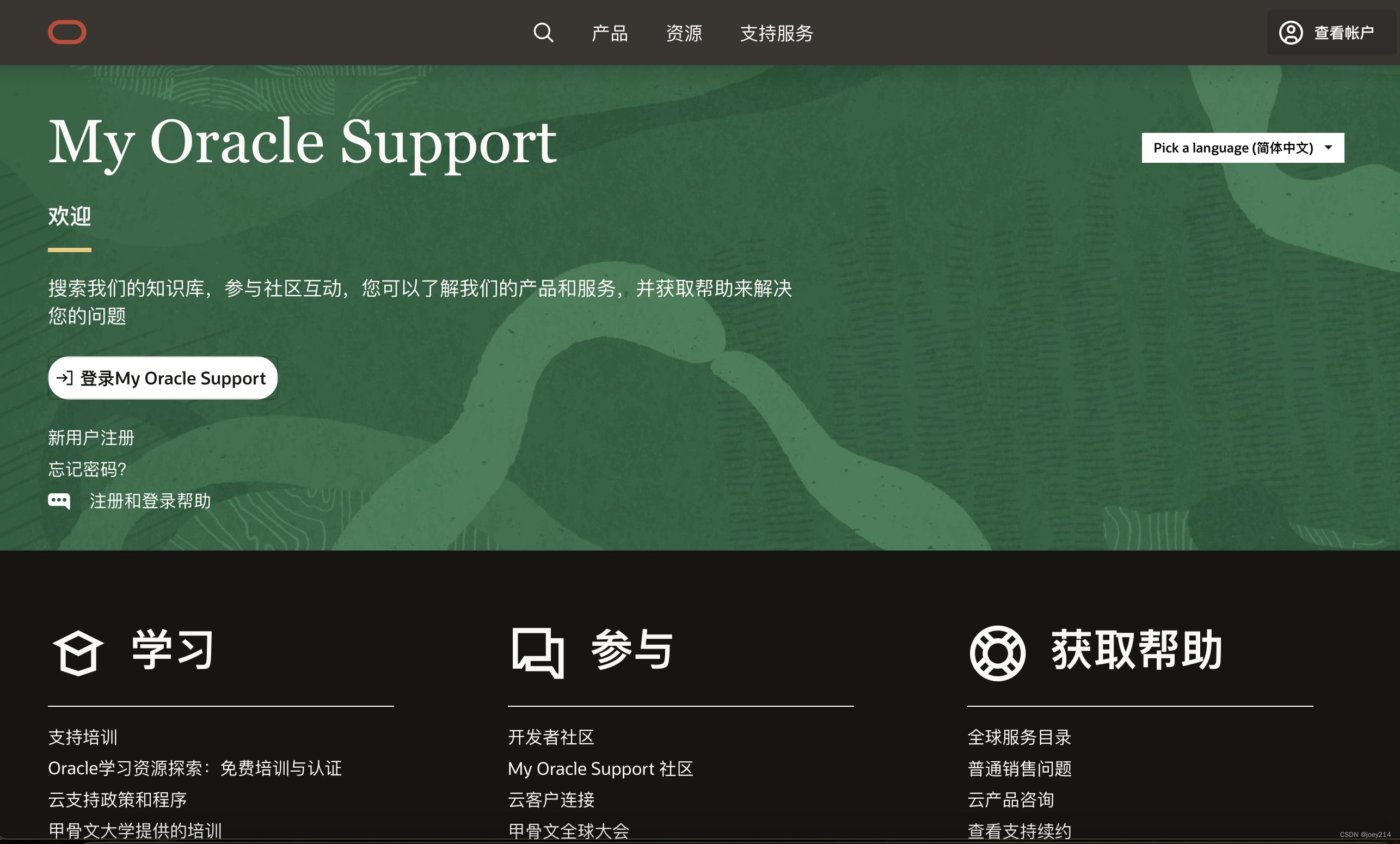
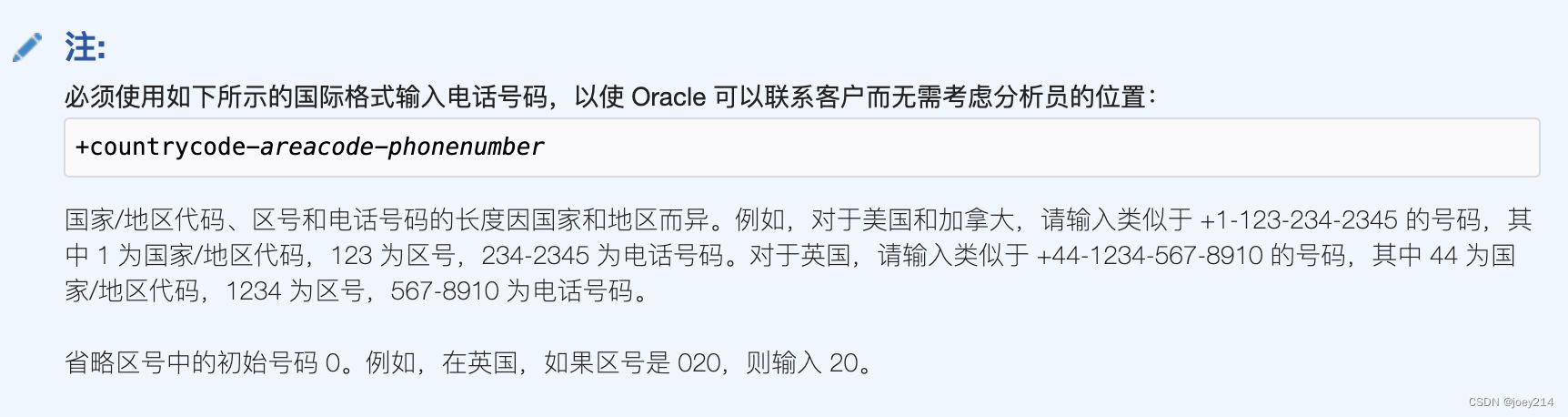
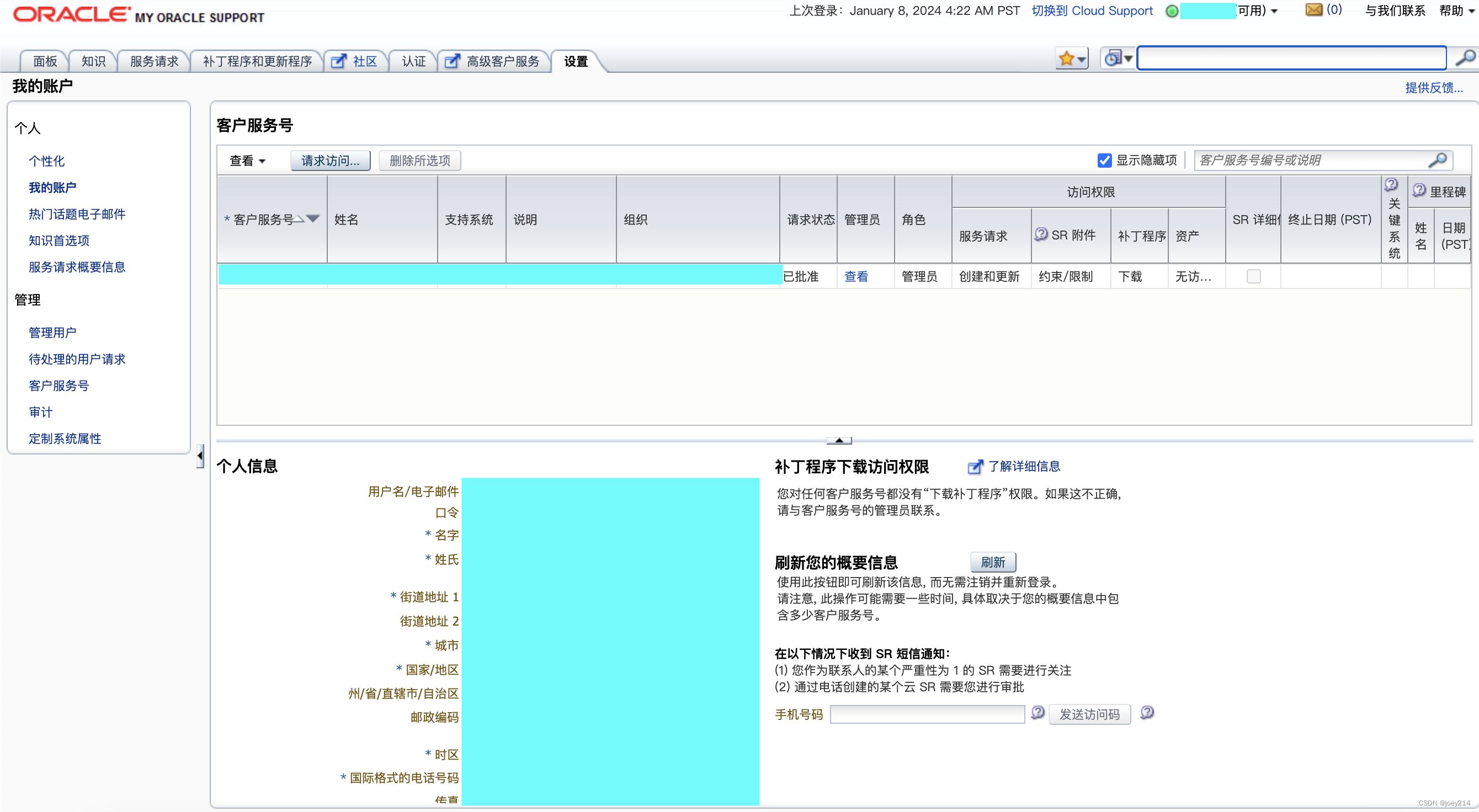
Successful login page
Side note: I originally registered my Oracle account via the forum https://ccc.ociforums.com/. Using my old cloud account email, I just couldn’t get through registration. I forget exactly what the error was—it was a month ago. Later I saw a forum post saying to use a new email instead, so I registered a new Oracle account with my QQ email. That worked, and I could post on the forum. Some time later I visited https://support.oracle.com and logged in successfully with the QQ email. Then I thought: my actual problem is with the older account, so I tried logging in with that one, and bam, it worked too. That’s how I was able to submit my first SR. Now I’m helping a friend with his old account, which also suddenly got forced into two-step verification and became inaccessible. I tried registering, but for now I’m still not receiving the verification email. Oracle’s account system is really a mystery…
2024‑01‑08 update: My friend eventually found the verification email in his Gmail. However, he still couldn’t log into https://support.oracle.com after many attempts. He reset his password, could log into the forum https://ccc.ociforums.com/ fine, and after a full day of random trial and error, he finally got into https://support.oracle.com. No idea what the root cause was.
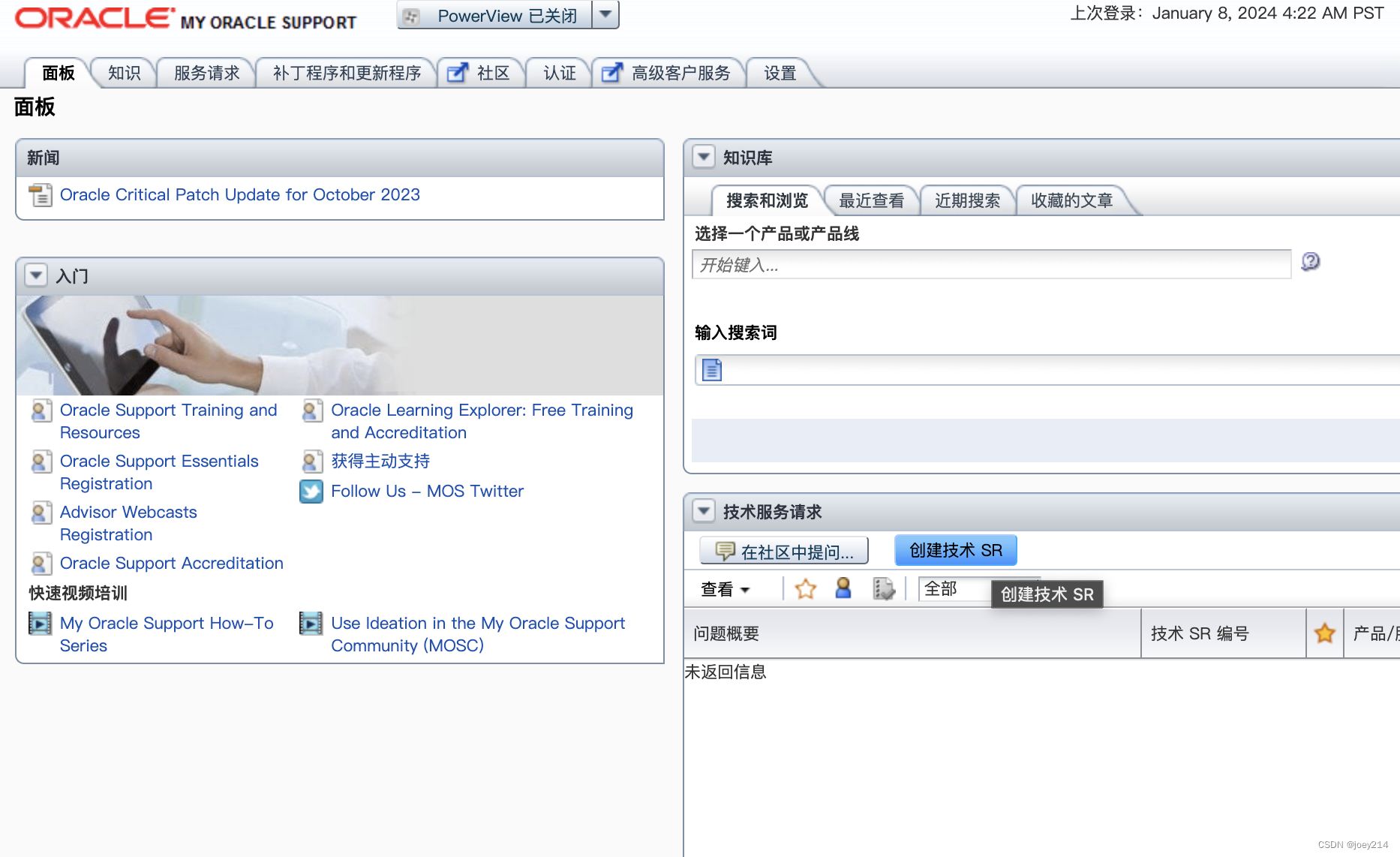
- Click Service Requests and then Create Non‑Technical SR. I first tried Create Technical SR, went in to choose an issue type, but it kept telling me I hadn’t purchased that service. So I backed out and submitted a Non‑Technical SR instead, which went through. Later support replied saying this was actually a technical issue and forwarded it to the technical team. They quickly reset my MFA, and I was able to reconfigure MFA at login. You can also try going straight with Create Technical SR.
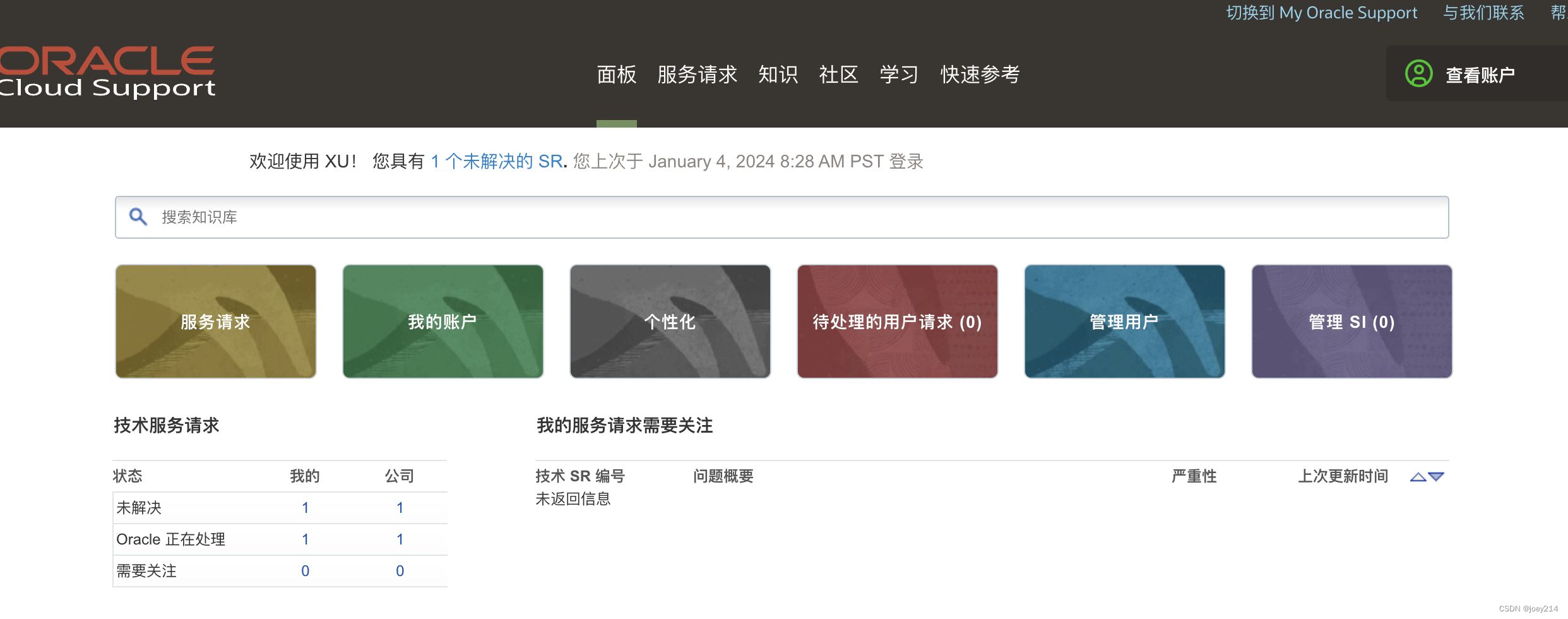
The following screenshots were taken when I helped my friend recover his account. The backend looks a bit different from when I first logged in with my own account (screenshot above). This time, there was only Create Technical SR.
2024‑01‑09 update: The difference between the two pages is that one is My Oracle Support and the other is MCloud Support. You can switch between them from the top right corner of the page.
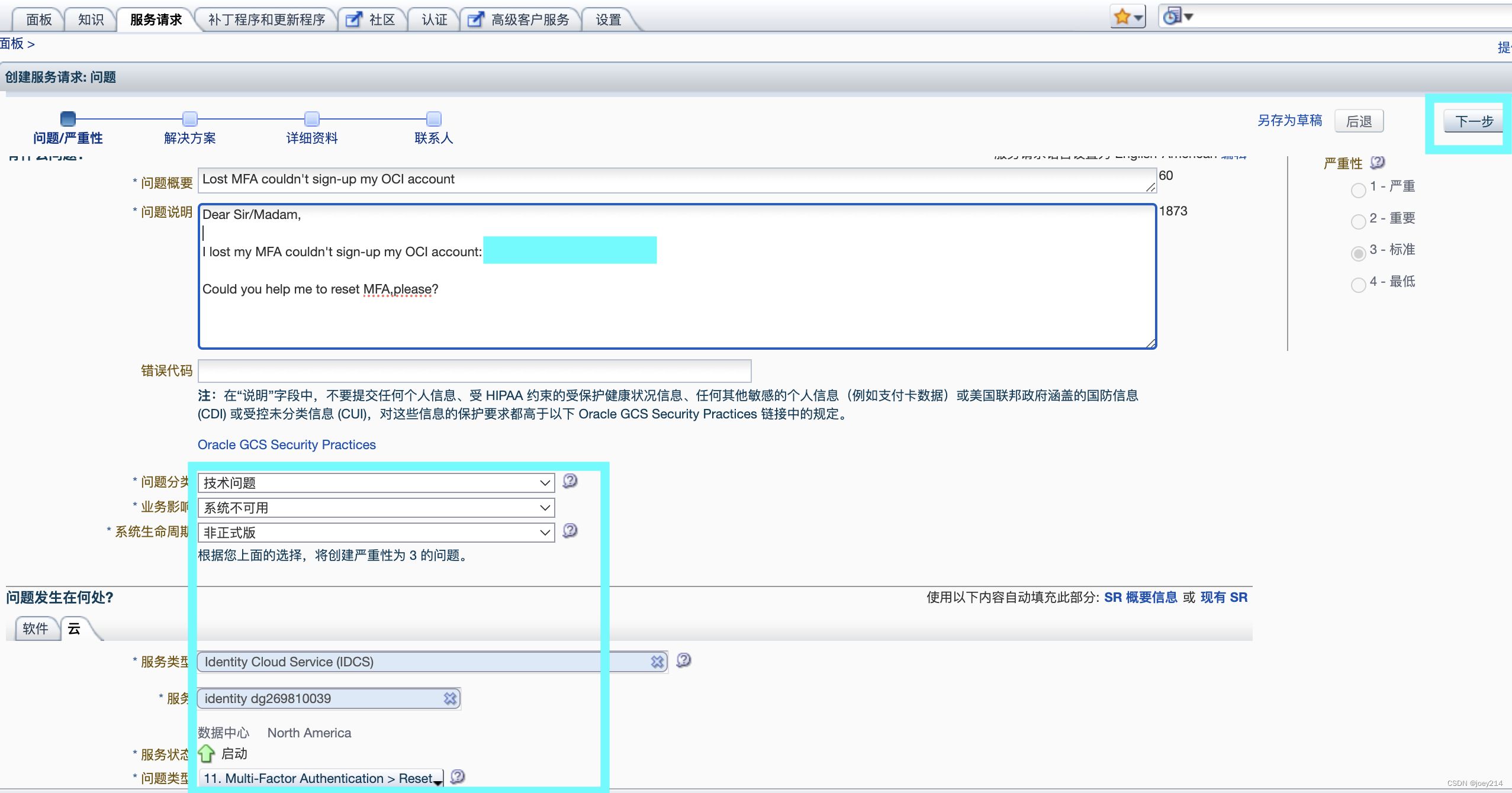
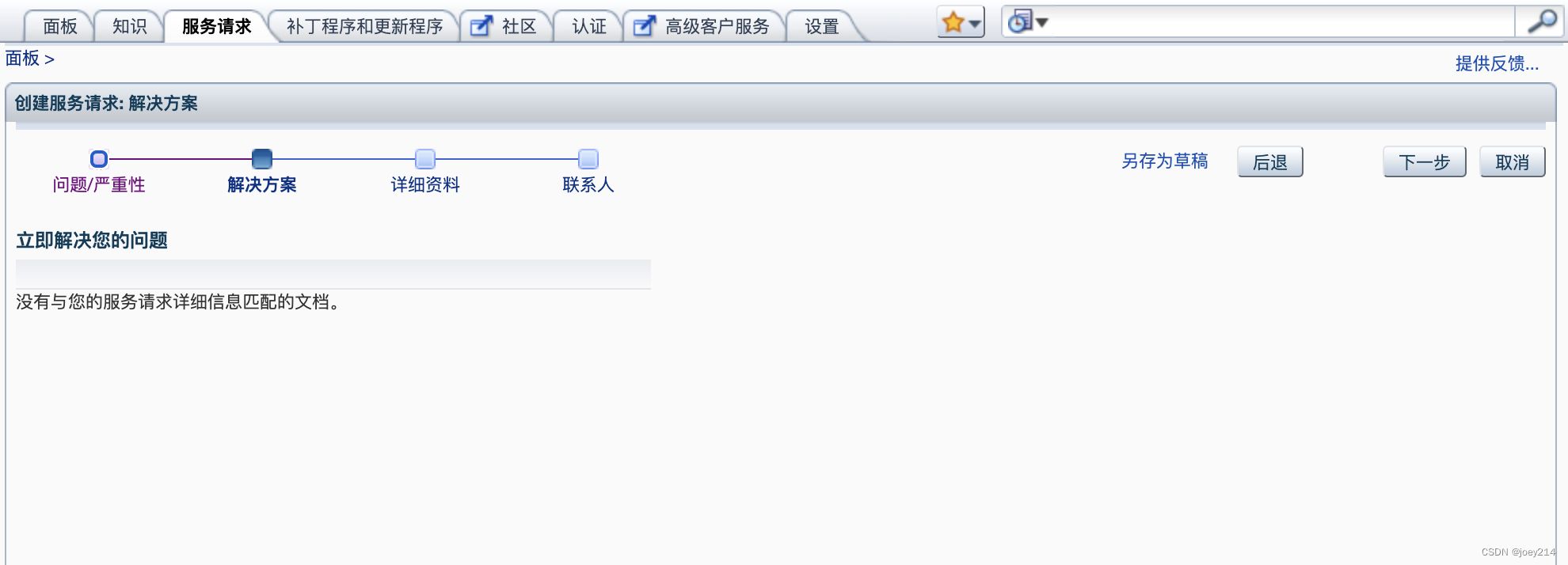
There’s nothing under Solution, just click Next to continue.
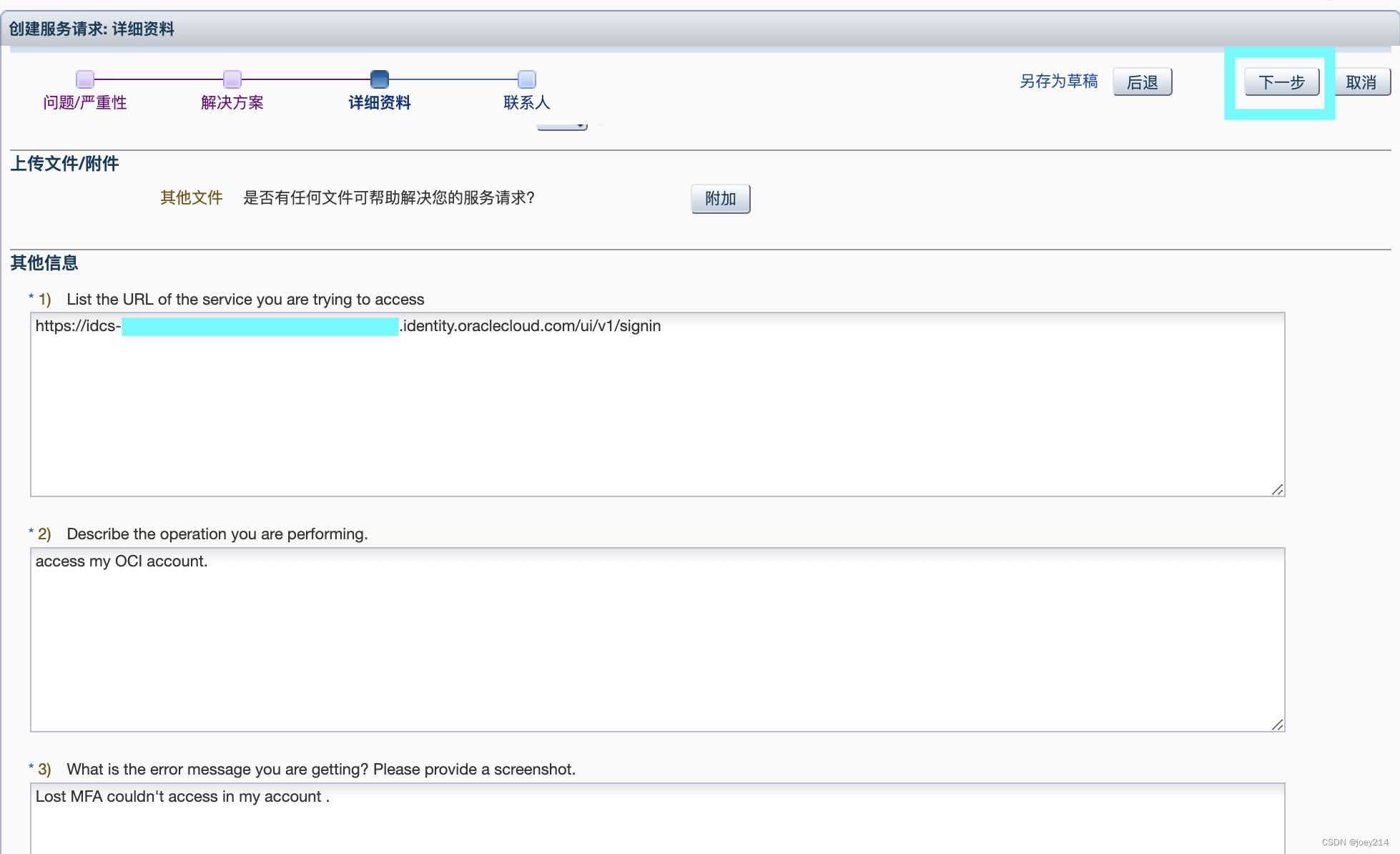
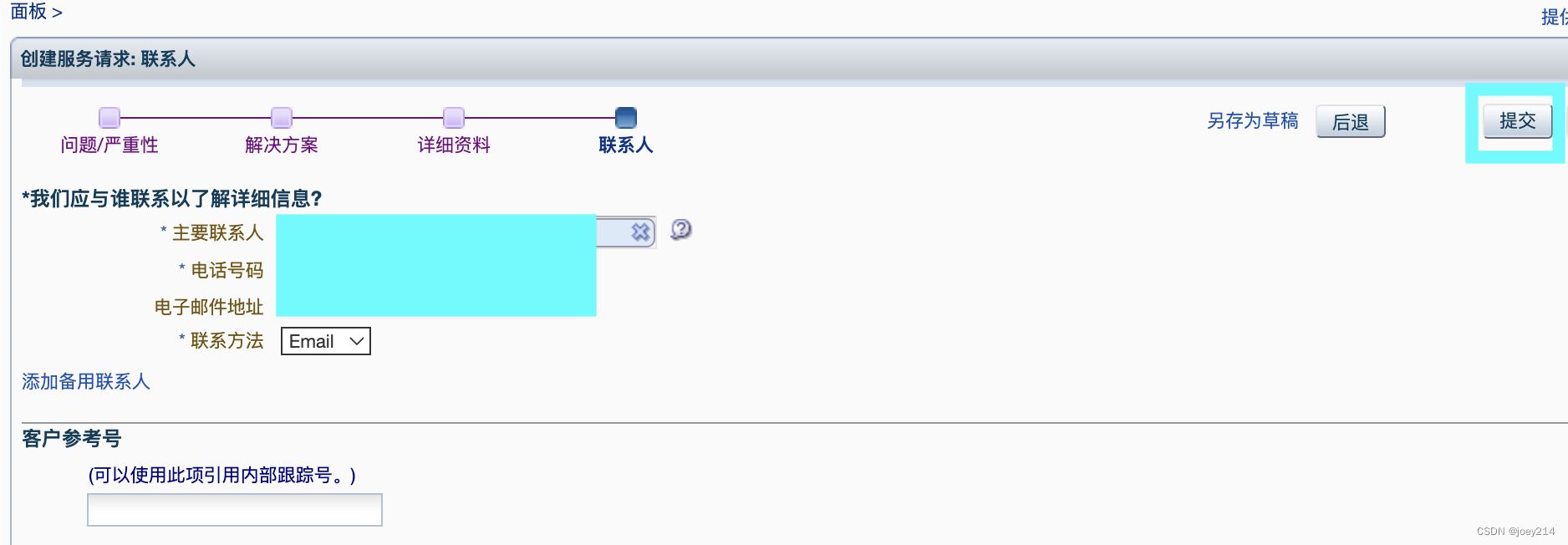
After you Submit successfully, you’ll be redirected back to the home page, where you’ll now see a new SR entry. Once there’s an SR number, support will reply quickly via email, and you can also click into the SR on this page to view the responses.
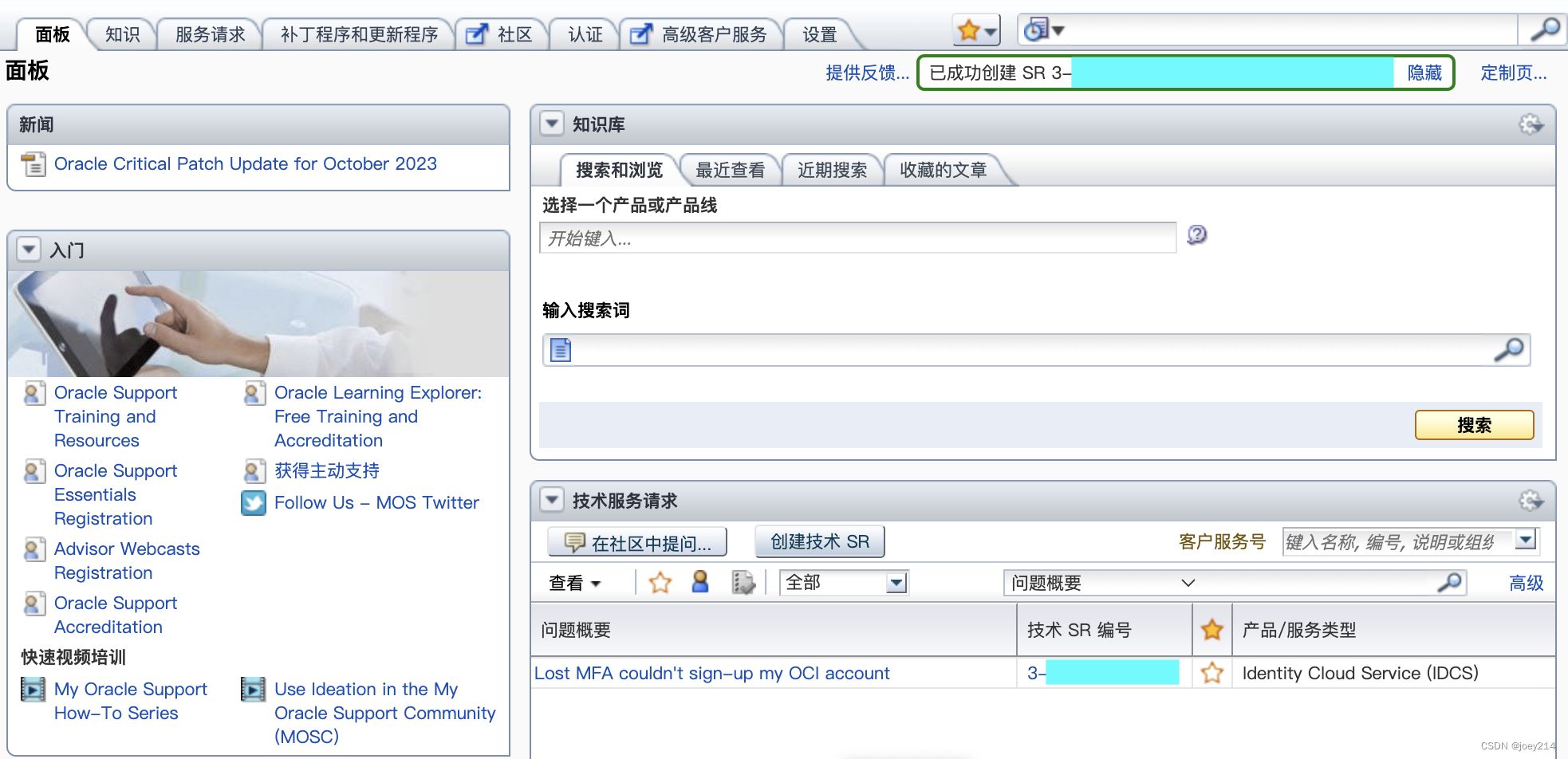
2024‑01‑08: I got a reply in less than an hour after submitting.
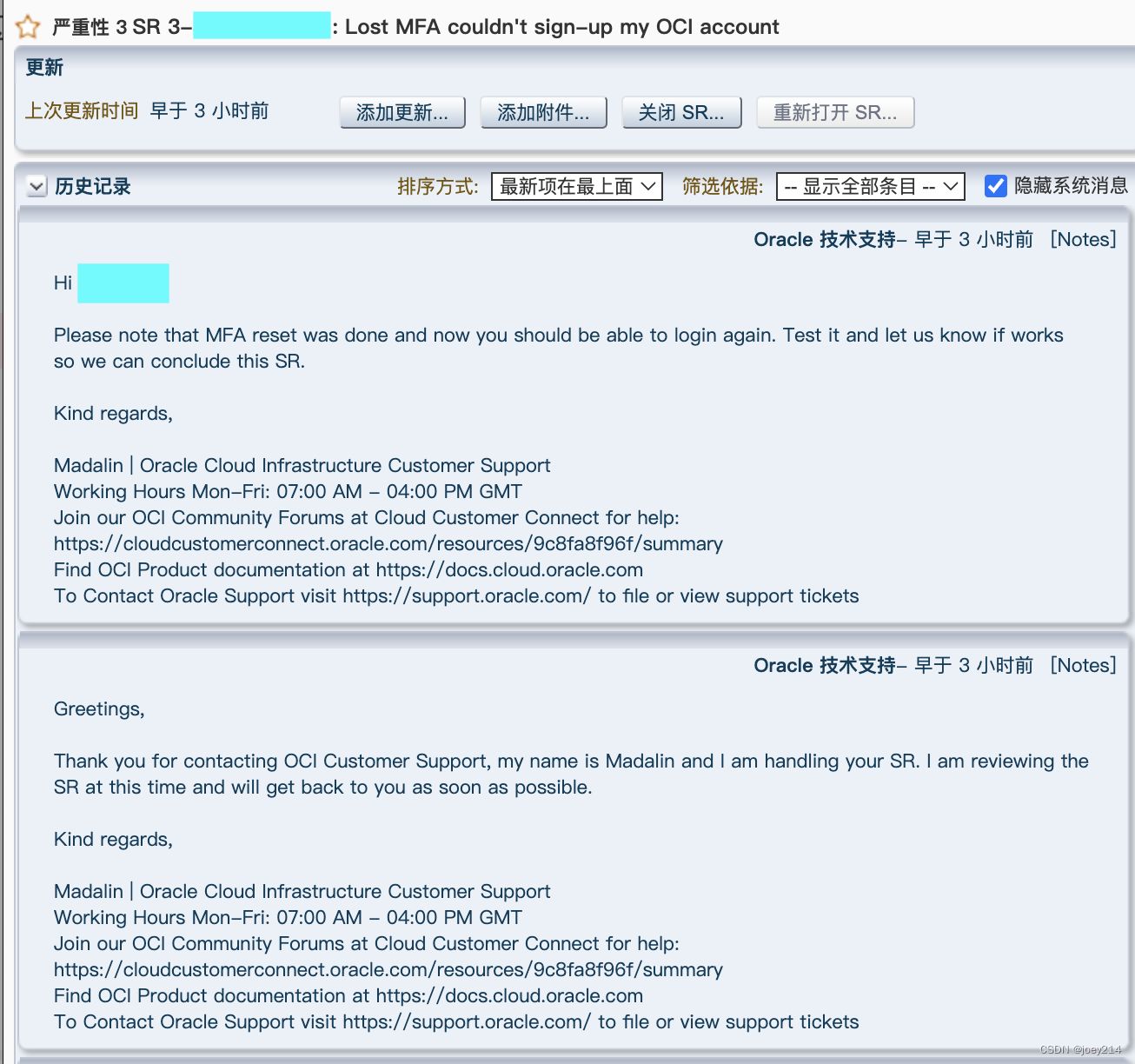
Here’s the first SR I submitted:
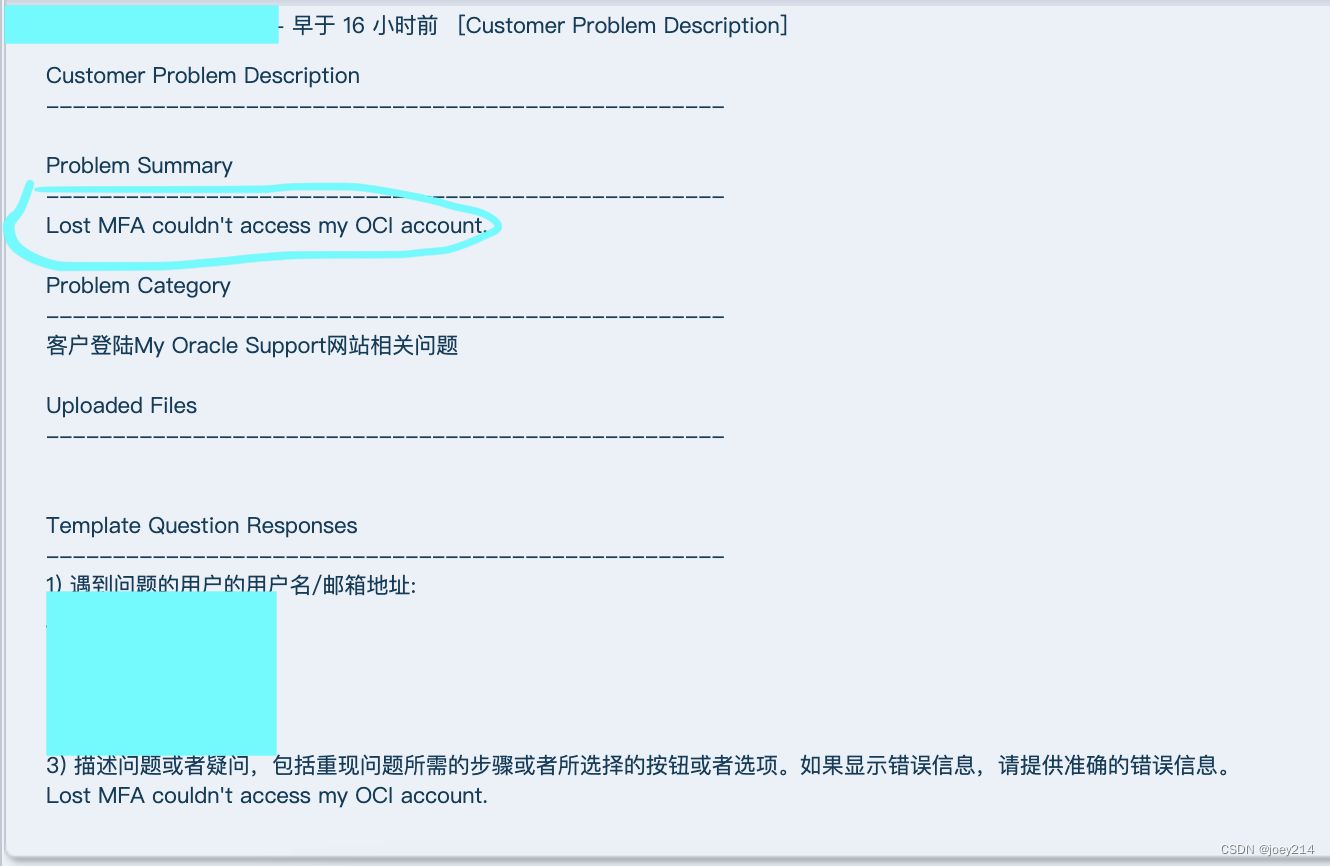
And here’s the response from support:
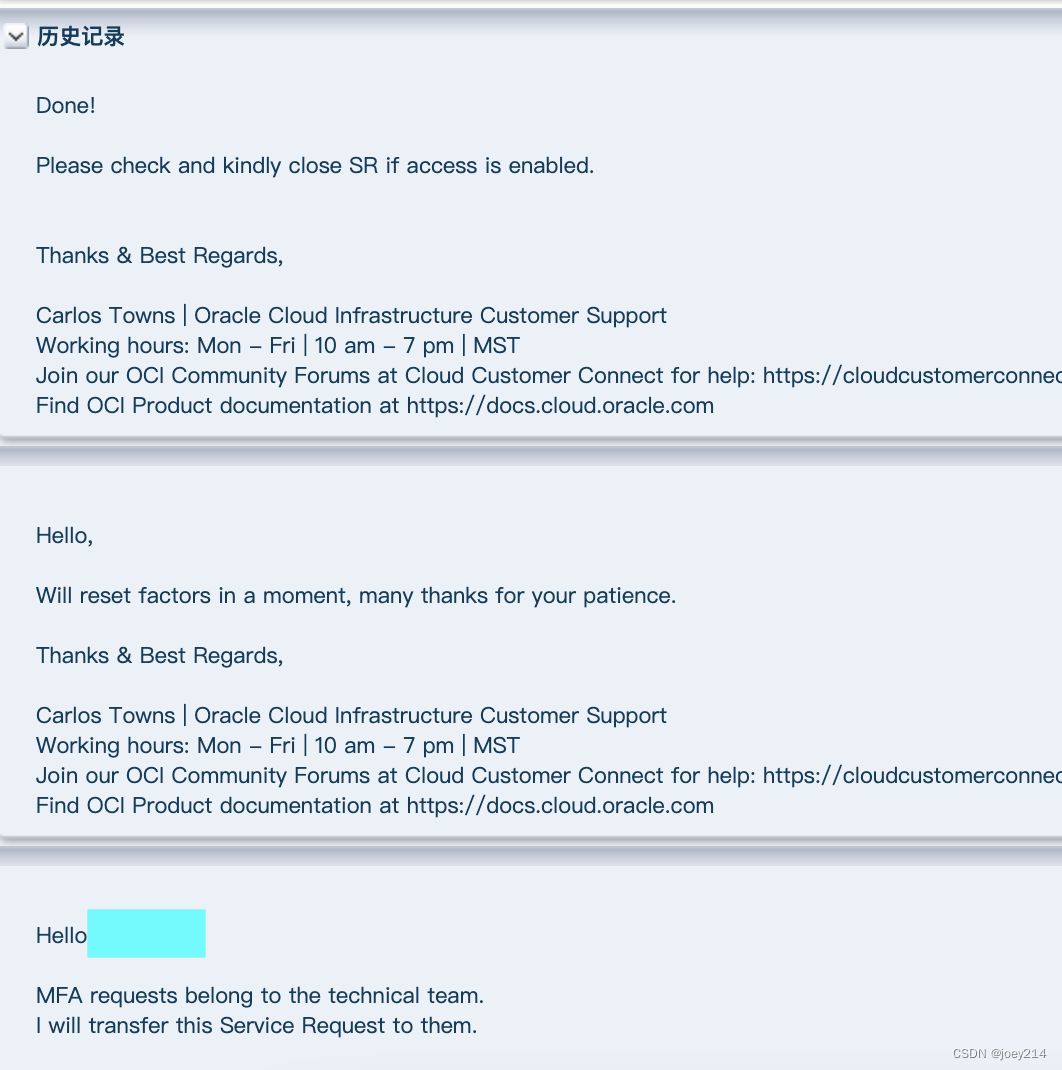
- After support resets your MFA, you can log into Oracle Cloud again.
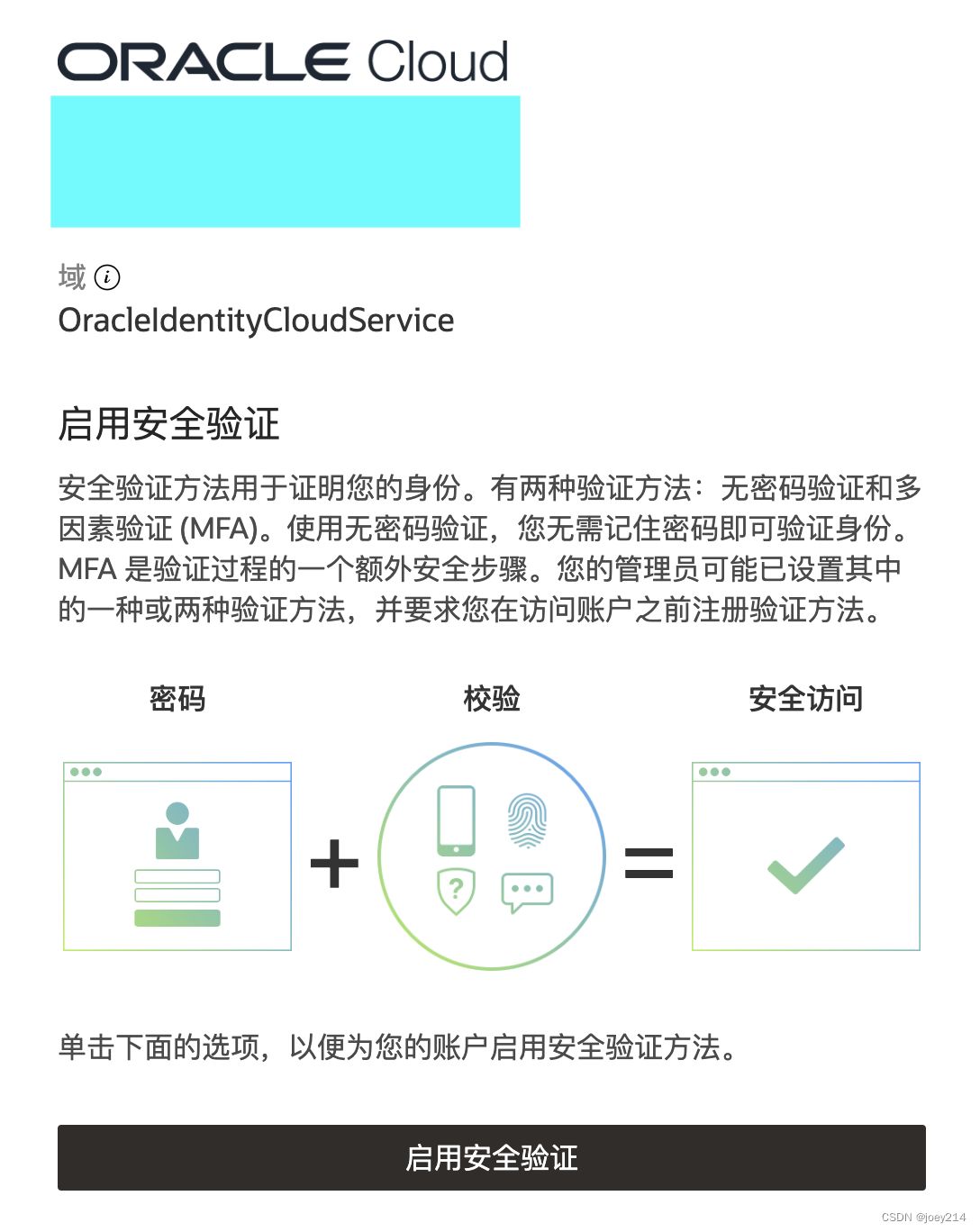
Once you’re back in, turn MFA back on, and this time generate multiple bypass codes. The following two posts are quite good; I followed them when setting things up:
Oracle two-step verification setup guide (with screenshots):
https://chenyu.me/1770.html
Oracle Cloud MFA two-step verification bypass codes and disabling second-factor verification:
https://www.xgiu.com/oracle_mfa
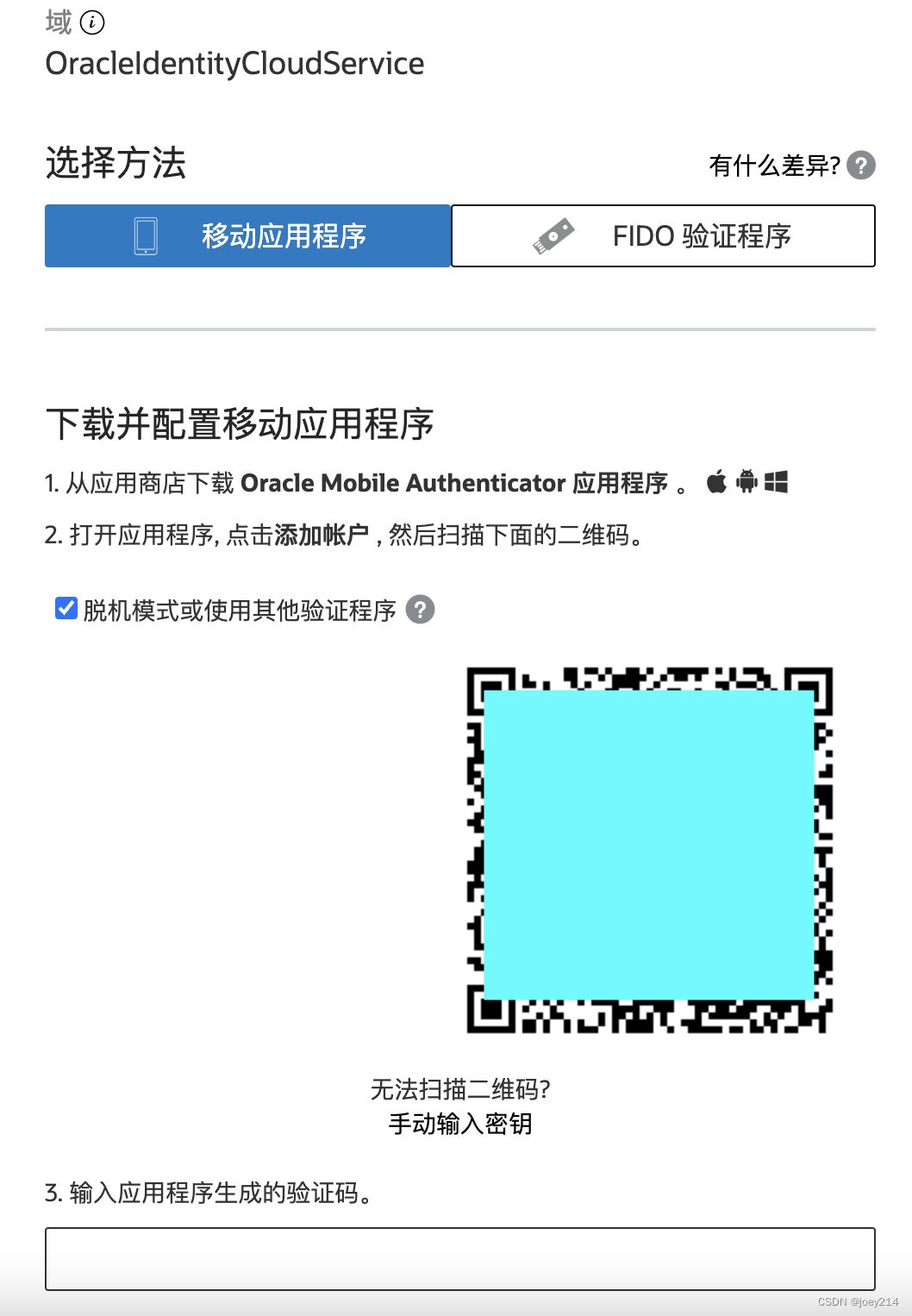
- Last step: once the issue is resolved, remember to close the SR. Be a good user—don’t create unnecessary work for support. :)
Postscript: During all this, I registered another new account (the one with the QQ email mentioned above), which surprisingly went through immediately. I noticed the admin consoles for the new and old accounts differ in some ways: for example, the old one has an “Alliances” section while the new one doesn’t. The MFA setup pages are also different. I’ll grab some screenshots another time.
Original post on blog.csdn.net (thanks to the original author).
