
135 字
1 分钟
How to Recover When Oracle Two-Step Verification Is Lost
-
Updated February 2024: this method no longer works
-
For the new method, please check the comments section
Background
After changing phones, Oracle Authenticator needed to be migrated, but the login page kept spinning and never completed. As a result, it was impossible to log in to Oracle at all.
Solution
First, go to the Oracle login page. On the page where you enter your email and password, note the URL that starts with
https://idcs-********.identity.oraclecloud.com/
Now modify this URL as follows:
https://idcs-*****.identity.oraclecloud.com/ui/v1/myconsole?root=my-info&my-info=my_profile_security
In this new URL, you can obtain a bypass code by clicking the button on the right to generate it.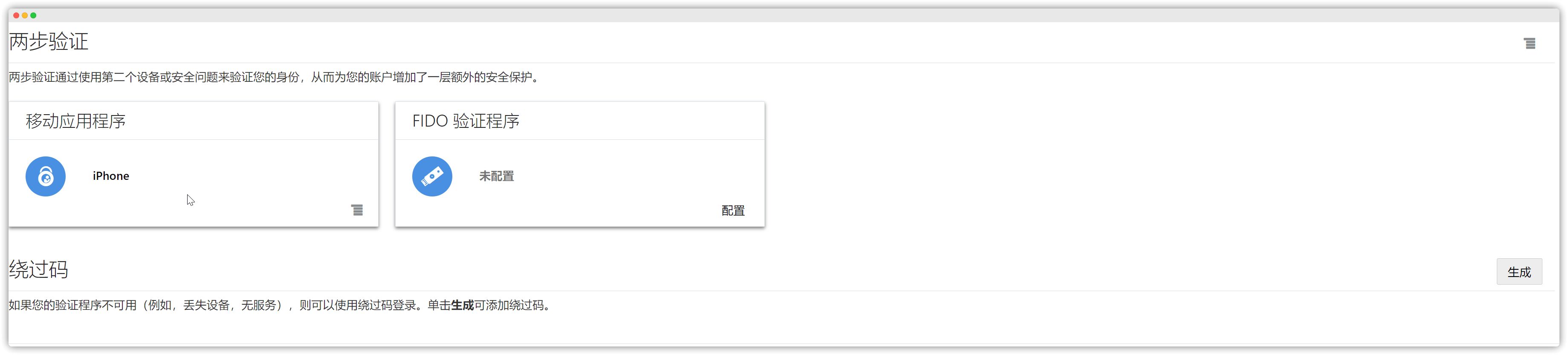
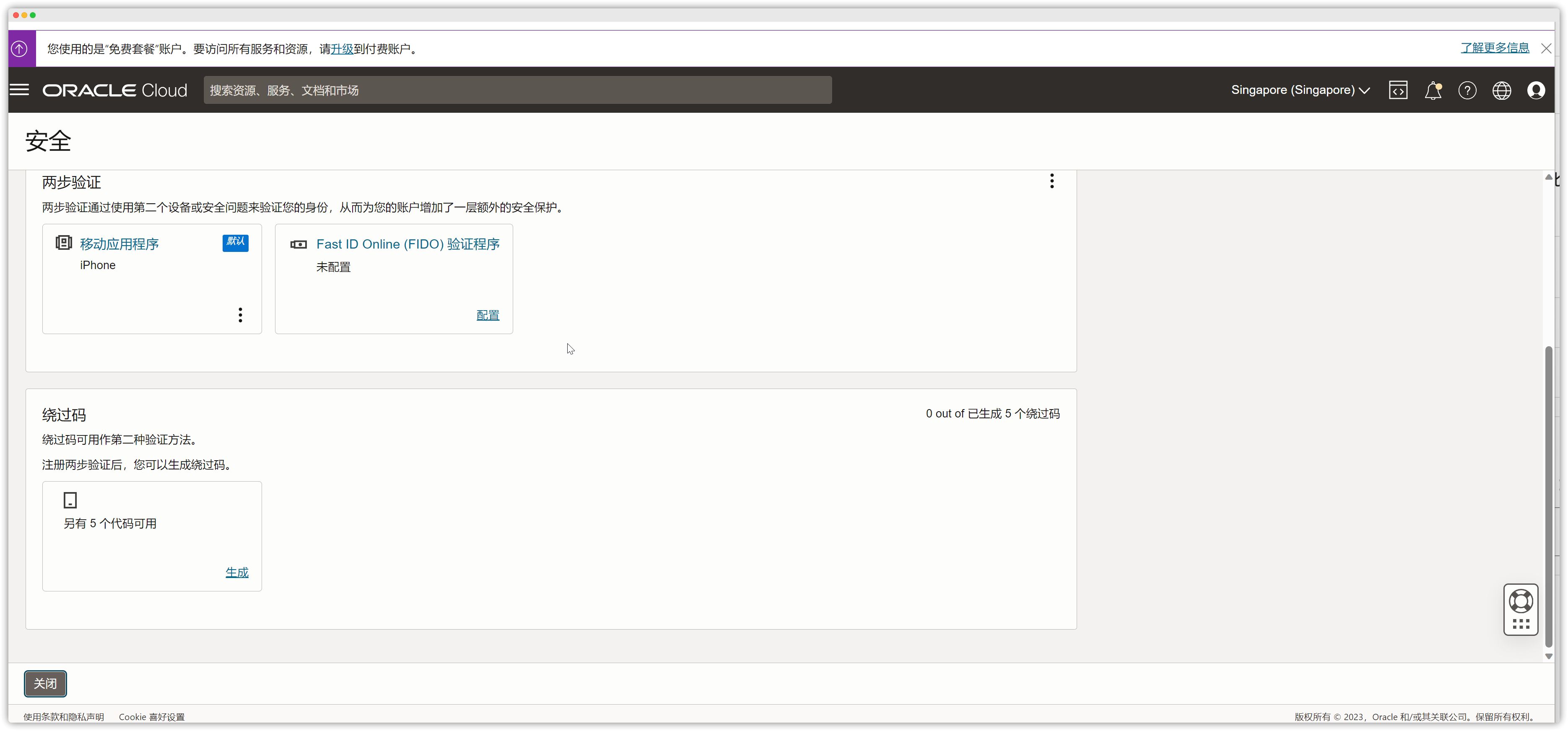
After logging in, you can remove the devices that no longer work and add your new phone again.
How to Recover When Oracle Two-Step Verification Is Lost
https://catcat.blog/en/oracle-2fa.html