
731 字
4 分钟
Running deepseek-r1 617B with Ollama on Ubuntu 22.04 + 8×A800
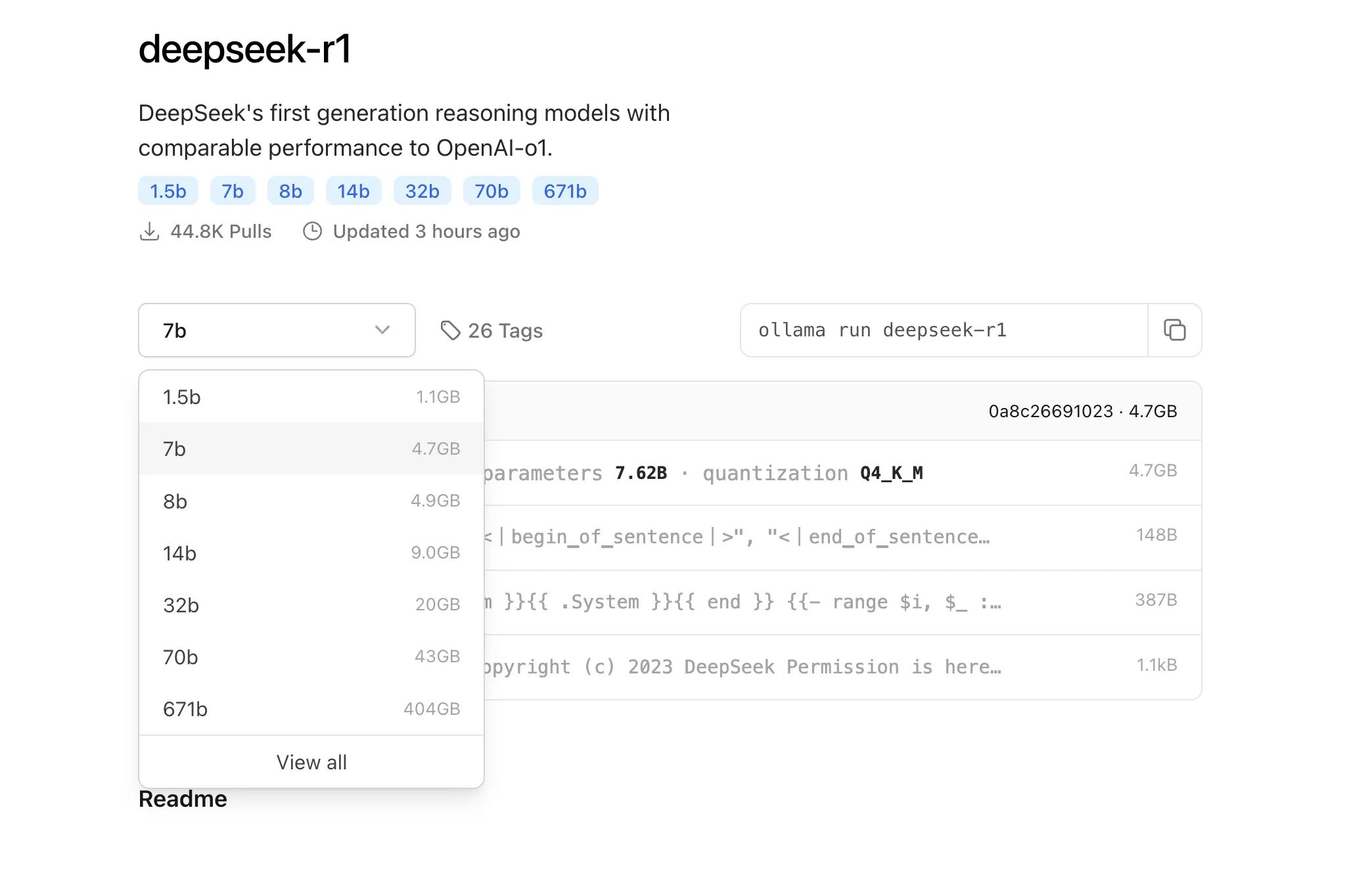
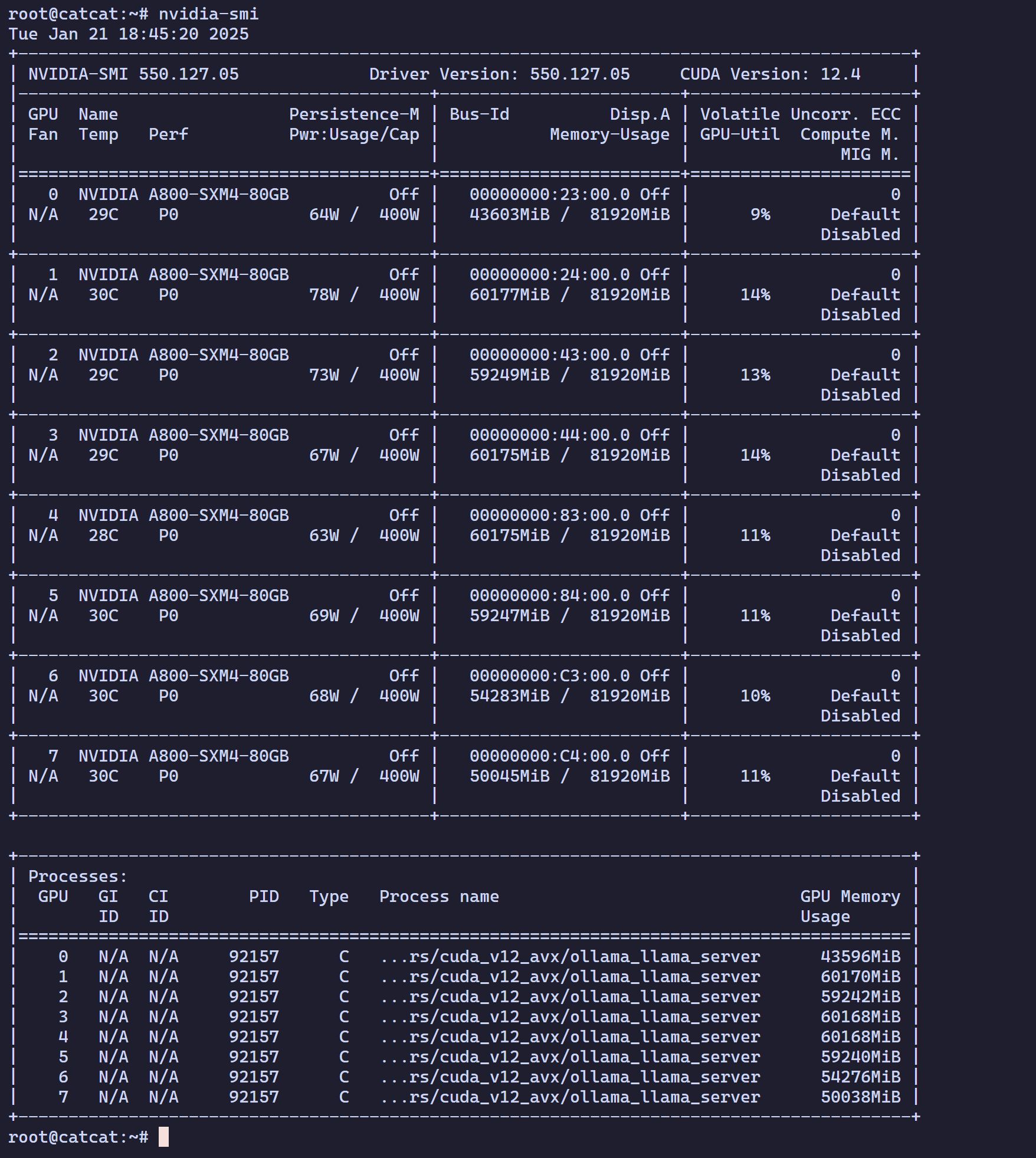
Discovered that my machine happens to meet the requirements for deepseek-r1 617B. Since it was sitting idle anyway, I decided to give it a test run.
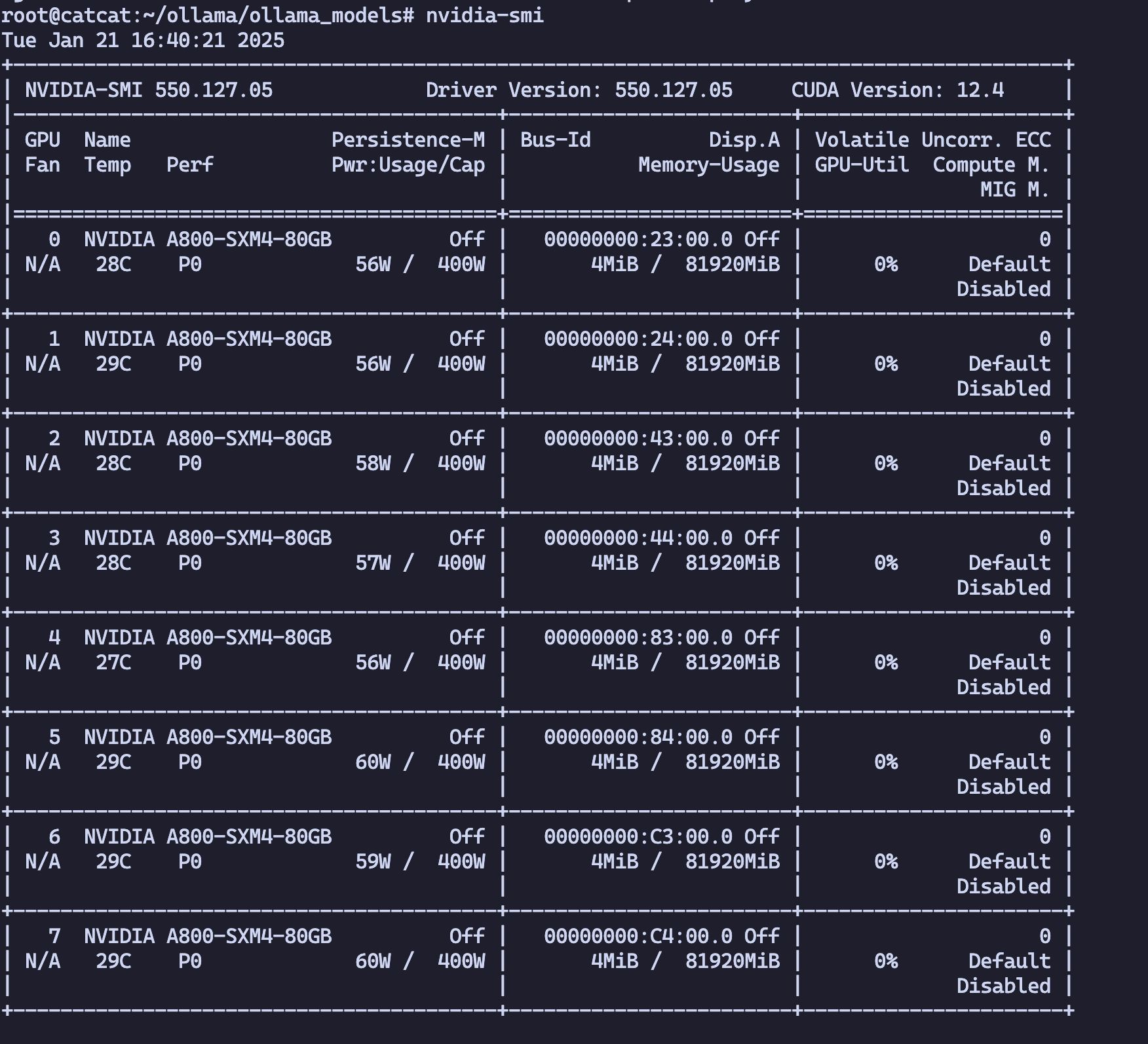
System & Hardware Overview
-
Processor : 2*Intel(R) Xeon(R) Platinum 8362 CPU @ 2.80GHz
-
Num of Core : 128 Cor_e
-
Memory : 1024 GB
-
Storage : 1.5T NVMe
-
GPU : 8*A800
-
NVIDIA-SMI 550.127.05
-
Driver Version: 550.127.05
-
CUDA Version: 12.4
Download Ollama
Download from: https://ollama.com/

Install Ollama
Directly reuse the official installation script:
curl -fsSL https://ollama.com/install.sh | sh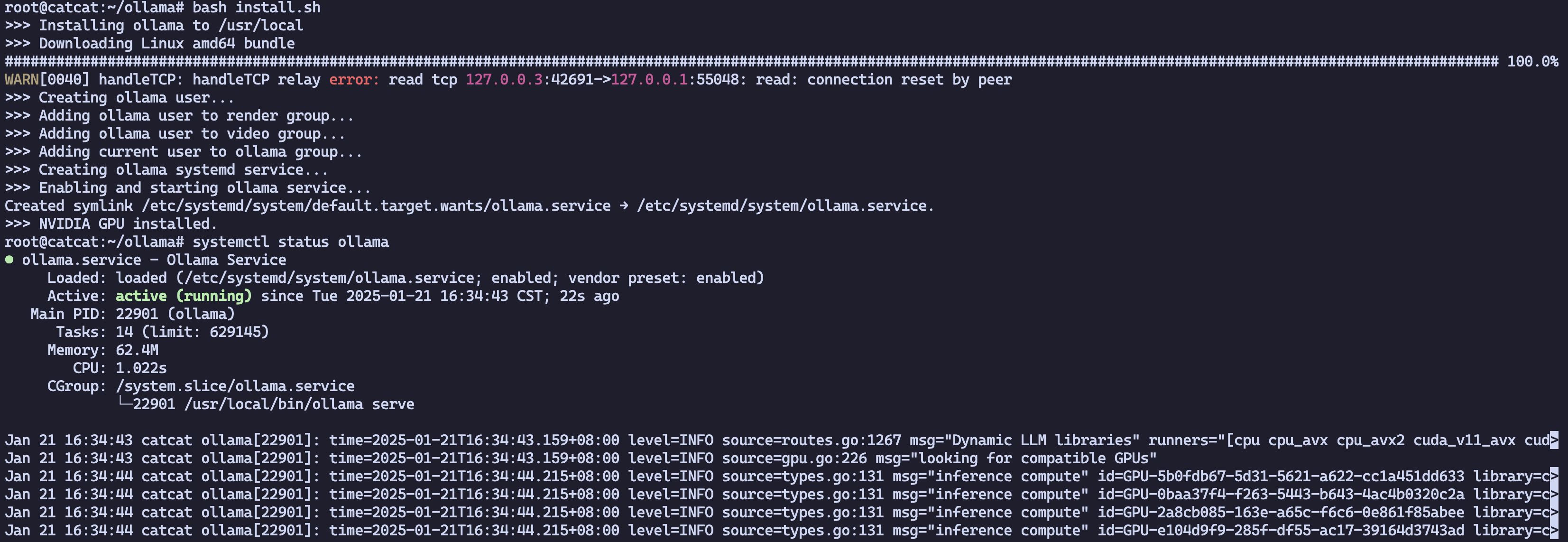
Configure the model download path
mkdir -p /root/ollama/ollama_modelsThen add it to Ollama.
If OLLAMA_MODELS is not configured at the beginning, the default path is /usr/share/ollama/.ollama/models.
vim .bashrcexport OLLAMA_MODELS=/root/ollama/ollama_modelsStart the Ollama service
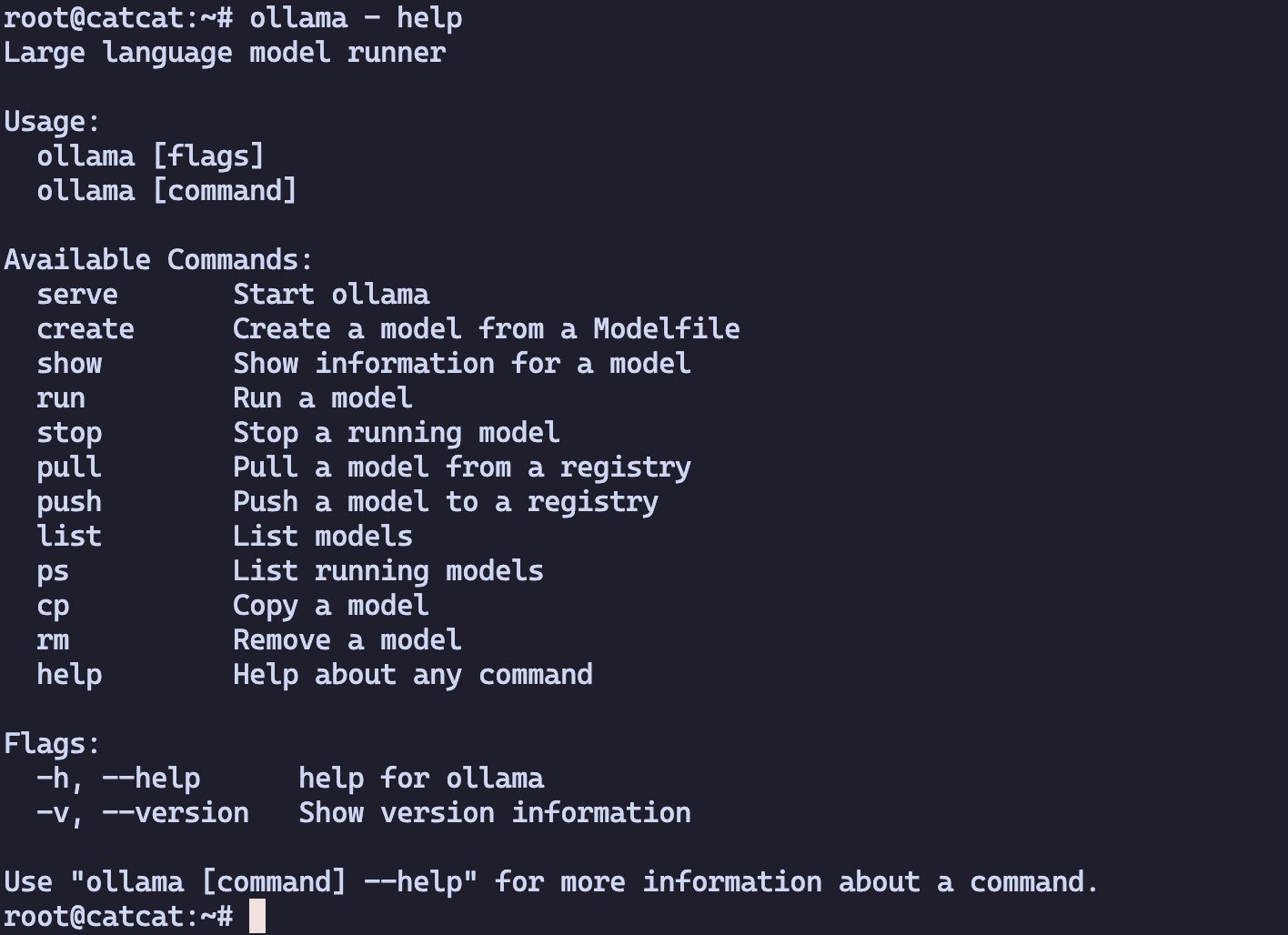
Run Ollama
ollama server
Modify Ollama configuration
By default, Ollama only listens on localhost:11434, so it is only accessible from localhost.
vim /etc/systemd/system/ollama.service# Add the following under [Service]Environment="OLLAMA_HOST=0.0.0.0"
cat /etc/systemd/system/ollama.service[Unit]Description=Ollama ServiceAfter=network-online.target
[Service]ExecStart=/usr/local/bin/ollama serveUser=ollamaGroup=ollamaRestart=alwaysRestartSec=3Environment="PATH=/usr/local/sbin:/usr/local/bin:/sbin:/bin:/usr/sbin:/usr/bin:/root/bin"Environment="OLLAMA_HOST=0.0.0.0"
[Install]WantedBy=default.targetRestart Ollama
systemctl daemon-reload
systemctl restart ollama
# Stop the servicesystemctl stop ollama# Start the servicesystemctl start ollamaRun the model
ollama run deepseek-r1:671b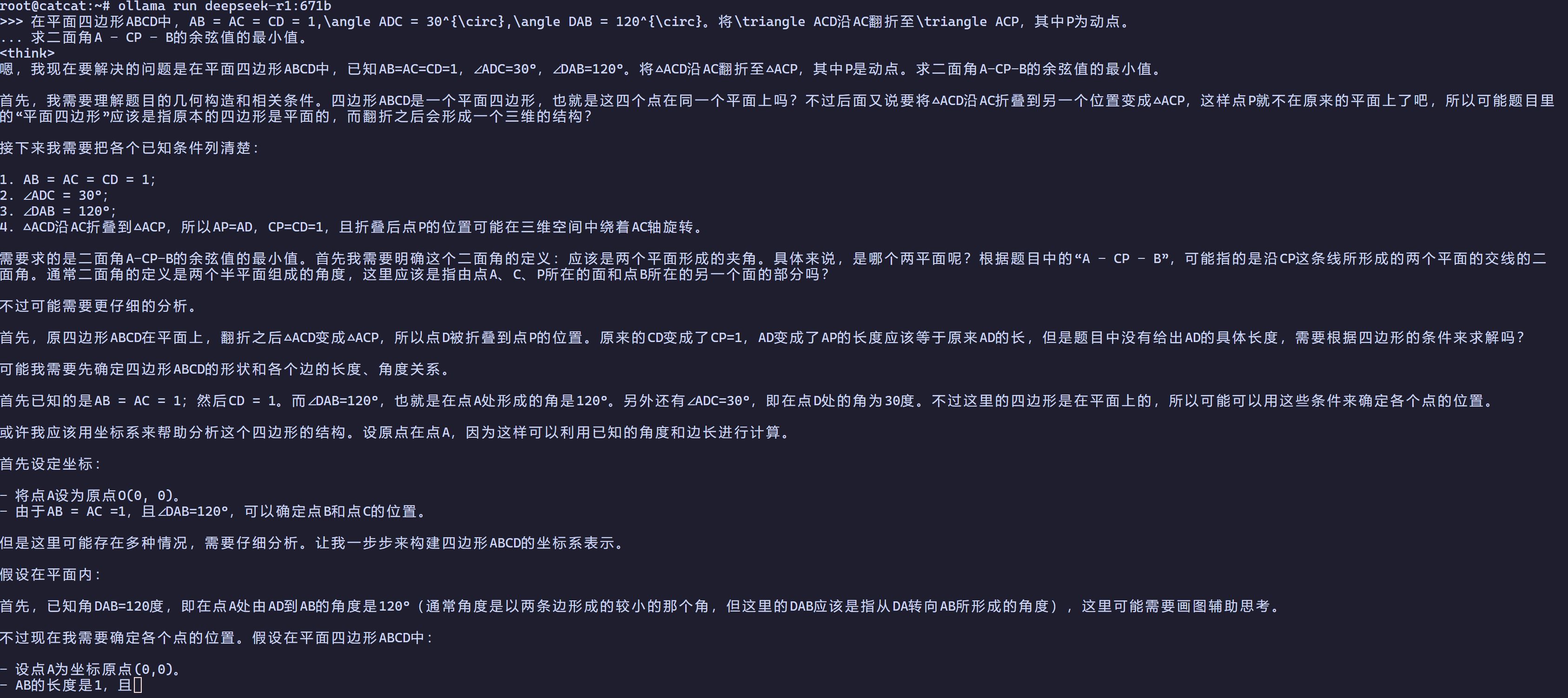
Configure Docker + nvidia-docker2
Install Docker
export DOWNLOAD_URL="https://mirrors.tuna.tsinghua.edu.cn/docker-ce"curl -fsSL https://raw.githubusercontent.com/docker/docker-install/master/install.sh | shInstall GPU-Docker components
# Install gpu-docker
apt-get install -y nvidia-docker2nvidia-ctk runtime configure --runtime=docker
# This will modify the daemon.json file and add the container runtime
Configure Docker parameters
root@catcat:~# cat /etc/docker/daemon.json{ "data-root": "/root/docker_data", "experimental": true, "log-driver": "json-file", "log-opts": { "max-file": "3", "max-size": "20m" }, "registry-mirrors": [ "https://docker.1ms.run" ], "runtimes": { "nvidia": { "args": [], "path": "nvidia-container-runtime" } }}Test
docker run --rm -it --gpus all ubuntu:22.04 /bin/bashroot@catcat:~# docker run --rm -it --gpus all ubuntu:22.04 /bin/bashUnable to find image 'ubuntu:22.04' locally22.04: Pulling from library/ubuntu6414378b6477: Pull completeDigest: sha256:0e5e4a57c2499249aafc3b40fcd541e9a456aab7296681a3994d631587203f97Status: Downloaded newer image for ubuntu:22.04root@e36b1bb454b6:/# nvidia-smiWed Jan 22 02:03:29 2025+-----------------------------------------------------------------------------------------+| NVIDIA-SMI 550.127.05 Driver Version: 550.127.05 CUDA Version: 12.4 ||-----------------------------------------+------------------------+----------------------+| GPU Name Persistence-M | Bus-Id Disp.A | Volatile Uncorr. ECC || Fan Temp Perf Pwr:Usage/Cap | Memory-Usage | GPU-Util Compute M. || | | MIG M. ||=========================================+========================+======================|| 0 NVIDIA A800-SXM4-80GB Off | 00000000:23:00.0 Off | 0 || N/A 29C P0 56W / 400W | 4MiB / 81920MiB | 0% Default || | | Disabled |+-----------------------------------------+------------------------+----------------------+| 1 NVIDIA A800-SXM4-80GB Off | 00000000:24:00.0 Off | 0 || N/A 29C P0 56W / 400W | 4MiB / 81920MiB | 0% Default || | | Disabled |+-----------------------------------------+------------------------+----------------------+| 2 NVIDIA A800-SXM4-80GB Off | 00000000:43:00.0 Off | 0 || N/A 28C P0 57W / 400W | 4MiB / 81920MiB | 0% Default || | | Disabled |+-----------------------------------------+------------------------+----------------------+| 3 NVIDIA A800-SXM4-80GB Off | 00000000:44:00.0 Off | 0 || N/A 28C P0 58W / 400W | 4MiB / 81920MiB | 0% Default || | | Disabled |+-----------------------------------------+------------------------+----------------------+| 4 NVIDIA A800-SXM4-80GB Off | 00000000:83:00.0 Off | 0 || N/A 28C P0 57W / 400W | 4MiB / 81920MiB | 0% Default || | | Disabled |+-----------------------------------------+------------------------+----------------------+| 5 NVIDIA A800-SXM4-80GB Off | 00000000:84:00.0 Off | 0 || N/A 29C P0 60W / 400W | 4MiB / 81920MiB | 0% Default || | | Disabled |+-----------------------------------------+------------------------+----------------------+| 6 NVIDIA A800-SXM4-80GB Off | 00000000:C3:00.0 Off | 0 || N/A 29C P0 59W / 400W | 4MiB / 81920MiB | 0% Default || | | Disabled |+-----------------------------------------+------------------------+----------------------+| 7 NVIDIA A800-SXM4-80GB Off | 00000000:C4:00.0 Off | 0 || N/A 29C P0 60W / 400W | 4MiB / 81920MiB | 0% Default || | | Disabled |+-----------------------------------------+------------------------+----------------------+
+-----------------------------------------------------------------------------------------+| Processes: || GPU GI CI PID Type Process name GPU Memory || ID ID Usage ||=========================================================================================|| No running processes found |+-----------------------------------------------------------------------------------------+Deploy Open WebUI
version: '3.8'
services: open-webui: image: ghcr.sakiko.de/open-webui/open-webui:main container_name: open-webui restart: always ports: - "3000:8080" volumes: - open-webui:/app/backend/data extra_hosts: - "host.docker.internal:host-gateway"
volumes: open-webui: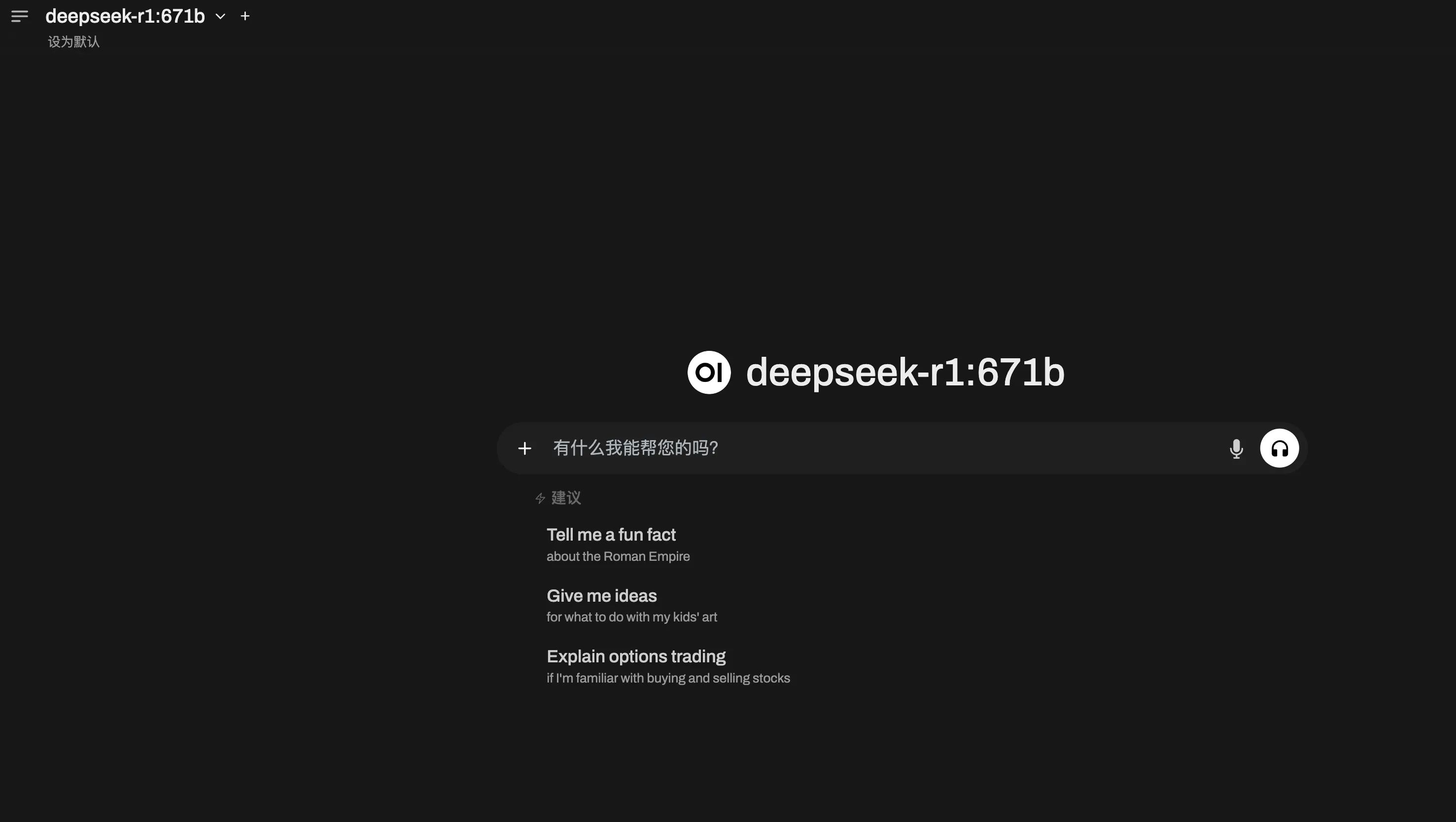
Running deepseek-r1 617B with Ollama on Ubuntu 22.04 + 8×A800
https://catcat.blog/en/ubuntu-22-048a800-ollama-deepseek-r1.html