Deploy Garage with DokPloy and Troubleshoot Login Issues
Background
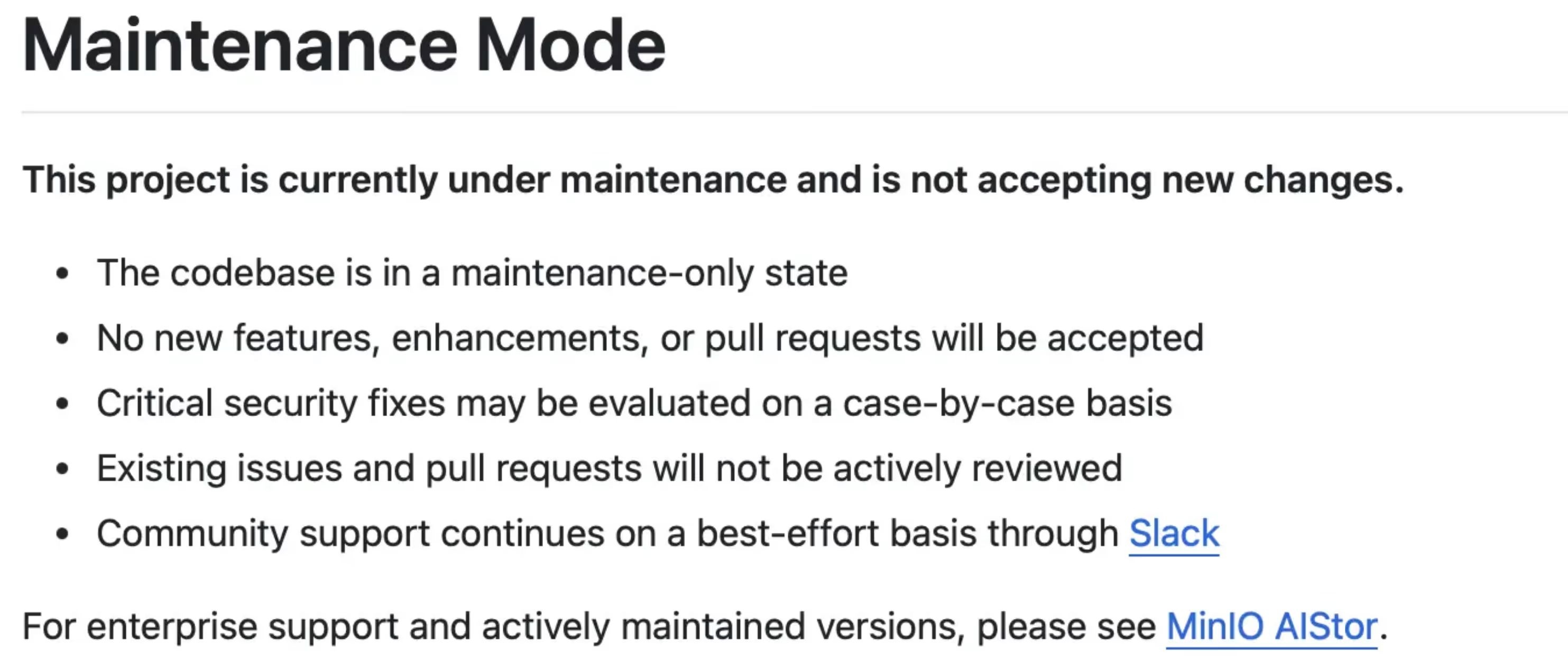
MinIO Enters Maintenance Mode
On December 3, 2025, MinIO officially announced that the open-source project is entering maintenance mode:
- No new features or PRs will be accepted
- Existing issues and PRs will not be actively addressed
- Security vulnerabilities will be fixed on a “case-by-case basis”
- Community support is limited to “best effort”
This move has sparked strong reactions in the open-source community.
Why Choose Garage
Garage is a distributed object storage system written in Rust with the following features:
- S3 Compatible: Can serve as a MinIO replacement
- Lightweight: Single binary, low resource consumption
- Decentralized: Suitable for edge deployment and multi-node scenarios
- Self-hosting Friendly: Simple configuration, easy to maintain
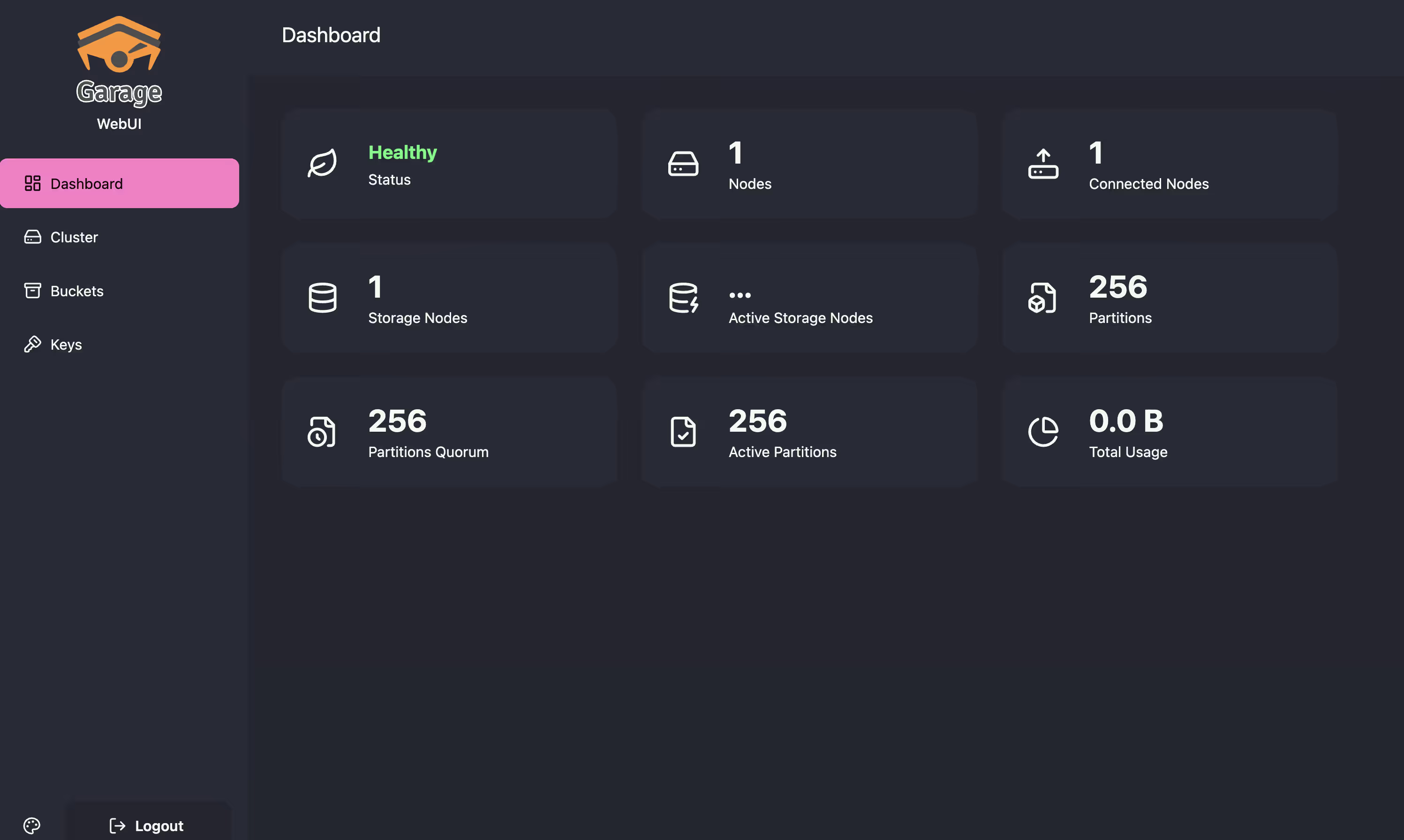
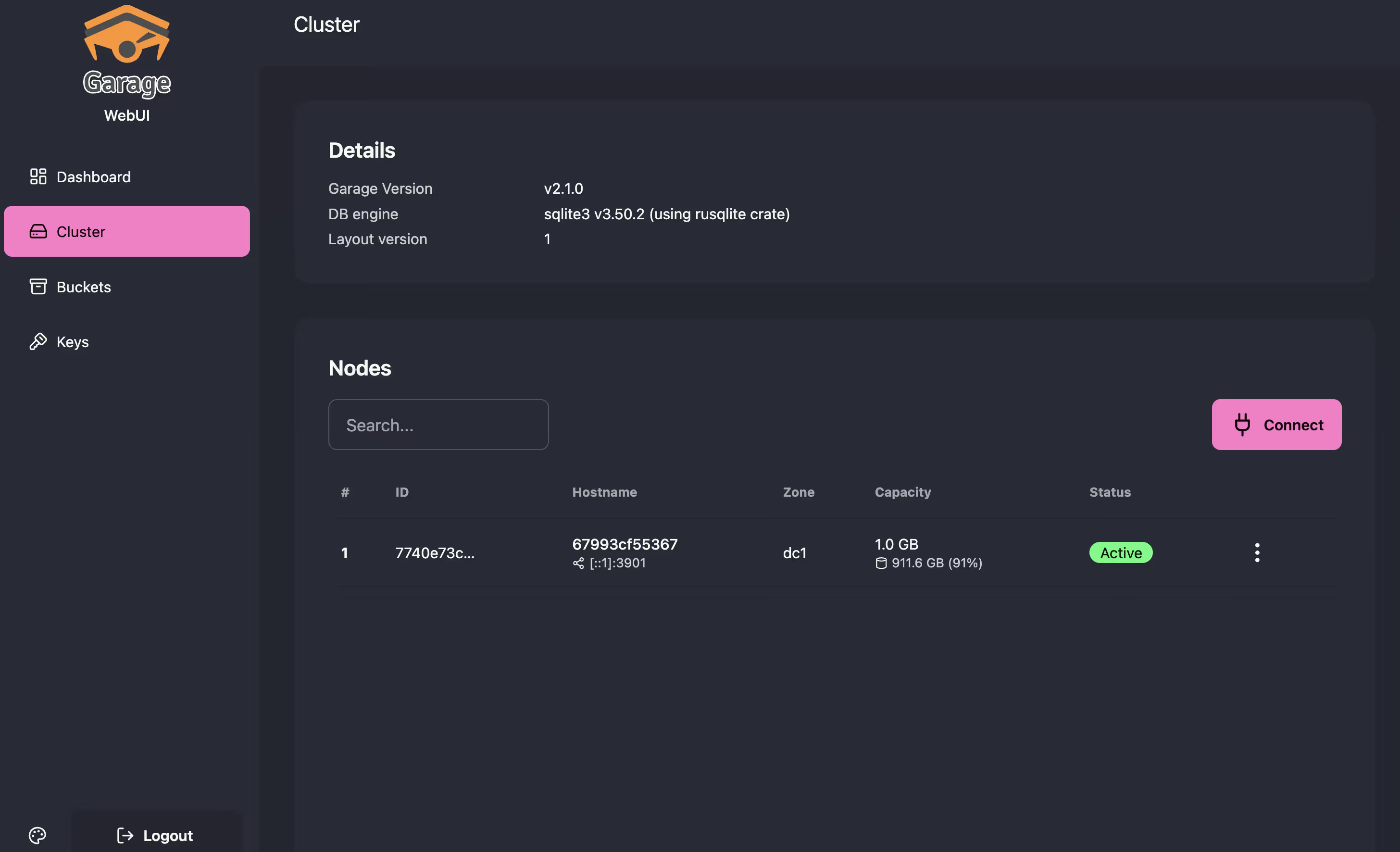
Combined with Garage WebUI, you can get a visual management interface:
Dokploy Deployment Configuration
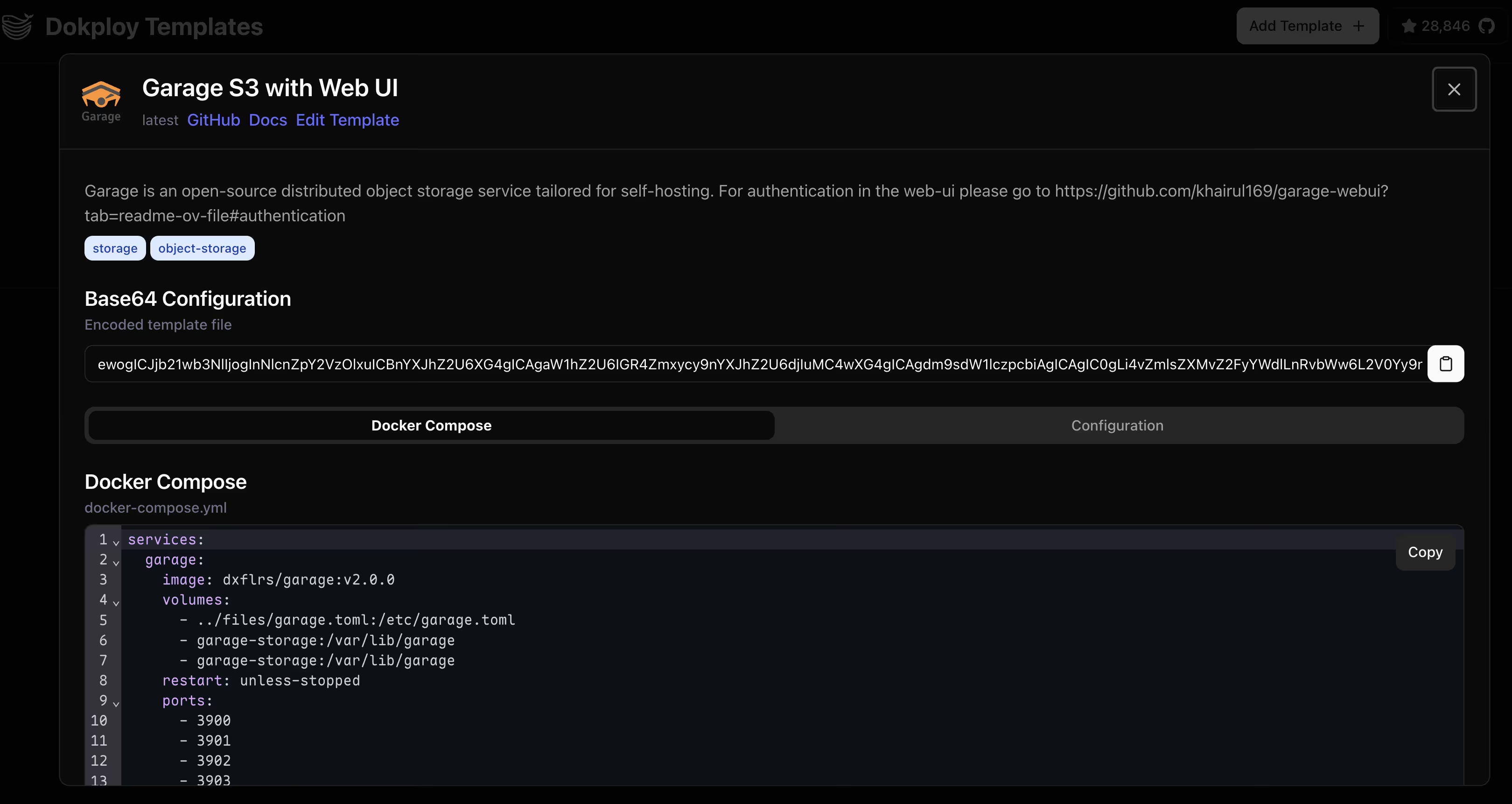
When deploying Garage + WebUI in Dokploy, configure the following environment variables:
Deploy directly using the template
# WebUI environment variablesAPI_BASE_URL=http://garage:3903 # Admin API (internal communication, using service name)S3_ENDPOINT_URL=http://garage:3900 # S3 API (internal communication)
# Authentication configuration (generated with htpasswd)AUTH_USER_PASS=admin:$2y$10$xxxxxxxxxxxxxxxxxxxxxxxxxxxxxxxxxxxxxxxxxxxxxxxxxxxxxxxxPassword generation
htpasswd -nbBC 10 "YOUR_USERNAME" "YOUR_PASSWORD"If you don’t have htpasswd, you need to install apache2-utils
Garage Port Reference:
| Port | Purpose | External Domain Example |
|---|---|---|
| 3900 | S3 API | garage.xx.com |
| 3901 | RPC (node communication) | Internal only |
| 3902 | Web static hosting | Optional |
| 3903 | Admin API | Internal only |
| 3909 | WebUI | garage-ui.xx.com |
TIP
API_BASE_URLandS3_ENDPOINT_URLuse the Docker service namegarageinstead of external domains because this is internal container-to-container communication.
Issue 1: Login Failure
Symptoms
Generated a properly formatted password hash using htpasswd:
htpasswd -nbBC 10 "admin" "your-password"# Output: admin:$2y$10$xxxxxxxxxxxxxxxxxxxxxxxxxxxxxxxxxxxxxxxxxxxxxxxxxxxxxxxxConfigured in the .env file:
AUTH_USER_PASS=admin:$2y$10$xxxxxxxxxxxxxxxxxxxxxxxxxxxxxxxxxxxxxxxxxxxxxxxxxxxxxxxxBut login always shows incorrect username/password error.
Investigation
Used docker inspect to check the actual environment variables received by the container:
docker inspect garage-webui-1 --format '{{range .Config.Env}}{{println .}}{{end}}'Found the issue:
AUTH_USER_PASS=admin:$2y$10The password hash was truncated! Expected full value is admin:$2y$10$xxxxxx..., but actual value is only admin:$2y$10.
Root Cause
WARNINGDocker Compose interprets
$in.envfiles as variable substitution markers.
The bcrypt hash contains multiple $ symbols (e.g., $2y$10$Qtra4...):
$2yis treated as variable2y$10is treated as variable10$Qtra4...is treated as variableQtra4...
Since these variables don’t exist, Docker Compose replaces them with empty strings, truncating the hash.
Solution
Hardcode environment variables directly in docker-compose.yml, using $$ to escape $ symbols:
services: garage-webui: environment: - AUTH_USER_PASS=admin:$$2y$$10$$xxxxxxxxxxxxxxxxxxxxxxxxxxxxxxxxxxxxxxxxxxxxxxxxxxxxxxxx - API_BASE_URL=http://garage:3903 - S3_ENDPOINT_URL=http://garage:3900TIP
$$in Docker Compose is escaped to a single$, allowing the complete password hash to be passed to the container.
Issue 2: Unavailable Status After Upgrade
Symptoms
After upgrading Garage from v2.0.0 to v2.1.0, WebUI shows connection status as Unavailable.
Investigation
Checked Garage logs:
docker logs garage-1 --tail 30Found numerous errors:
WARN Response: error 500 Internal Server Error, Internal error: Layout not readyChecked cluster status:
docker exec garage-1 /garage statusOutput showed the node had no assigned role:
==== HEALTHY NODES ====ID Hostname Address Tags Zone Capacity Version7740e73cc75036ef 67993cf5 [::1]:3901 NO ROLE ASSIGNED v2.1.0Root Cause
IMPORTANTAfter upgrading Garage, you need to reconfigure the Cluster Layout. Without an assigned role, the node cannot provide S3 services.
Solution
- Assign node role:
docker exec garage-1 /garage layout assign -z dc1 -c 1G 7740e73cc75036efParameter explanation:
-z dc1: Zone name-c 1G: Allocated storage capacity7740e73cc75036ef: Node ID (obtained from status command)
- Apply layout changes:
docker exec garage-1 /garage layout apply --version 1- Verify status:
docker exec garage-1 /garage statusShould now display:
==== HEALTHY NODES ====ID Hostname Address Tags Zone Capacity DataAvail Version7740e73cc75036ef 67993cf5 [::1]:3901 [] dc1 1000.0 MB 978.9 GB v2.1.0Refresh WebUI, and the connection status should return to normal.
Summary
| Issue | Cause | Solution |
|---|---|---|
| Login failure | Docker Compose $ variable substitution | Use $$ to escape |
| Unstable login | Multiple containers load-balanced | Remove old container |
| Unavailable | Node has no role after upgrade | layout assign + apply |
NOTEWhen managing Docker Compose projects in Dokploy, special character handling in environment variables requires extra attention. Hardcoding directly in
docker-compose.ymlcan avoid variable substitution issues from.envfiles.
Interface Preview
The interface is quite nice, clean and beautiful.