
CatCat Emby Server Usage Guide
TIPOctober 2025: No longer open, and no paid access of any kind will be accepted. All registration channels are closed.
做这个媒体库初衷是:给朋友分享一些BDRIP方便观看,不会因此影响画质,后来经过大佬的介绍,学习了很多相关的知识。Screenshots Overview

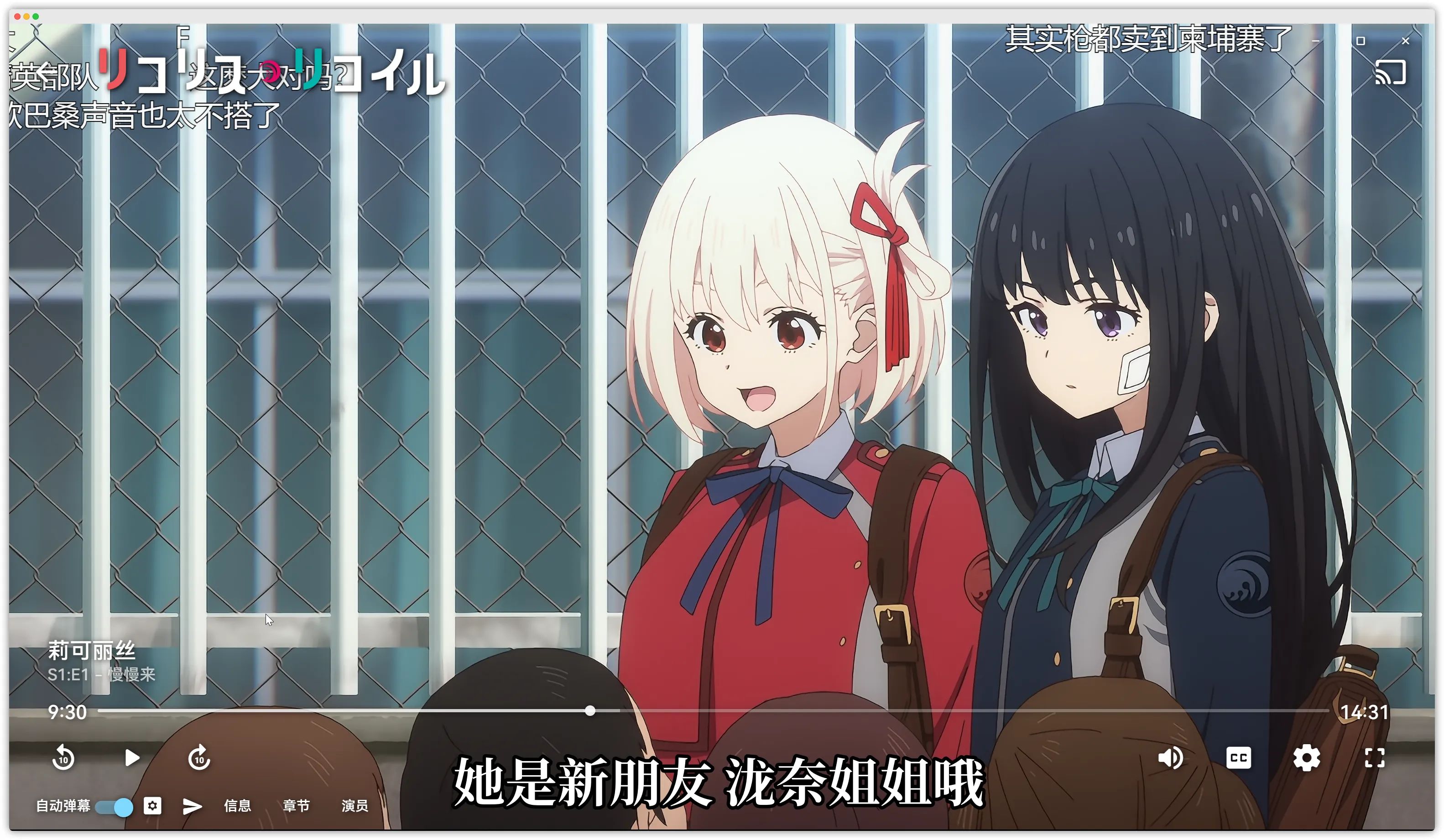

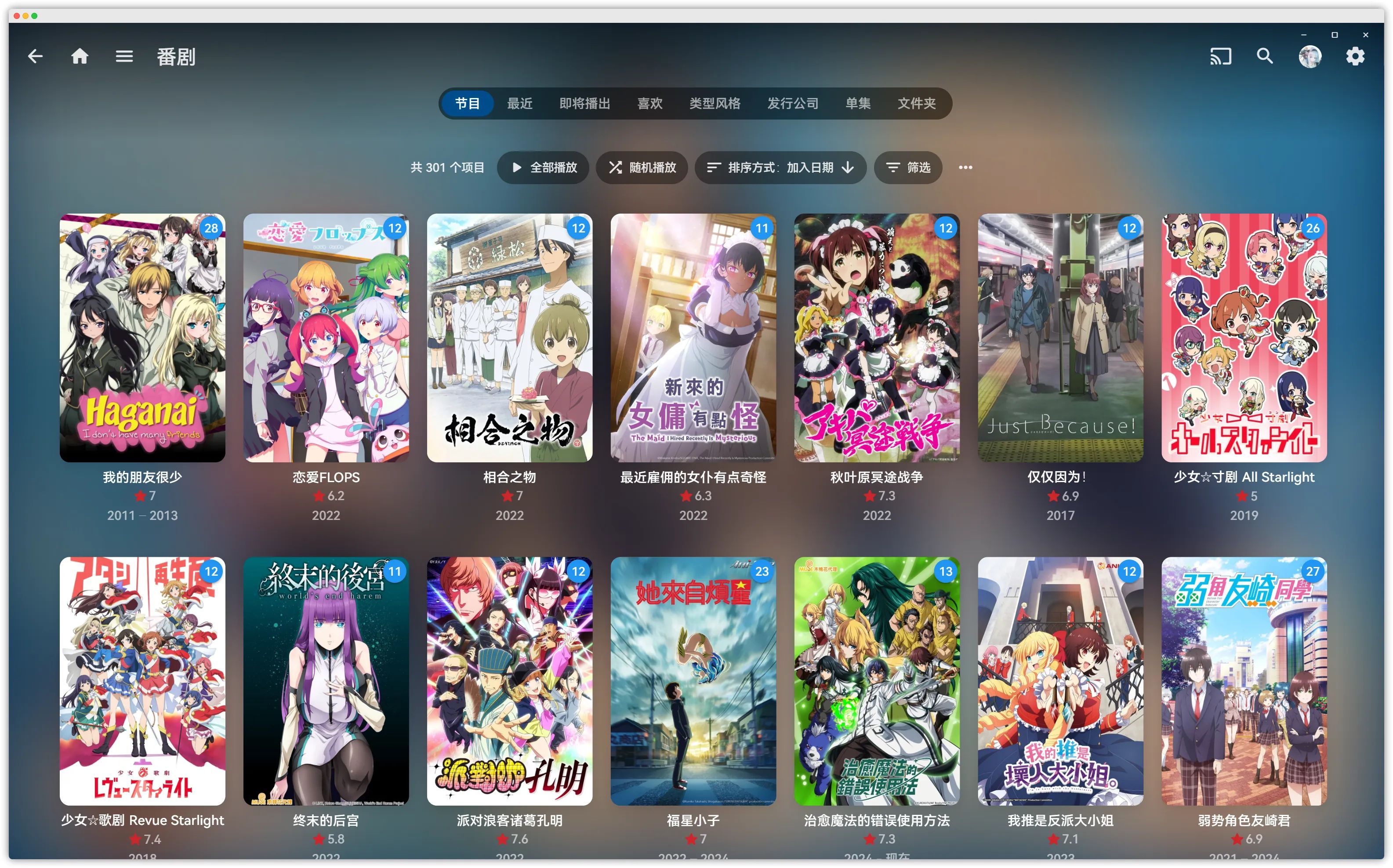
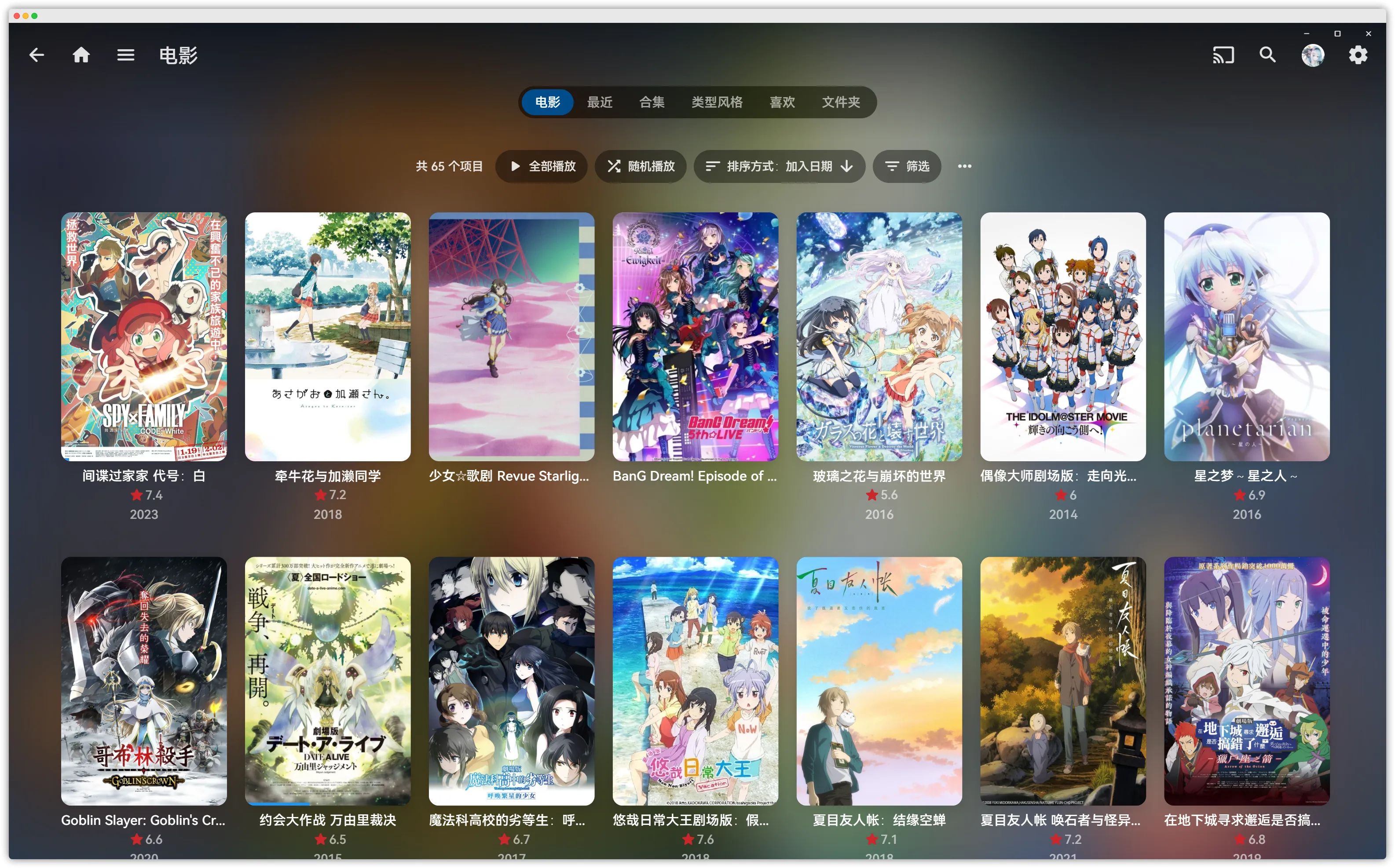
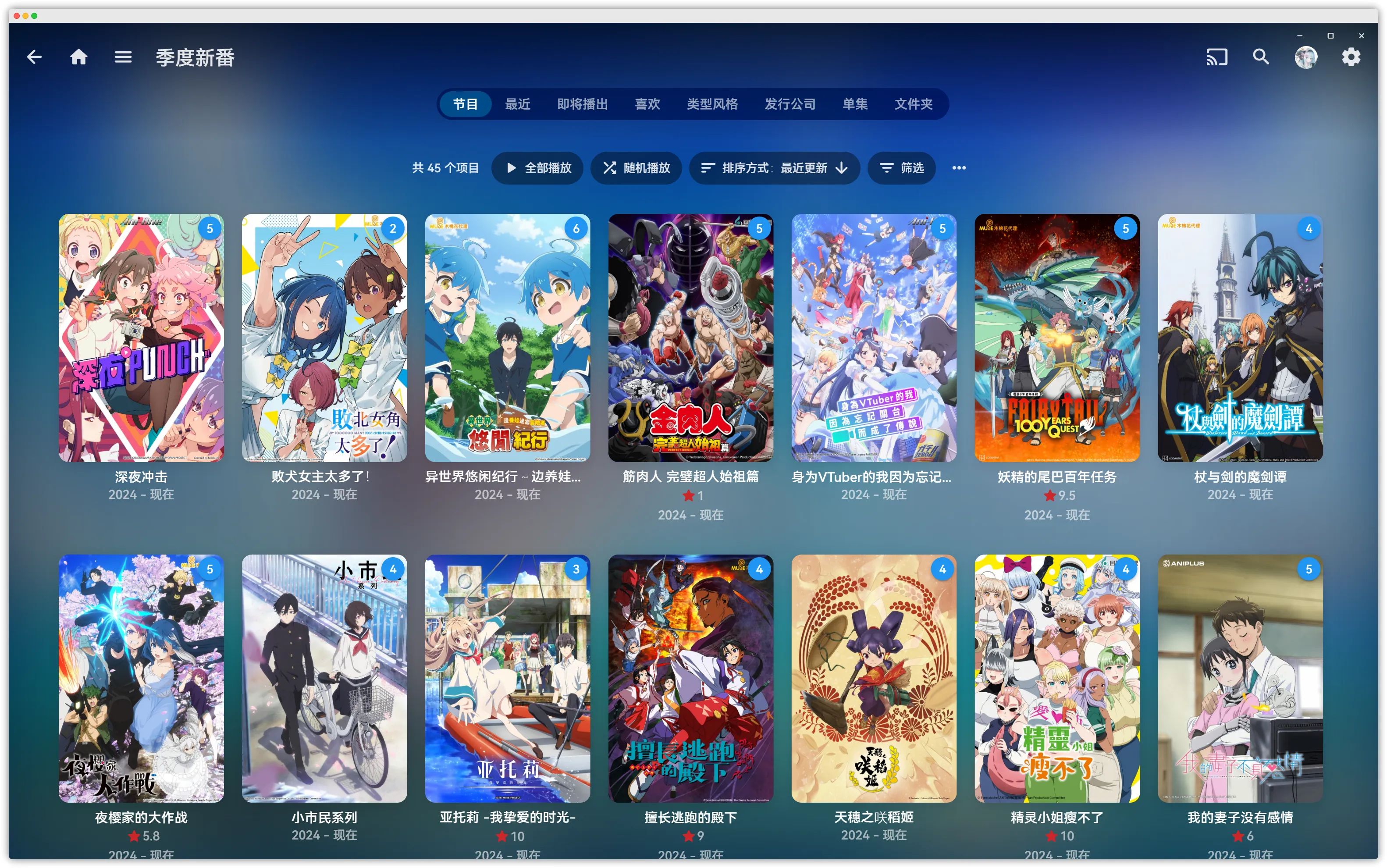
Library Notes
-
Everything inside is BDRIP and Blu-ray Remux, with image quality as the absolute top priority.
-
Every change, adjustment, or addition is recorded in the changelog. New simulcasts are grabbed directly from ANI by default, with no extra optimization. (The auto re-encode/subtitle wash feature for fansub groups is now online; you will get a notification when a wash succeeds.)
-
The collected content is heavily influenced by my personal taste.
-
I update purely based on my mood. Nagging is useless, go away. Update log
-
Subtitles for the vast majority of videos are packaged with fonts and compressed (mainly to handle special-effects subtitles from fansub groups).
-
New simulcasts are ingested and washed fully automatically. If a BD release comes out, the simulcast version will be deleted.
-
For encoding groups, I pick the better and more complete ones, mostly: VCB-Studio and Moozzi2.
-
SPs and image/scan extras are deleted by default, because SP shorts don’t need high image quality and I’m not that into them. You can just watch them on Bilibili—everything’s there with subs anyway.
-
Includes adult content and hentai. Be careful when playing in public.
-
Do NOT leak the server address or share accounts!!!!!!!
-
Do NOT watch via browser. If I catch you, instant ban.
Usage Guide
Registration & Account Setup
Long Application Text (Closed)
Application Requirements
-
Anime fan: more than 200 completed anime entries on Bangumi. Having BD discs in your collection is a plus. Also recommend one anime you love most.
-
Galgame fan: more than 20 completed Galgames on Bangumi. Having physical editions is a plus. Also recommend one Galgame you love most.
-
Manga fan: more than 50 completed manga entries on Bangumi. Having physical volumes is a plus. Also recommend one manga you love most.
Meeting any one of 1, 2, or 3 is enough. (Of course this is not limited to the above; other ways are also fine. Soft threshold.)
If you’re only going to send a one-liner like an assembly line, don’t bother. I don’t have time to read it.
Application link (Send the conditions you meet directly. Don’t ask “how to get in” again—ask and you get blocked.)
Management is done via Telegram by default. Please go to TG yourself for account creation and related operations.
Playback Guide
On Windows I only recommend using XiaoMi Emby (小秘Emby) as the client; on Android, please use Yamby.
For macOS and iOS users, I recommend using Infuse or SenPlayer.
For more details, see Recommended Emby Clients. This article only teaches the Windows client, since all other clients are basically foolproof “click-next” stuff.
Windows
1. XiaoMi Client Download
2. 🧭 Enable Danmaku
This is the old danmaku plugin; the community has developed better danmaku plugins now, which you can also try.
Edit your-install-path/Emby Theater/electronapp/www/index.html with Notepad, add the following, and save.
The installation principle is the same, but you now need to download the JS file to a local path. Download the ede.js file, save it to the corresponding directory, and edit the index.html file.
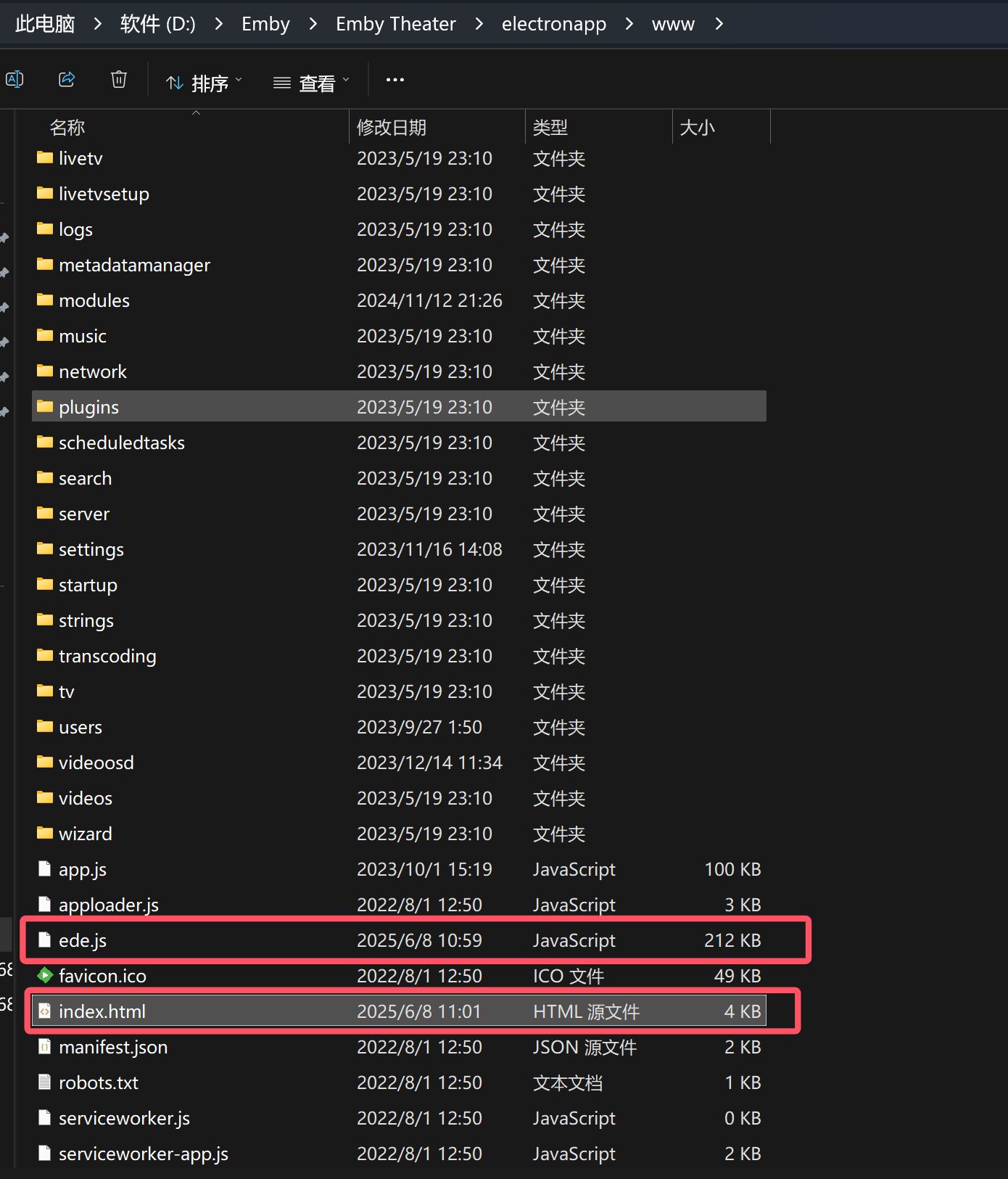
// <script src="ede.js" charset="utf-8" defer></script><script src="ede.js" charset="utf-8"></script>## 旧方案<script type="text/javascript" src="https://danmaku.movie.kg/ext.js"></script><link rel="stylesheet" href="https://danmaku.movie.kg/ext.css"/>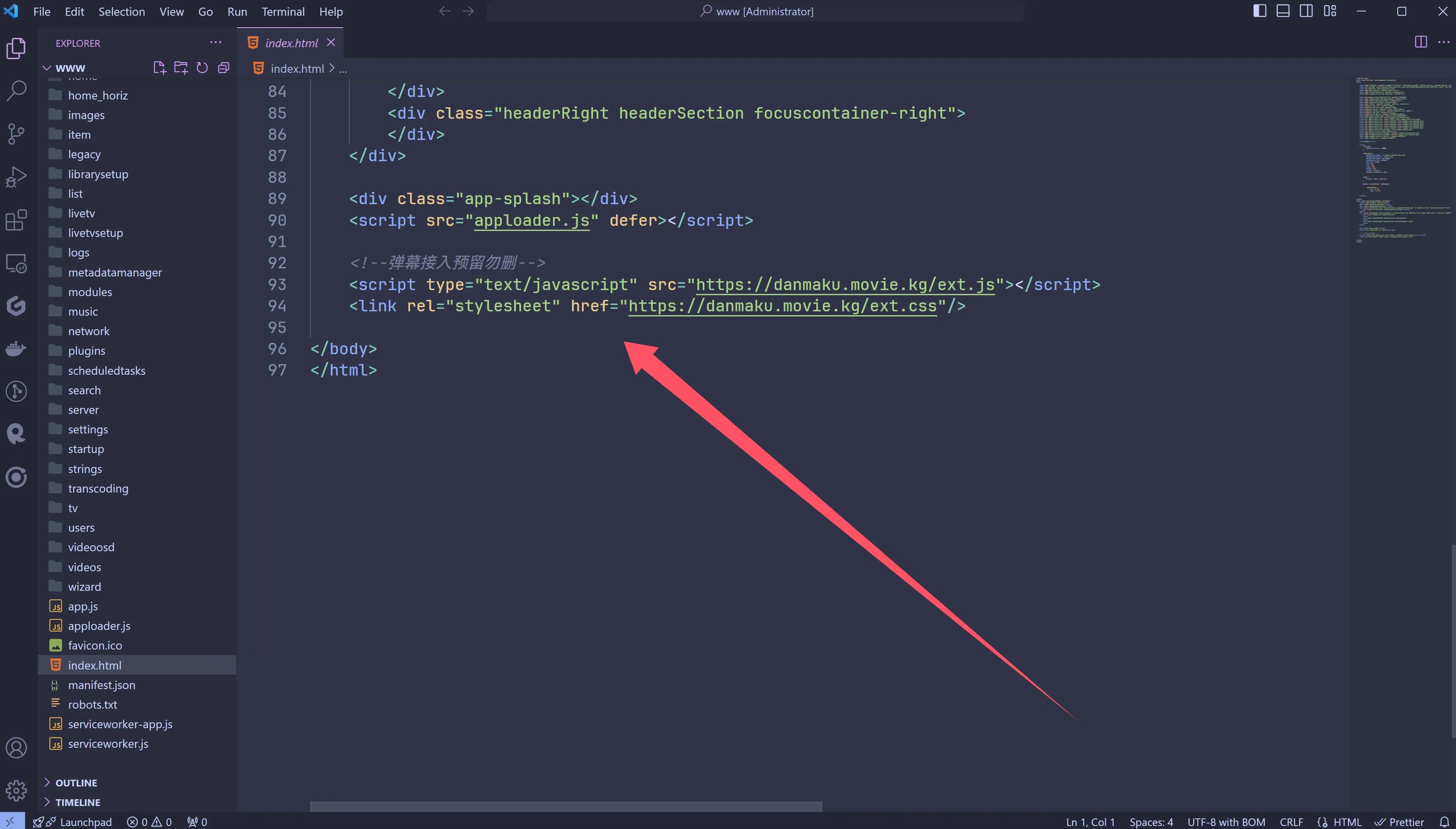
🌟 Integrate Anime4K
Extract the Anime-4K folder you downloaded in step one into the %appdata% directory.
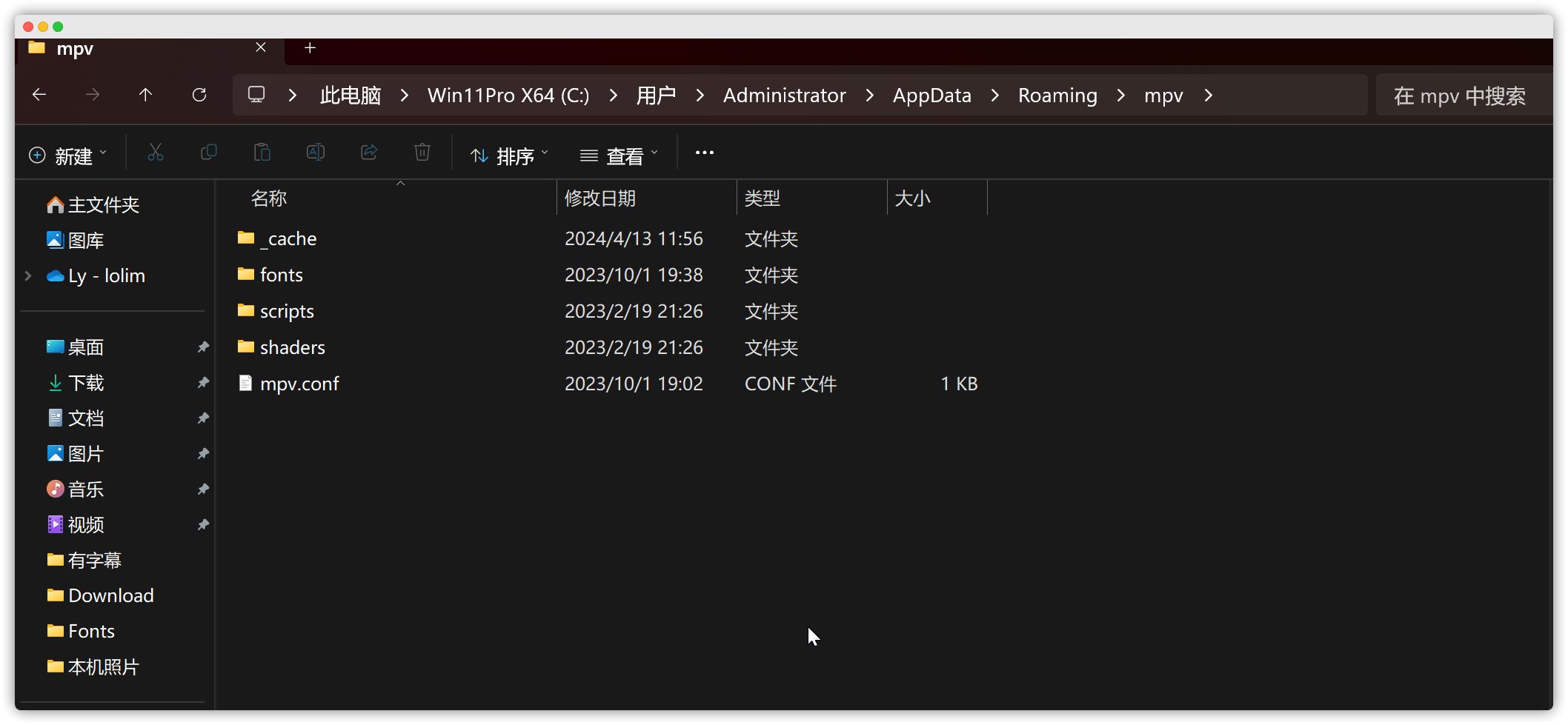
Anime4K will automatically enable when playing non-HDR videos at 1080p or below (it will usually auto-enable for new simulcasts).

If your client version is relatively new, you’ll need to tweak the following settings; otherwise Anime4K may not take effect.

At this point, you can start happily enjoying your anime.😋